Seedream 5.5 AI Image Generator
Seedream 5.5 is ByteDance Seed’s newest image model, released November 9, 2026. It is built for production work: edits that stay consistent across 100 rounds, native transparent PNGs, photoreal light and skin, and small text that stays readable.
- Stable 100-round edits
- Native transparent PNGs
- Photoreal detail
- Accurate small text
See what Seedream 5.5 can create
Click an example to load its prompt, then make it yours. These samples cover natural-light portraits, low-light film looks, dense editorial layout, and city scenes.
Key features of Seedream 5.5
The upgrades that matter in day-to-day production: edits that hold, real alpha channels, believable light and skin, and text you can publish.
Edits that stay consistent across 100 rounds
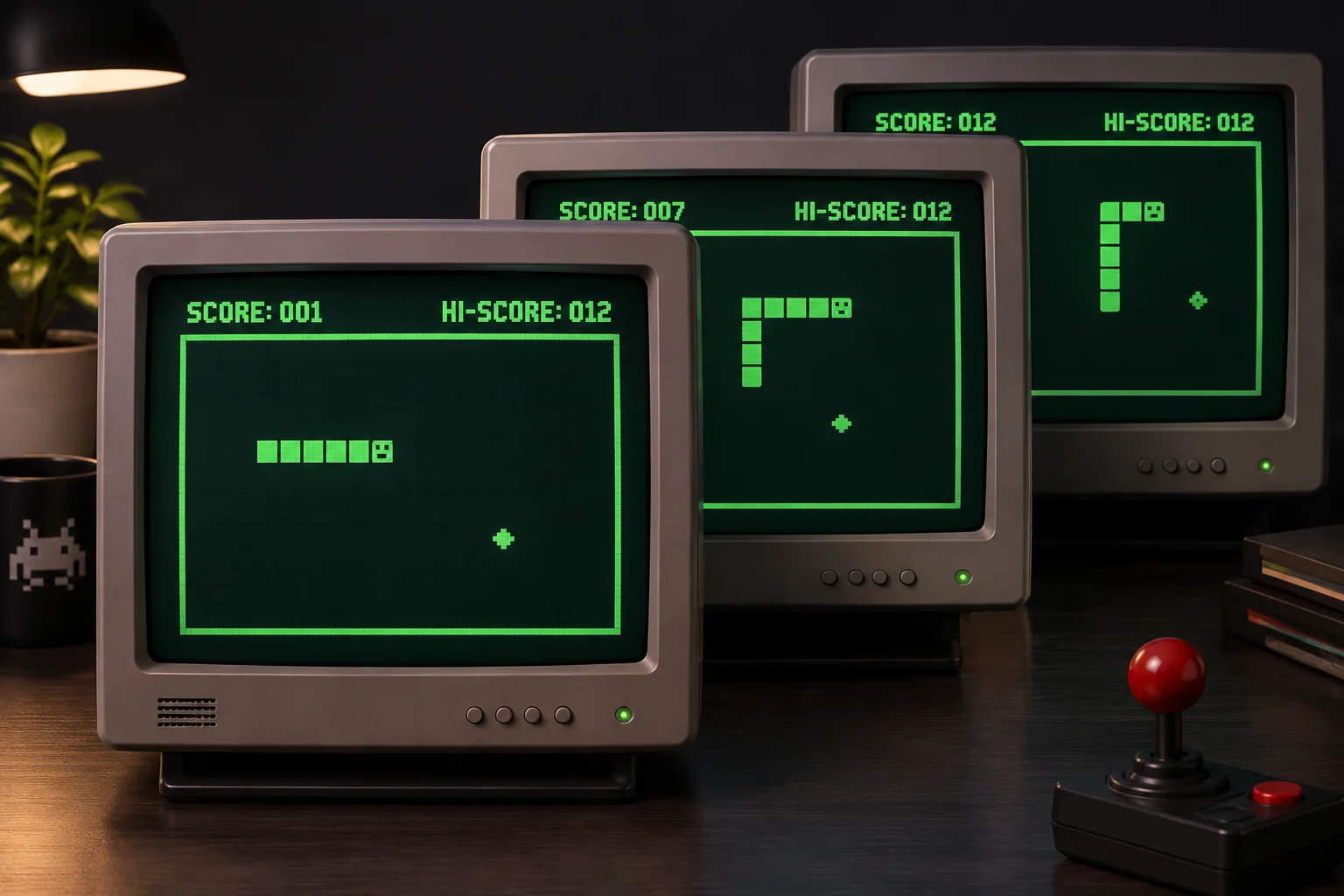
Most models drift after a few edits: colors shift, detail softens, and the subject slowly changes. Seedream 5.5 preserves untouched regions at the pixel level, so the rest of the image stays put while you change one thing at a time. ByteDance’s demo refines the same portrait through 100 rounds and still adjusts rings and glasses accurately. Build a look step by step instead of restarting from scratch.
Transparent PNGs without background removal
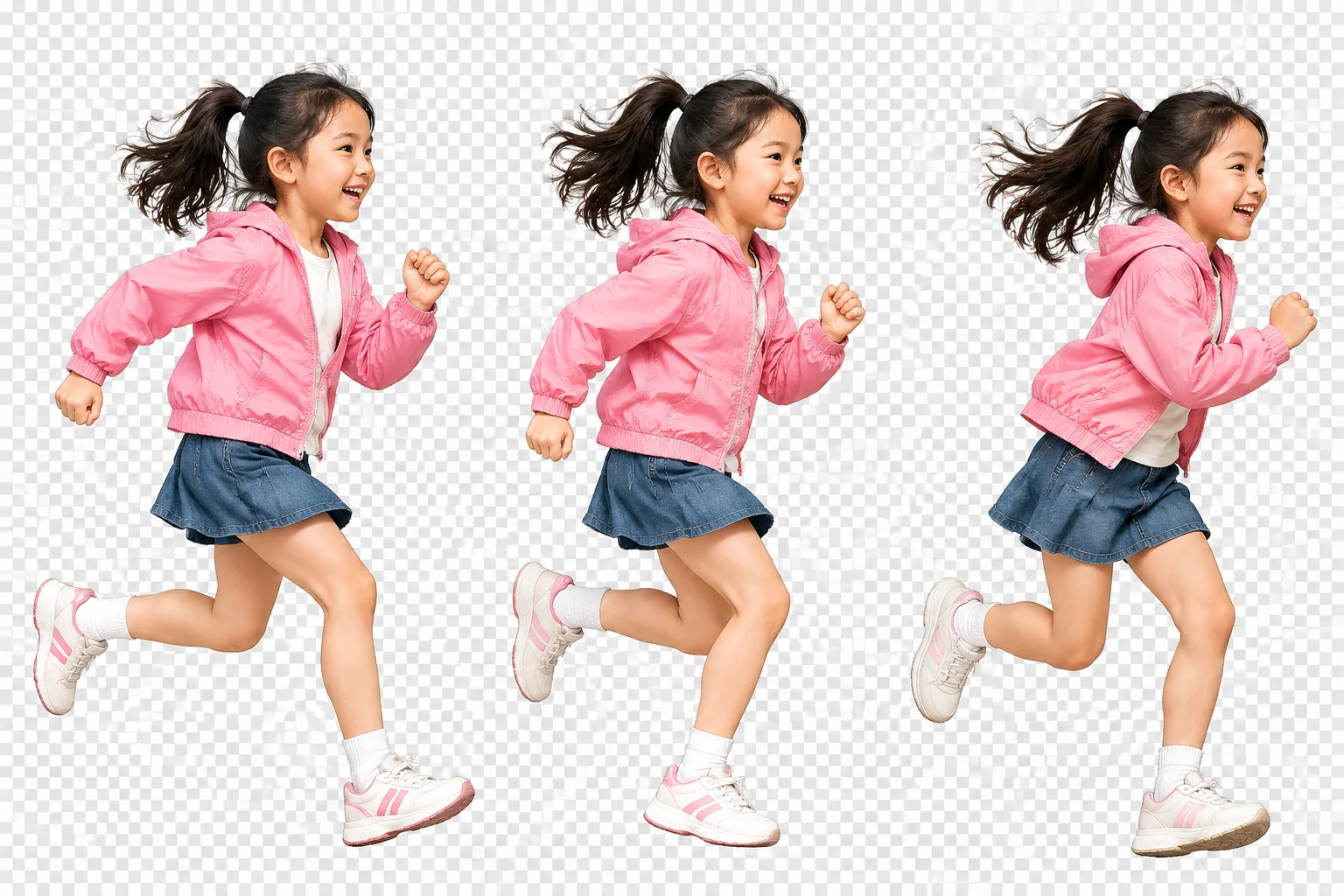
Seedream 5.5 generates native RGBA images with full or partial transparency, straight from a prompt or reference. Edges around hair, fur, and thin gaps are rendered for compositing, so stickers, product cutouts, characters, and icons drop into your layout without masking or edge cleanup. It also removes a round trip through a separate background-removal tool.
Light, material, and skin that read as real
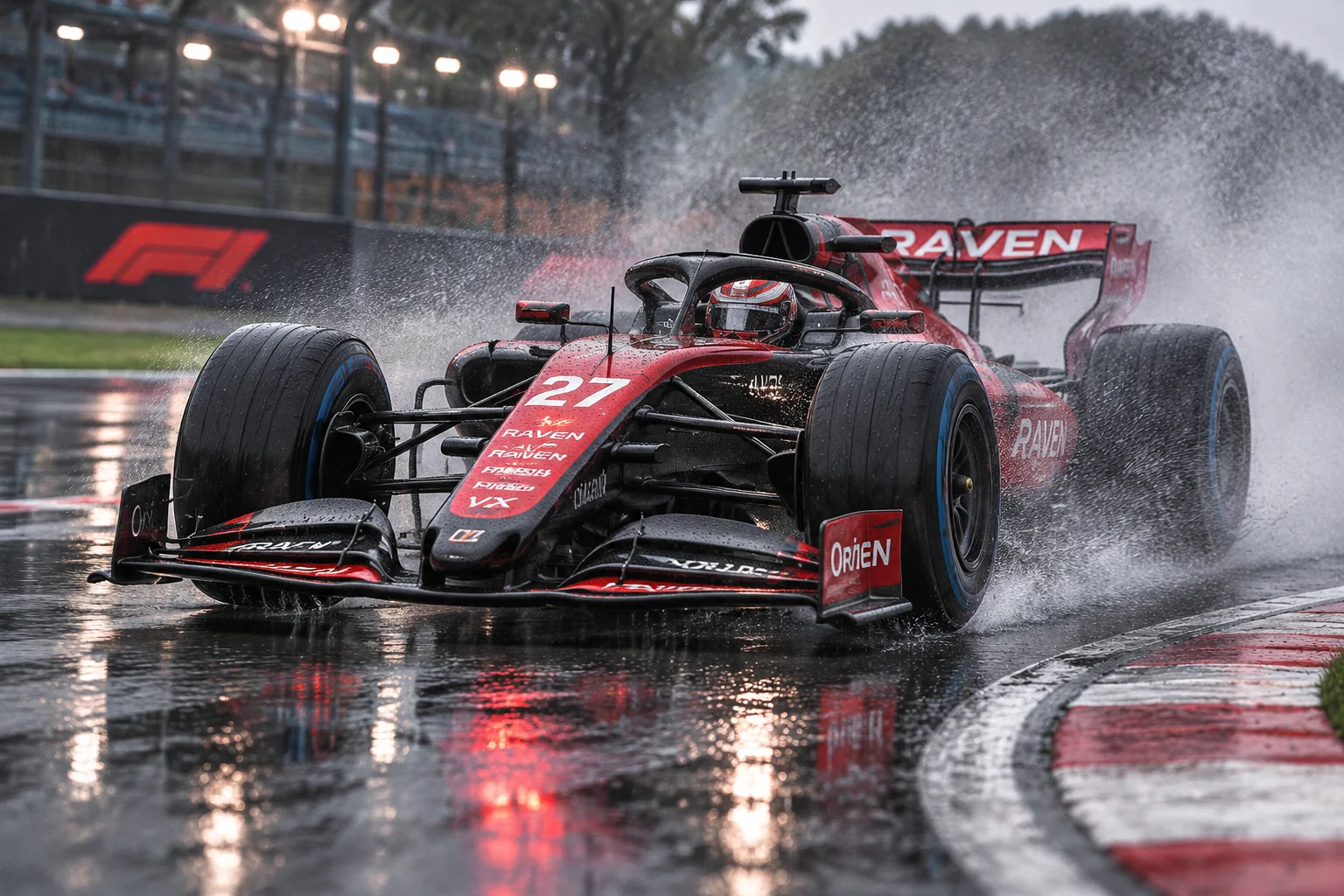
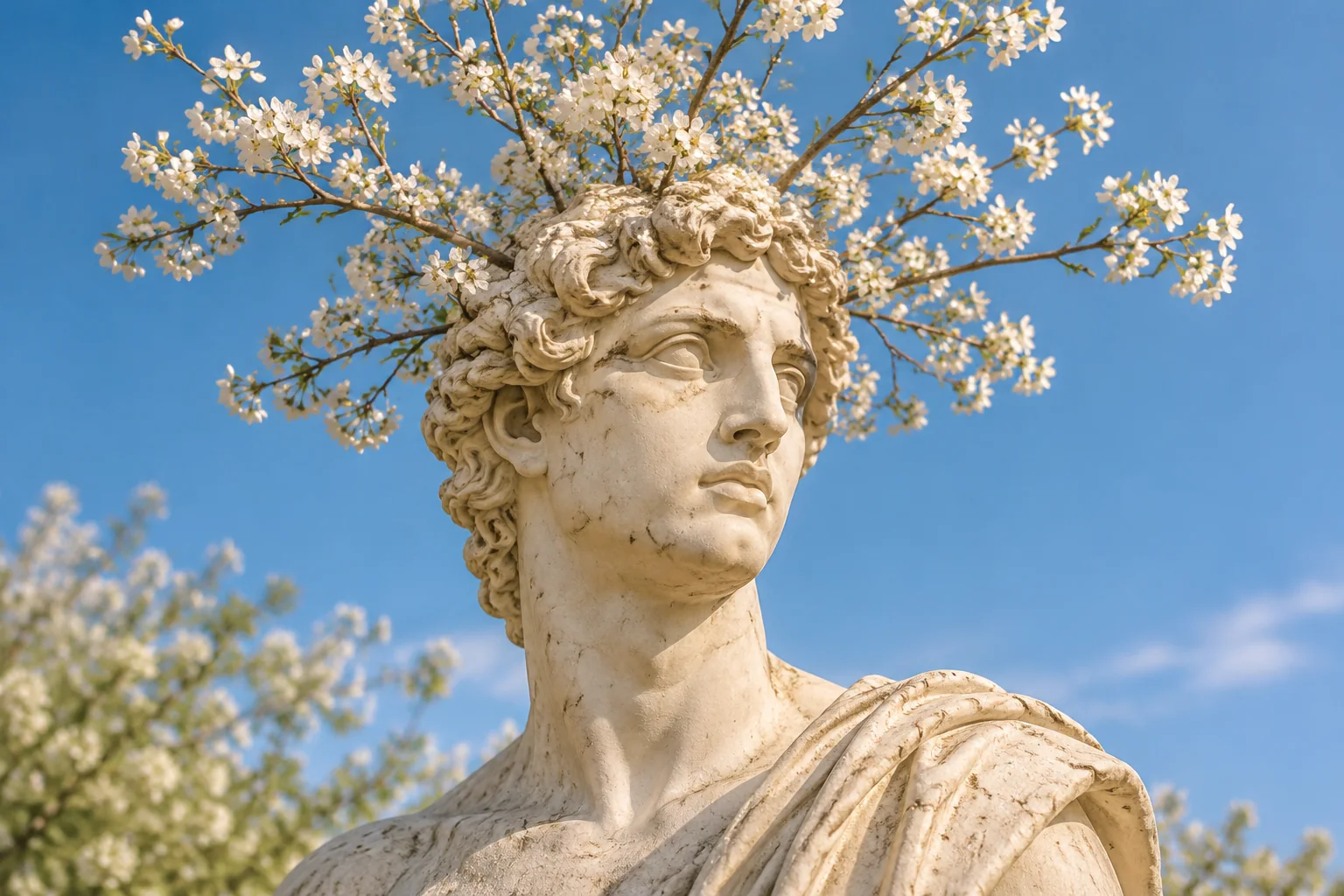
Seedream 5.5 renders natural lighting, believable fabric, metal, and glass, and detailed skin under different conditions. It cuts the plastic gloss, blown highlights, and blotchy textures that make AI images easy to spot, so portraits, interiors, and product scenes feel photographed rather than generated.
Small text that survives dense layouts
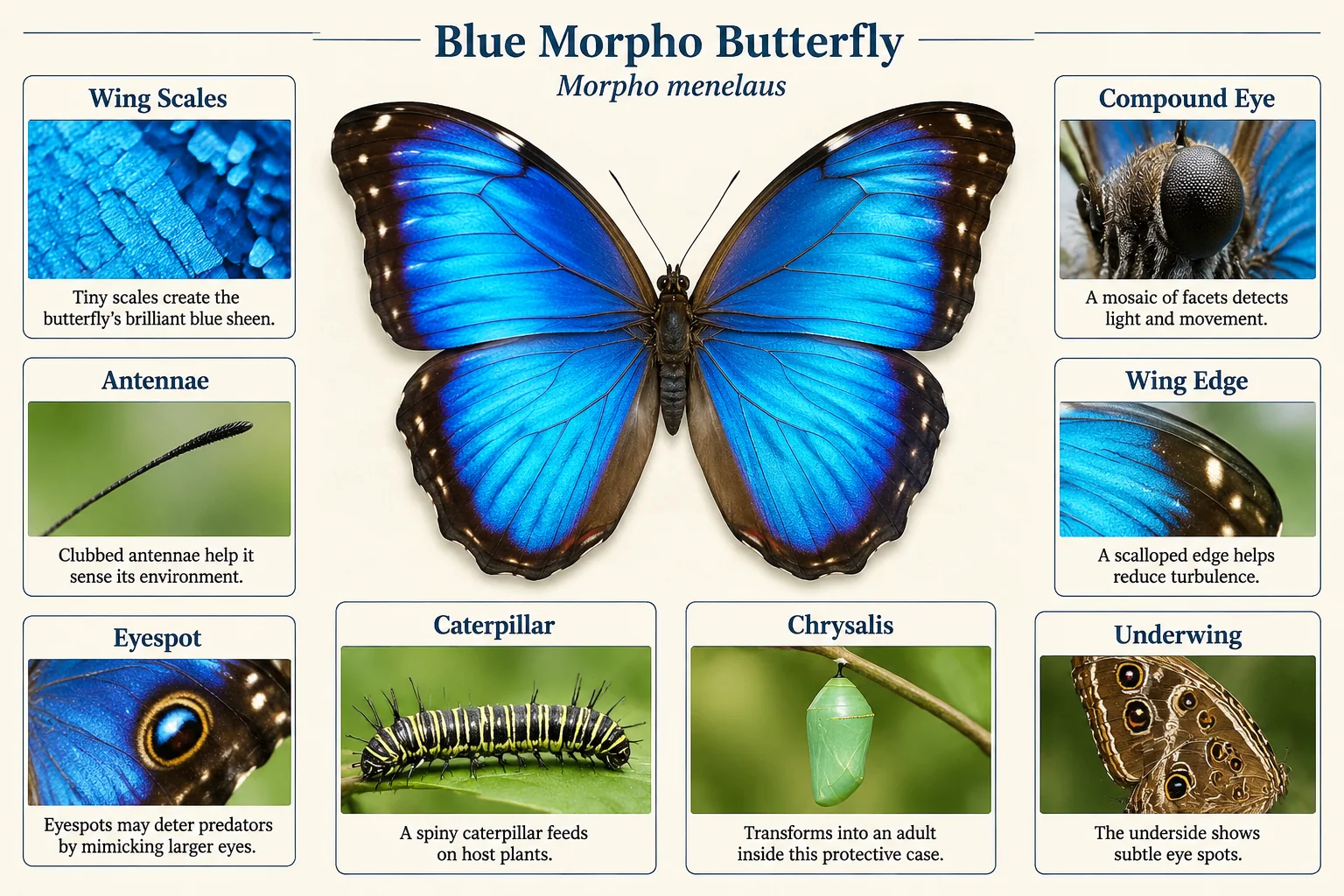
Labels, captions, and paragraphs are where image models usually break. Seedream 5.5 handles complex character shapes and tightly packed small text more accurately; ByteDance reports a 0.4% severe corruption rate and a 1.7% minor rate in its tests. Posters, menus, packaging, and editorial pages come back closer to publishable, though final copy still needs a proofread.
Multiple references, one coherent scene
Bring up to 10 reference images for people, products, settings, and style, then say what each one controls. Seedream 5.5 keeps faces, product details, and brand cues intact while it builds a new composition, which makes campaign series, group shots, and product-in-context scenes easier to produce.
How to use Seedream 5.5
Describe the shot, add references when identity or product accuracy matters, then refine in focused passes.
Describe the image
Name the subject, framing, lighting, materials, and mood. Quote any text exactly and say where it goes. For an edit, state what should change and what must stay the same.
Add reference images (optional)
Upload up to 10 images for a face, product, wardrobe, or style. Give each reference a clear role so the model knows what to keep and what it may change.
Generate, then refine
Review the first result and make one focused change per round. Because untouched areas stay stable, you can keep polishing the same image instead of starting over.
What you can create with Seedream 5.5
Use it when the image has a job to do: sell a product, carry a campaign, explain an idea, or keep a character recognizable across a series.
Product and e-commerce visuals
Place products in new settings, explore seasonal styling, and produce cutouts with real transparency for catalogs and ads. Materials, shadows, and label copy hold up close.
Advertising and campaign concepts
Turn one brief into hero visuals, social crops, and localized versions. Keep the same talent or product across every placement, and test several art directions before production.
Posters, packaging, and print design
Build type-led layouts with clear hierarchy and dense supporting copy. Use the output as a comp or a finished background, then proof the final text before print.
Infographics and educational visuals
Explain a process, comparison, or data set with charts, labels, and icons in one frame. Seedream 5.5 holds small annotations and reading order better than earlier models.
Character and story development
Keep a character’s face, proportions, and styling consistent across poses and scenes. Build picture-book spreads, game assets, and series art without re-describing every detail.
Photo editing and scene changes
Change the weather, light, background, or a single object without rebuilding the shot. The rest of the frame stays consistent from one edit to the next.
Choose Your Plan
Free images include a watermark. Upgrade for watermark-free, high-quality downloads, faster generation, and commercial use.
Starter
50% Off
$9
/ month, billed yearly
800 Credits/mo for generation
Up to 400 images/month
Access to premium AI models
High quality images
Faster generation
Private generation
No watermarks
Commercial use license
Pro
50% Off
$19
/ month, billed yearly
2,000 Credits/mo for generation
Up to 1000 images/month
Access to premium AI models
High quality images
Faster generation
Private generation
No watermarks
Commercial use license
Early access to advanced AI features
Max
50% Off
$39
/ month, billed yearly
4,500 Credits/mo for generation
Up to 2250 images/month
Access to premium AI models
High quality images
Faster generation
Private generation
No watermarks
Commercial use license
Lowest cost per credit
Early access to advanced AI features
Seedream 5.5 FAQ
Seedream 5.5 is ByteDance Seed’s multimodal image model, released November 9, 2026. It generates and edits images from text and reference images, with native transparent PNG output, stable multi-round editing, more realistic light and skin, and stronger small-text rendering.
Seedream 5.5 focuses on production reliability. It holds unedited areas at the pixel level across up to 100 rounds, generates native RGBA images from text or up to 10 references, renders dense small text more accurately, and produces more natural light and skin. Seedream 5.0 Pro and Seedream 5.0 Lite remain solid choices for their own strengths; benchmark 5.5 on your briefs before switching.
Yes. Upload one image or up to 10 references and describe the change. Multi-turn editing is the headline: each new edit can use the previous result as input while the untouched parts of the image stay the same. That makes it practical to refine one image over many passes.
Yes. It generates PNGs with a native alpha channel, including full and partial transparency, from text prompts or reference images. Edges around hair, fur, and fine details are rendered for compositing, so you can skip manual background removal.
Yes. ByteDance reports a 0.4% severe text corruption rate and a 1.7% minor rate in its evaluations, with particular gains on complex characters and densely packed small text. Quote exact copy, specify hierarchy, and proofread the final image before publishing.
The model is trained to stay stable across 100 successive edits. Keep using the previous output as the next input, and change one thing per round. Untouched regions are preserved at the pixel level, so color and detail do not drift as the image evolves.
Up to 10. Use separate references for a person, product, style, or setting, and state what each one should control. Explicit roles produce cleaner composites than a stack of unexplained images.
In ByteDance’s evaluations, Seedream 5.5 leads on text structure and shows a substantial advantage in text-to-image realism compared with GPT Image 2.5 and Nano Banana 2.1. It also scores +55.62% for realism in image-to-image tasks against the previous version. Results still depend on your prompt, so test it on your own brief.
You can try Seedream 5.5 directly in Wymagine AI. Choose Seedream 5.5 in the image generator, then enter a prompt or add reference images.
Create with Seedream 5.5
Start with a prompt or up to 10 references, then refine the same image until it is ready to publish.