
GPT Image 2 AI Image Generator
Turn a prompt or reference image into a finished visual. GPT Image 2 helps you change backgrounds, objects, colors, and style without rebuilding the image.
- Text to image
- Image references
- Image editing
- Style variations
Key features of GPT Image 2
Move from a detailed brief to a finished image, bring references into the process, make precise edits, and explore different visual directions.
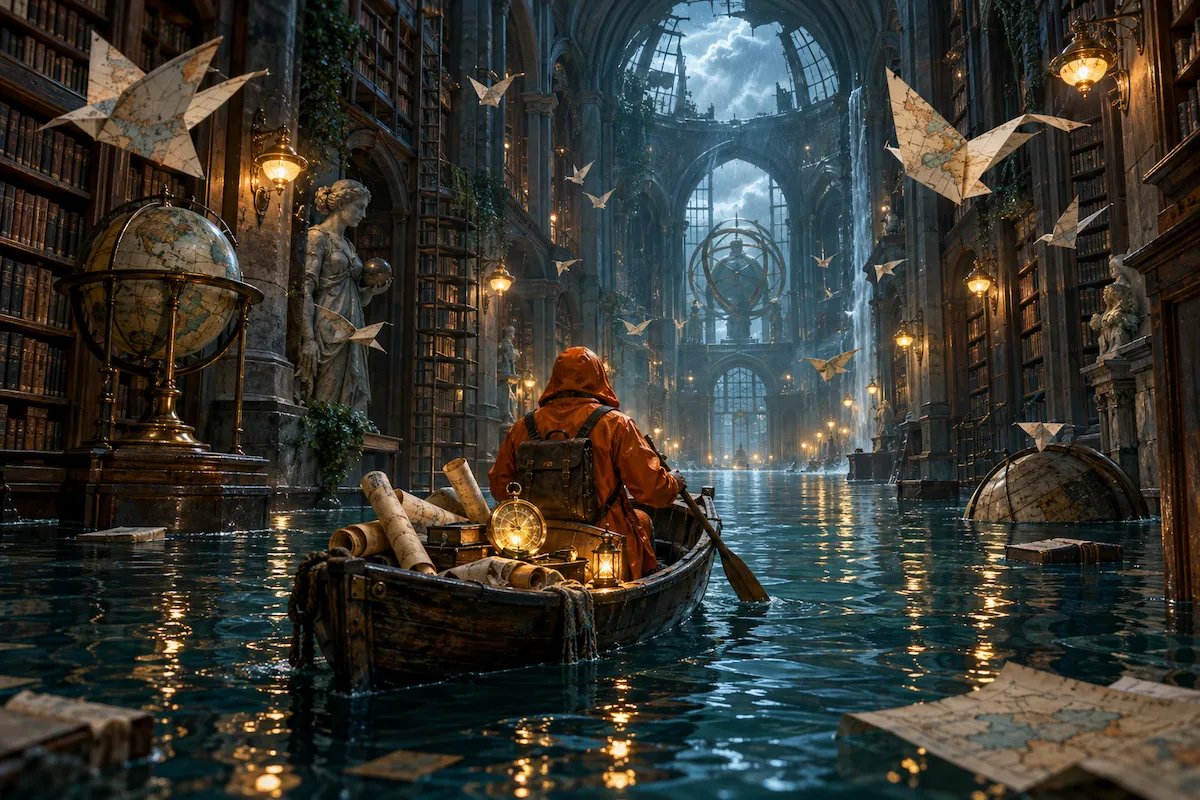
Turn detailed prompts into usable visuals
Describe the subject, setting, composition, lighting, materials, and visual style in plain language. GPT Image 2 turns that direction into a complete image, giving you a strong first draft for campaigns, concepts, content, and creative work.
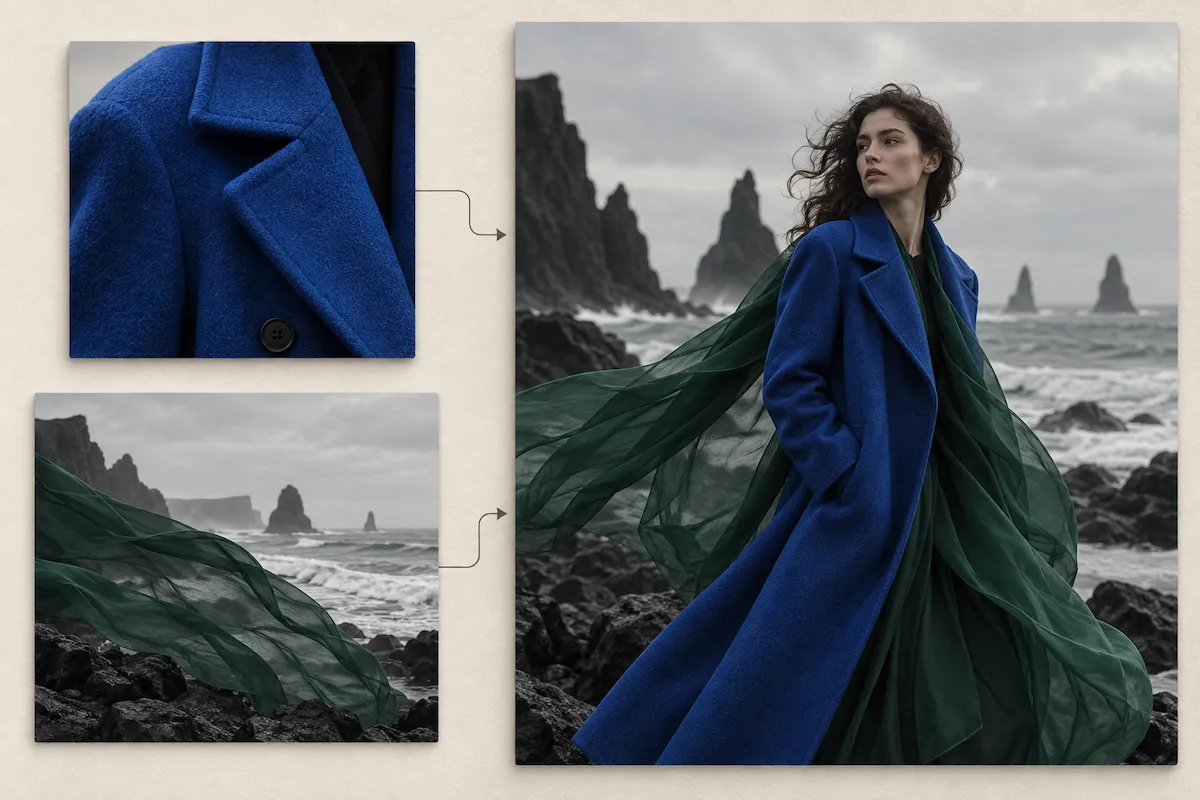
Create from reference images you trust
Start with an image you already trust, such as a product shot, a visual style, or a scene. Explain which details to keep and what to change, so your next image stays grounded in the subject, look, or direction you have already approved.
Make focused AI image edits
Change the background, replace an object, update a color, or remove a distraction while protecting the parts that already work. Be clear about both the requested change and the elements to preserve, such as the product, framing, lighting, or overall style.
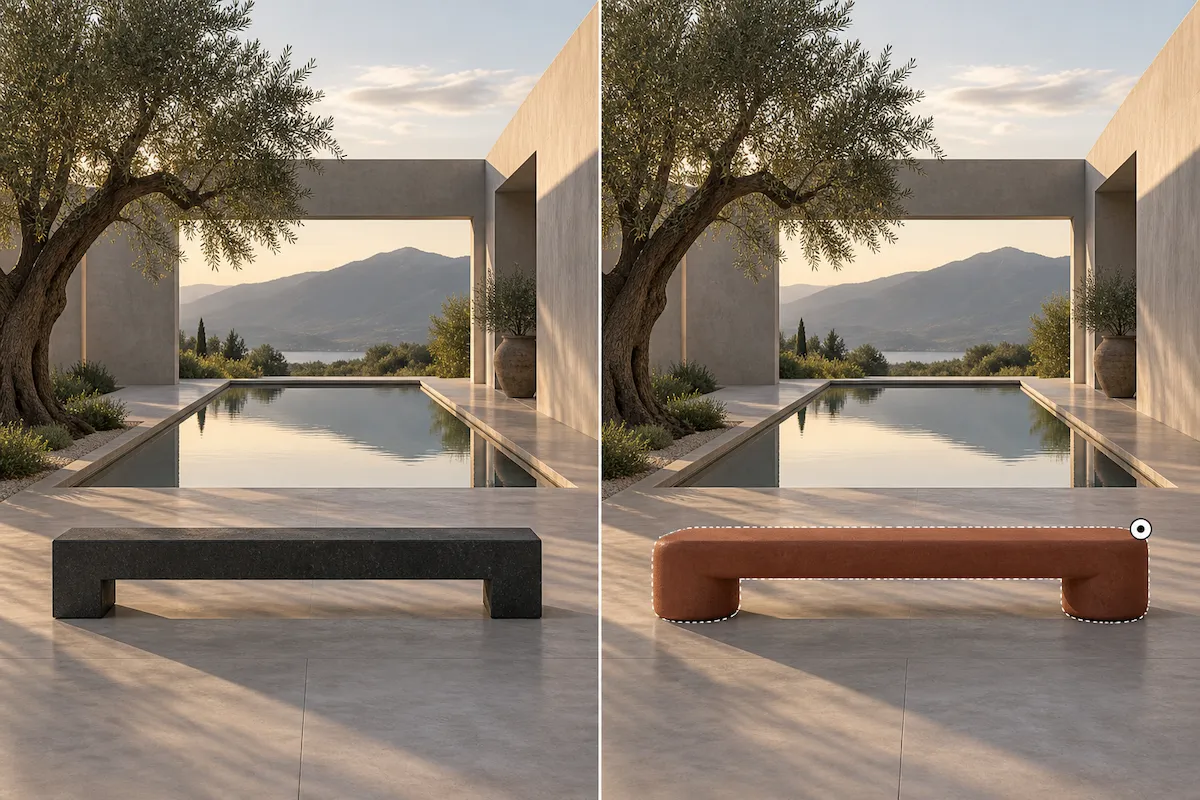
Explore distinct visual styles
Keep the subject and composition while changing the visual language—from cinematic realism to illustration, print, collage, or a more experimental direction. GPT Image 2 lets one idea move across styles without losing what makes it recognizable.
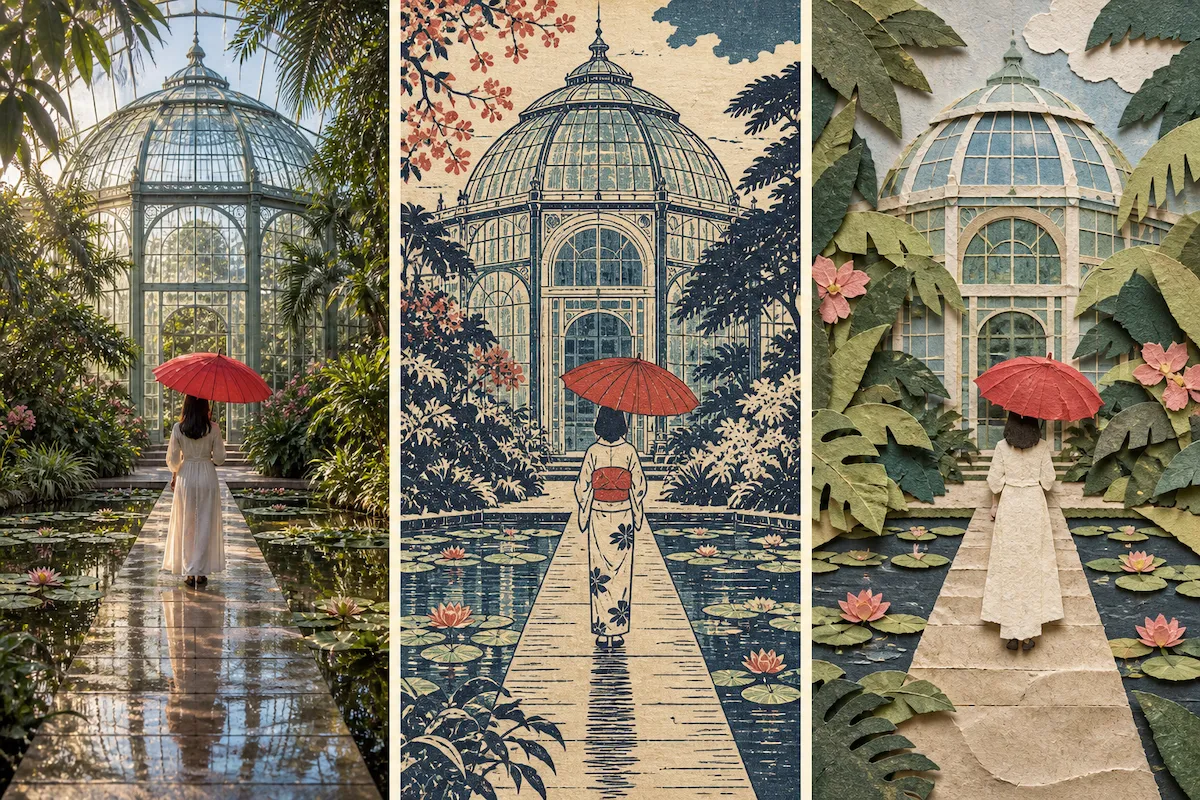
How to use GPT Image 2
Write a clear brief, add a reference when it helps, then generate an image and refine the result with focused edits.
Describe your image
Say what you want to create and include the details that affect the result: subject, setting, composition, style, lighting, colors, and any text that should appear.
Add a reference image (optional)
Upload an image when you want to carry forward a product, person, place, or visual style. State which parts must remain recognizable and which parts you want to change.
Generate and refine
Click Create to generate your image. Review the result, then make one clear edit at a time—for example, change the background, adjust the composition, or remove an object.
GPT Image 2 use cases
From fashion and architecture to film, publishing, education, and travel, GPT Image 2 adapts to the visual language your work demands.
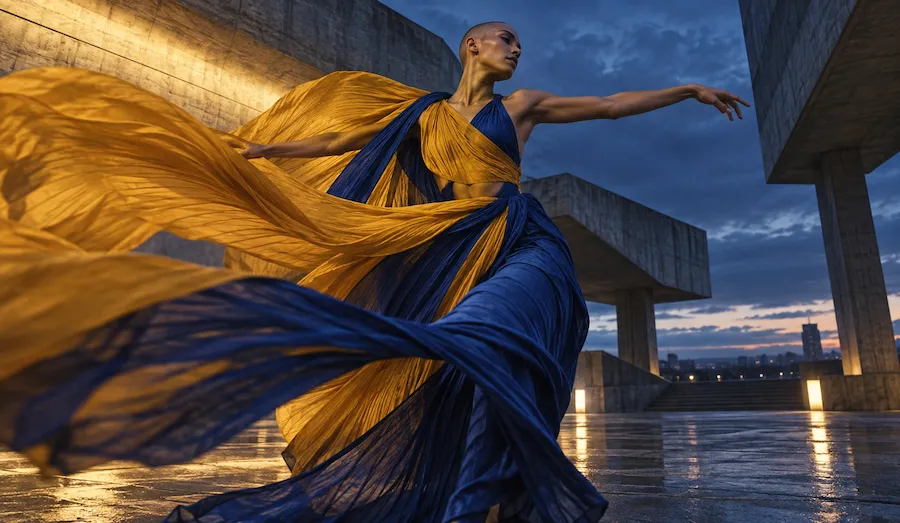
Fashion editorial
Develop art-directed looks, movement, and atmosphere for fashion stories, lookbooks, and visual research. Explore a point of view before a shoot or use the image as a creative reference for the team.
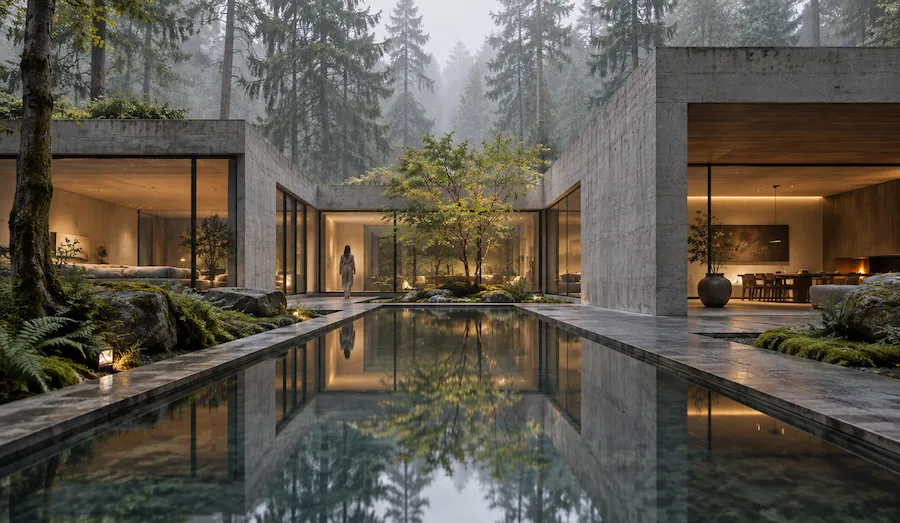
Architecture and interior visualization
Show how a space could feel through materials, light, landscape, and human scale. Generate early directions for a presentation, moodboard, or design review without waiting for a full render.
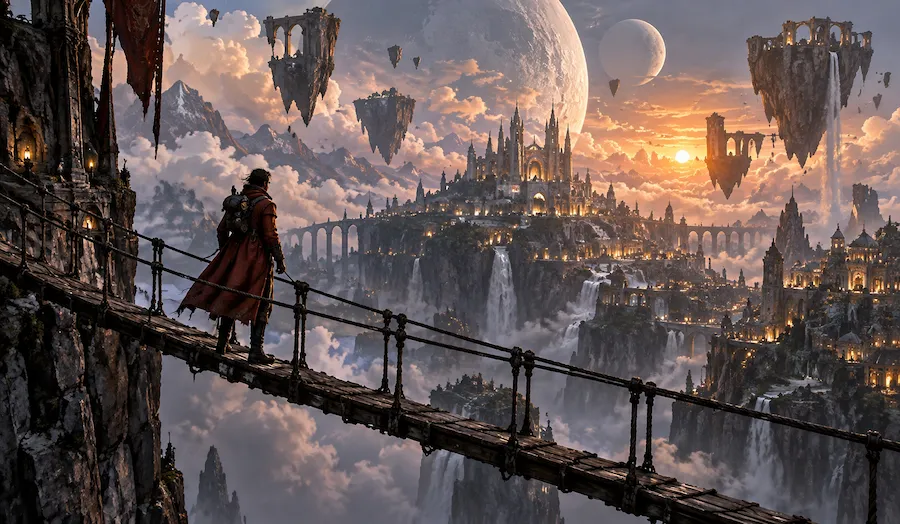
Film and game concept art
Build characters, locations, props, and cinematic worlds from a short brief. Try alternate camera angles and art directions quickly, then refine the visual language that best serves the story.
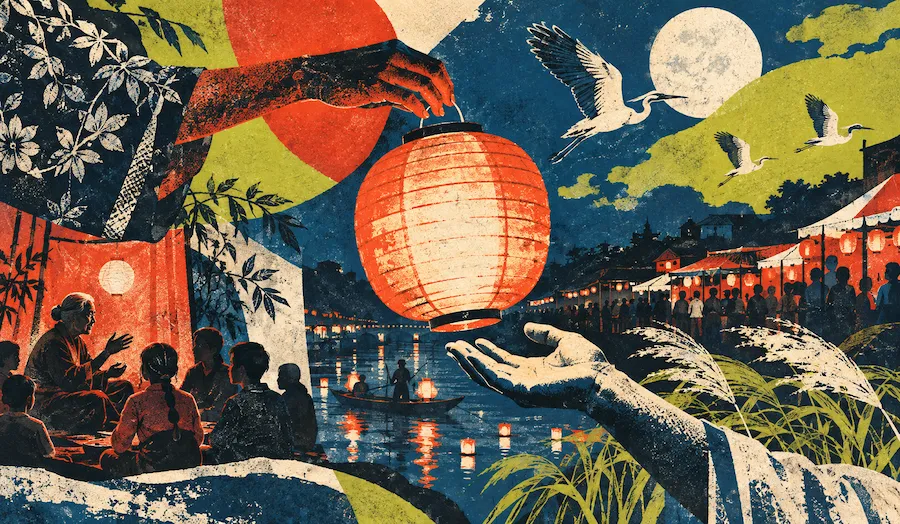
Culture and publishing
Shape visual identities for exhibitions, editorial stories, festivals, and cultural projects. Combine references, symbolism, and a distinct print or illustration style into a strong first direction.
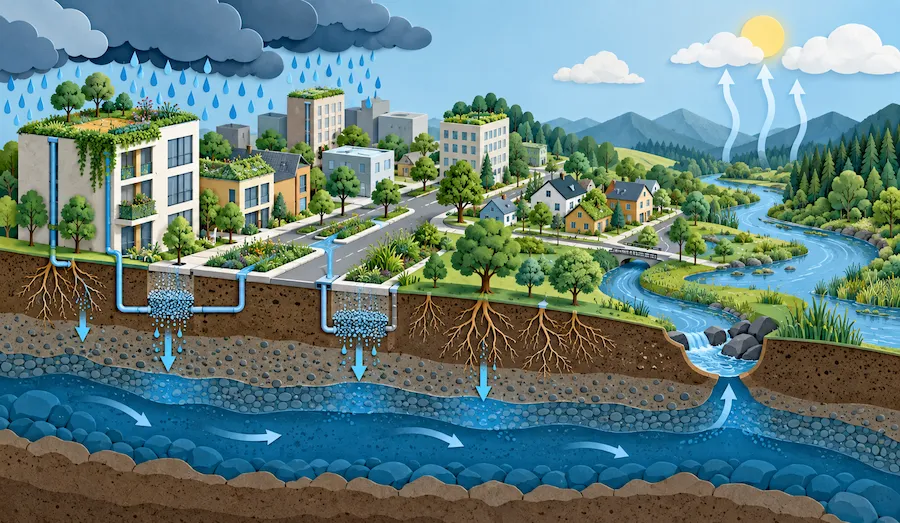
Education and explainers
Turn complex systems, scientific ideas, and processes into clear visual explanations. Use cutaways, diagrams, and layered scenes to give students or audiences an intuitive way into the subject.
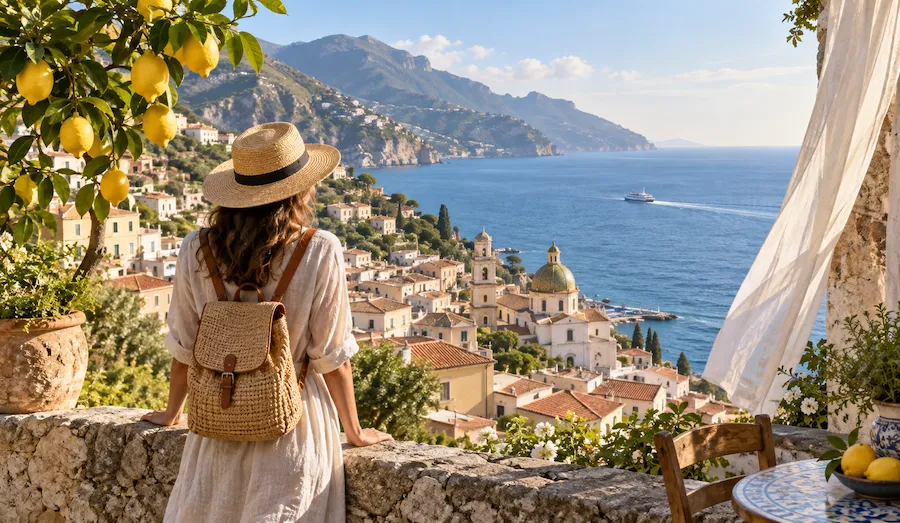
Travel and hospitality
Create a sense of place before guests arrive. Explore destination stories, room atmospheres, and editorial travel scenes that communicate the feeling of a location—not just a list of amenities.
Choose Your Plan
Free images include a watermark. Upgrade for watermark-free, high-quality downloads, faster generation, and commercial use.
Starter
50% Off
$9
$19
/month
Billed annually, $228$108/year
800 Credits/mo for generation
Up to 400 images/month
Access to premium AI models
High quality images
Faster generation
Private generation
No watermarks
Commercial use license
Pro
50% Off
$19
$39
/month
Billed annually, $468$228/year
2,000 Credits/mo for generation
Up to 1000 images/month
Access to premium AI models
High quality images
Faster generation
Private generation
No watermarks
Commercial use license
Early access to advanced AI features
Max
50% Off
$39
$79
/month
Billed annually, $948$468/year
4,500 Credits/mo for generation
Up to 2250 images/month
Access to premium AI models
High quality images
Faster generation
Private generation
No watermarks
Commercial use license
Lowest cost per credit
Early access to advanced AI features
GPT Image 2 FAQ
GPT Image 2 is OpenAI’s image generation and editing model for creating high-quality visuals from text prompts and image inputs. Use it to create a new image from a detailed brief or to make a focused change to an image you already have.
You can try GPT Image 2 directly in Wymagine AI. Enter a prompt or upload a reference image in the generator above to create an image, compare variations, and make focused edits in one workflow.
Yes. Describe the image you want in plain language, including the subject, scene, visual style, composition, lighting, and important details. The clearer your brief, the easier it is to get a useful first result.
Yes. Upload a source image and explain the change you need, such as replacing a background, removing an object, changing a color, or placing the subject in a new setting. Name what must stay the same so the edit remains focused.
Yes. Reference images are useful when a product, subject, scene, or style needs to inform the new result. Upload the reference, then say which features should carry over and how you want the final image to differ.
GPT Image 2 supports flexible image sizes. In Wymagine, choose the resolution and aspect ratio that fit your project, whether you need a quick social asset, a landscape visual, a portrait image, or a larger creative file.
Be specific about the subject, purpose, composition, lighting, materials, and style. For edits, separate the requested change from the details to preserve. Review each result and make one focused adjustment at a time instead of changing every instruction at once.
GPT Image 2 can help create posters, promotional graphics, and other text-forward visuals. Put the required words in quotation marks and state where they should appear. Always check spelling, legibility, and brand terms in the final image before publishing.
Use GPT Image 2 for fashion editorials, architectural visualizations, film and game concepts, cultural artwork, educational explainers, travel stories, and focused image edits. It is a flexible AI image generator for turning a creative brief or reference image into a visual you can review and refine.
Turn your next visual brief into an image
Write a prompt, add a reference image if you have one, and use GPT Image 2 to create a polished starting point for your project.