
Nano Banana 2 AI Image Generator
Generate and edit 4K images with Nano Banana 2, Google’s Gemini 3.1 Flash Image model. Start with a prompt or reference images, then make precise changes while keeping your product, character, composition, and on-image text consistent.
- 4K output
- Natural-language editing
- Multiple references
- Reliable text rendering
Generate, Edit, and Refine Without Losing Control
Create from a prompt, transform a reference image, and refine the result in a conversation. Nano Banana 2 is a general-purpose Gemini image model for high-quality visuals, multiple references, and text-rich creative work.
Edit Images Without Starting Over
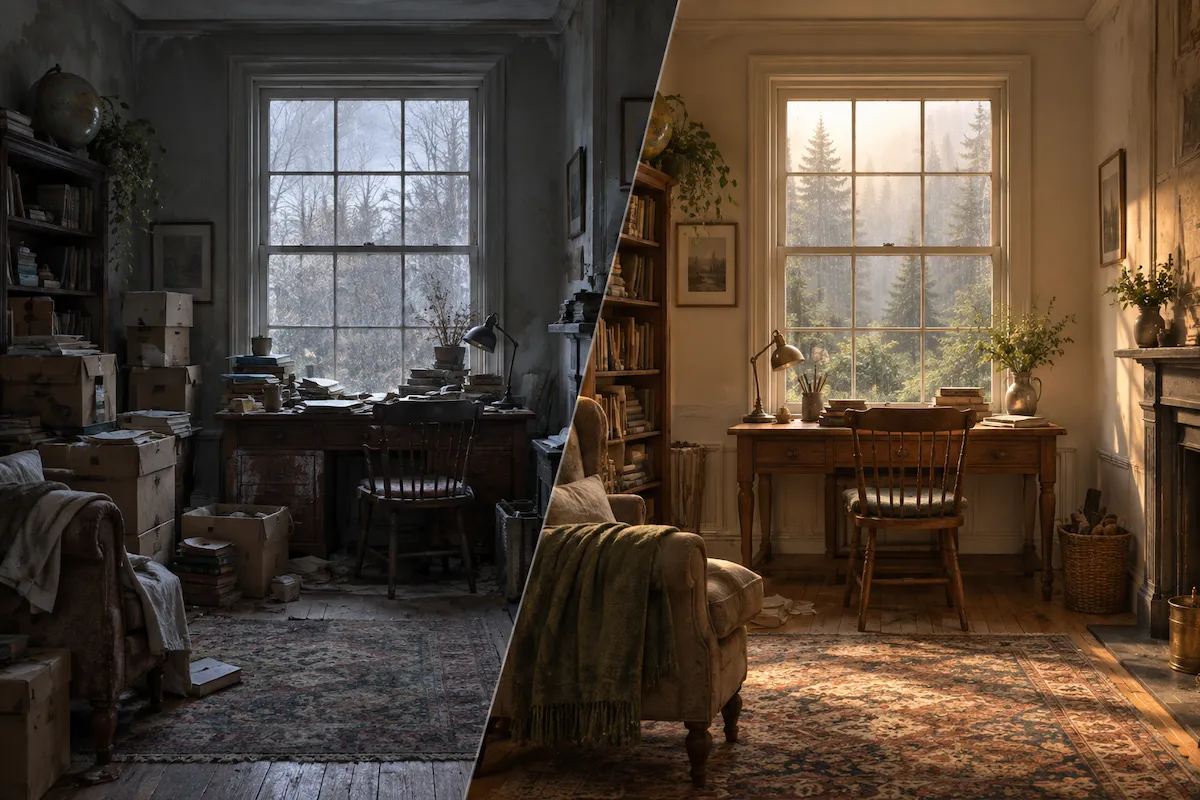
Upload an image and describe the change in everyday language. Add, remove, or replace objects; swap a background; adjust lighting or color grading; change the scene; or restyle the image. Tell Nano Banana 2 what must stay intact first—such as the product, person, pose, composition, or key detail—then make the edit you need instead of rebuilding the image from scratch.
Use Multiple References for Consistent Products and Characters
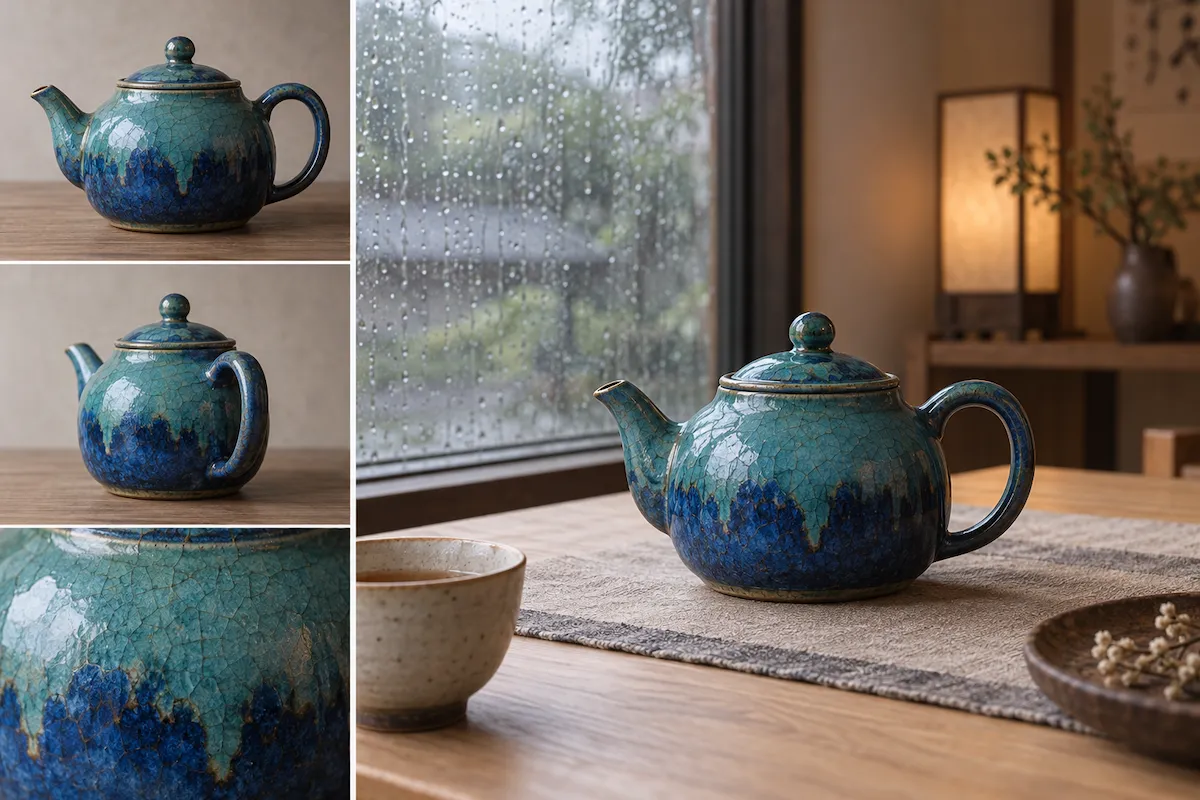
Use multiple reference images to give the model a clear visual anchor. Keep a product’s shape and materials recognizable across campaign scenes, or carry a character’s appearance through new settings, poses, and moments. This makes Nano Banana 2 especially useful when one visual identity needs to stay coherent across a series of images.
Follow Detailed Prompts Across Multi-Turn Edits
Describe the subject, action, setting, composition, lighting, style, and format in one brief. Nano Banana 2 is designed to handle layered instructions and real-world context, helping you turn a more specific idea into a visual that is closer to your intent. Use follow-up prompts to make focused improvements while preserving the strongest parts of the result.
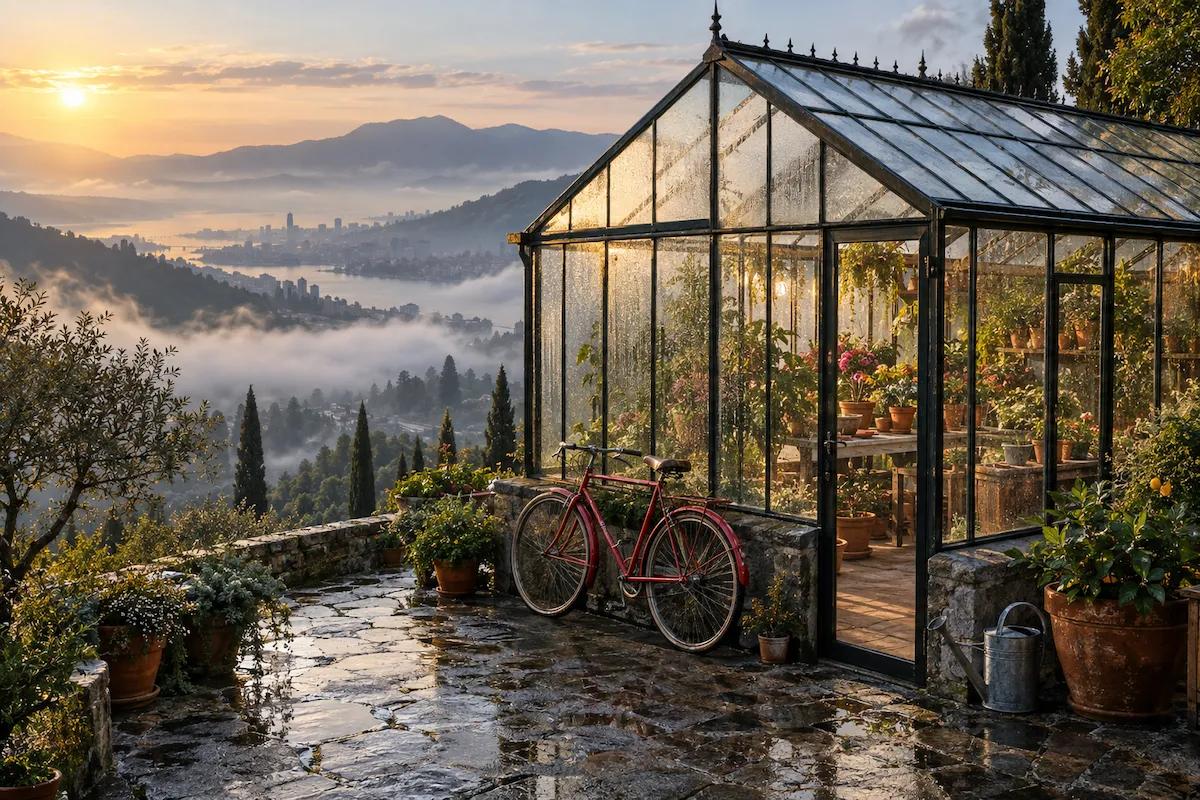
Create Text-Rich and Localized Visuals
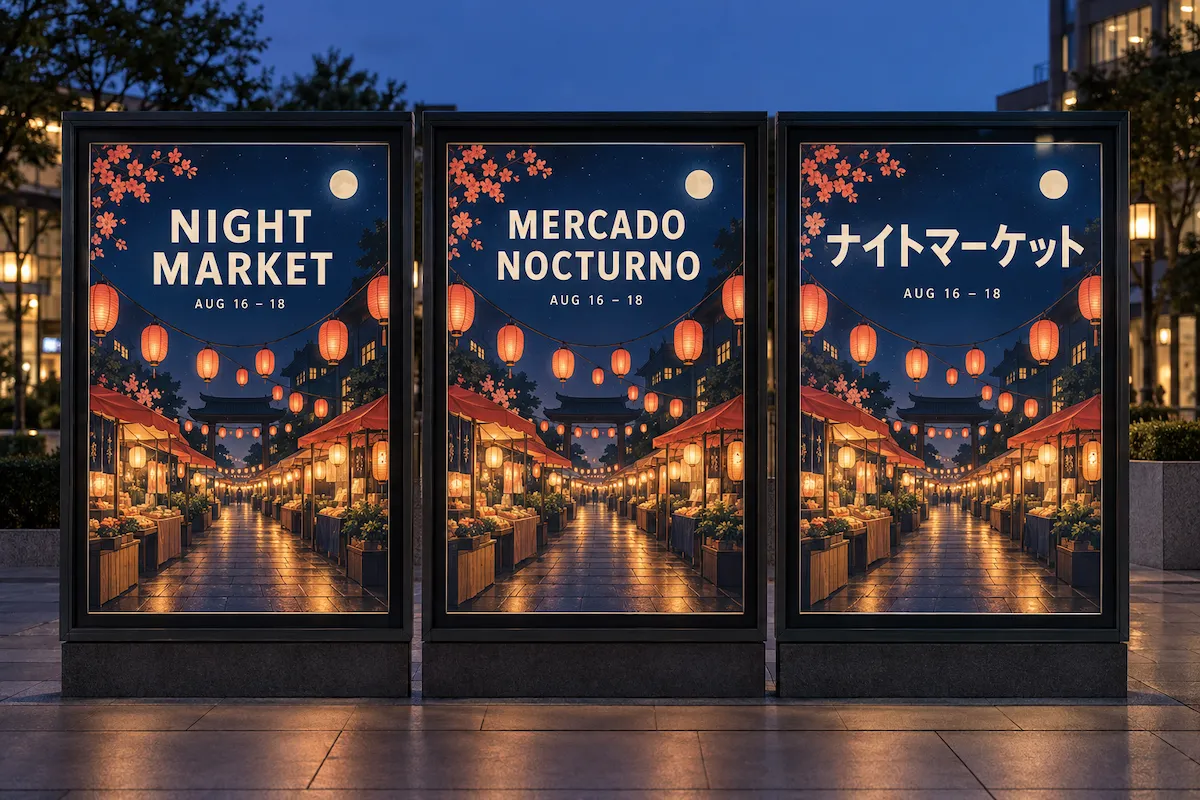
Make ads, social graphics, diagrams, menus, posters, and other visuals where words are part of the design. Nano Banana 2 delivers more reliable on-image text and can generate or translate text in supported languages, so you can explore localized creative directions with the layout, imagery, and message working together. Always proofread final text before publishing.
How to Generate and Edit Images With Nano Banana 2
Go from a prompt or reference image to a refined visual in three steps.
Describe the image you want
Start with a clear brief: name the subject, action, setting, mood, composition, lighting, visual style, and aspect ratio. The more specific your direction, the easier it is to generate an image that fits the intended use—from a product listing to a campaign visual or an editorial scene.
Add references and define the edit
Upload a product photo, portrait, character, design, or other reference when a specific element needs to remain recognizable. State what to preserve, then say exactly what should change—such as the background, styling, color, lighting, objects, setting, or framing.
Refine with focused follow-up prompts
Generate your first result, then keep the conversation going to improve it. Ask for a more natural pose, a simpler background, clearer headline text, warmer light, or a different crop. Small, precise follow-ups help you move toward a finished visual without discarding the direction you already like.
What Can You Create With Nano Banana 2?
Generate product photos, ad concepts, social content, storyboards, localized marketing assets, and interior visualizations—or edit an existing image without losing the subject that matters.
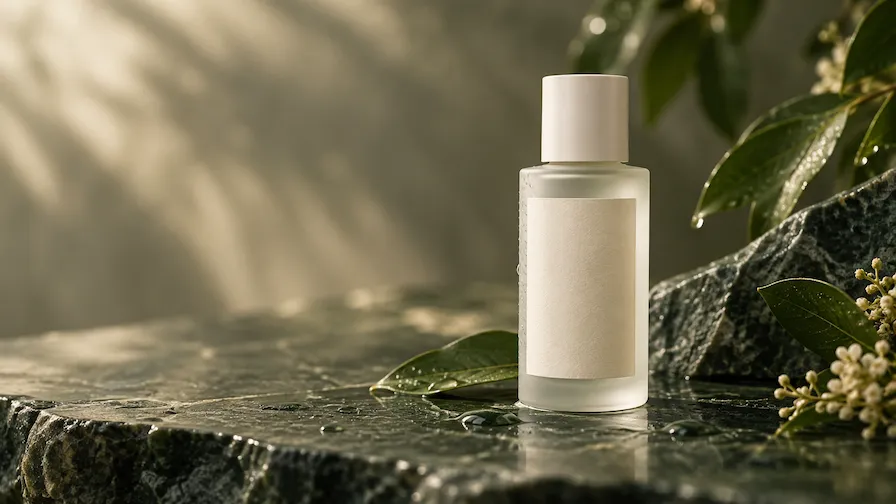
Product Photo Editing
Turn one product image into a set of useful visual assets while keeping the item recognizable. Replace the background, move the product into a lifestyle scene, test seasonal props, improve the lighting, remove distractions, or create a cleaner crop for an ecommerce listing, ad, or social post.
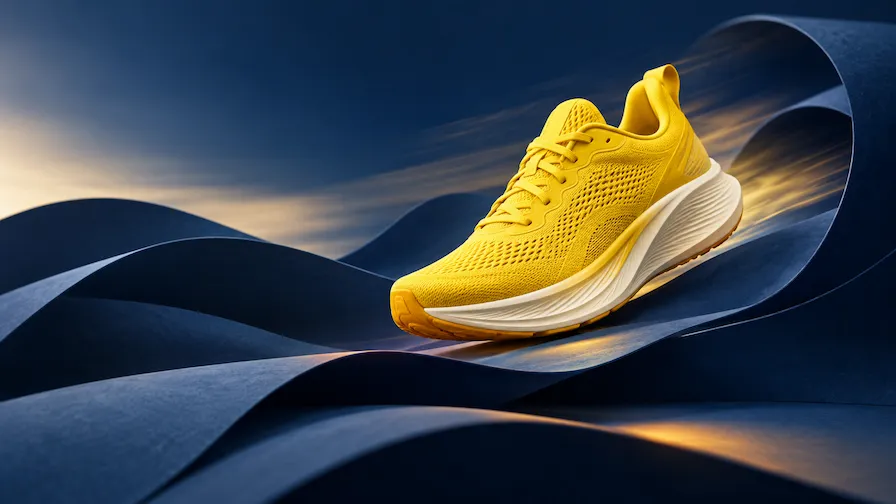
Campaign and Ad Creative
Create stronger advertising directions from one campaign brief. Explore different scenes, hooks, color palettes, compositions, and placements while holding onto the core product or message. It is a practical way to compare visual routes before investing in a full production.
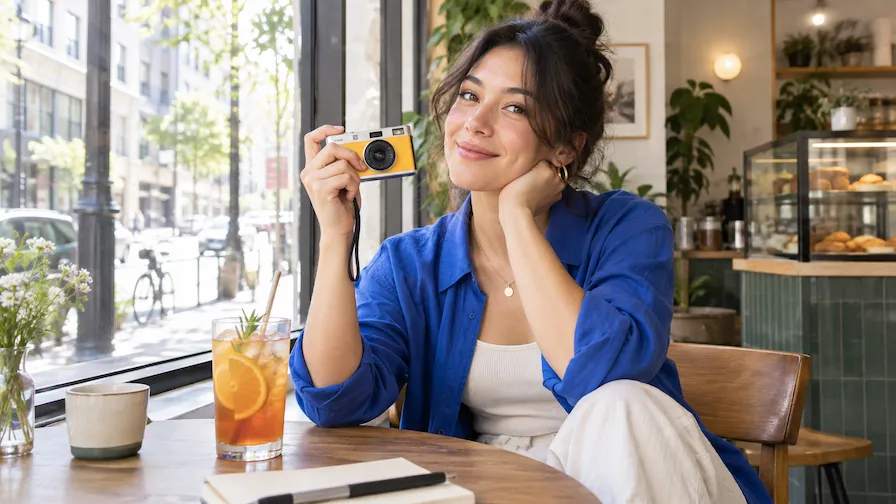
Social Media and Creator Content
Generate scroll-stopping images for posts, stories, thumbnails, launches, and content series. Start with a detailed prompt or a photo reference, then adapt the mood, setting, styling, and crop for each channel while keeping the subject and creative direction consistent.
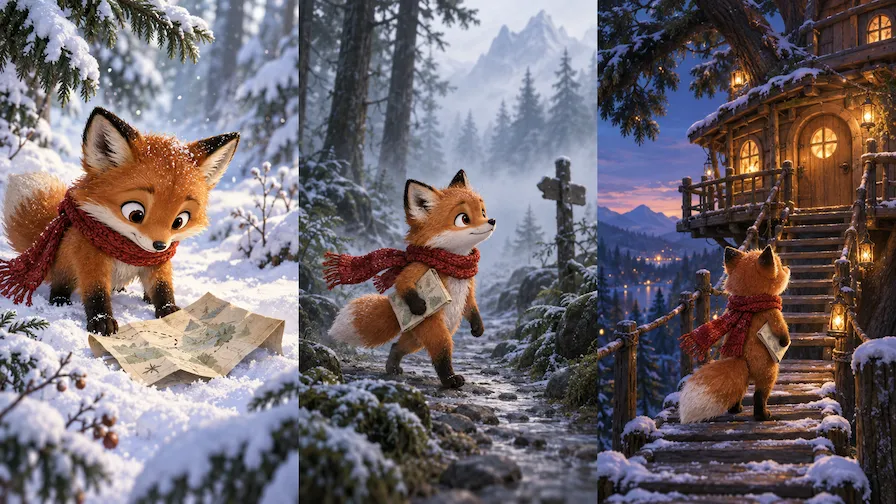
Character and Story Development
Develop a recognizable character through different outfits, environments, poses, and story moments. Reference-guided generation helps you explore a coherent sequence for a storyboard, game concept, children’s book, editorial feature, or personal creative project without reinventing the character in every frame.
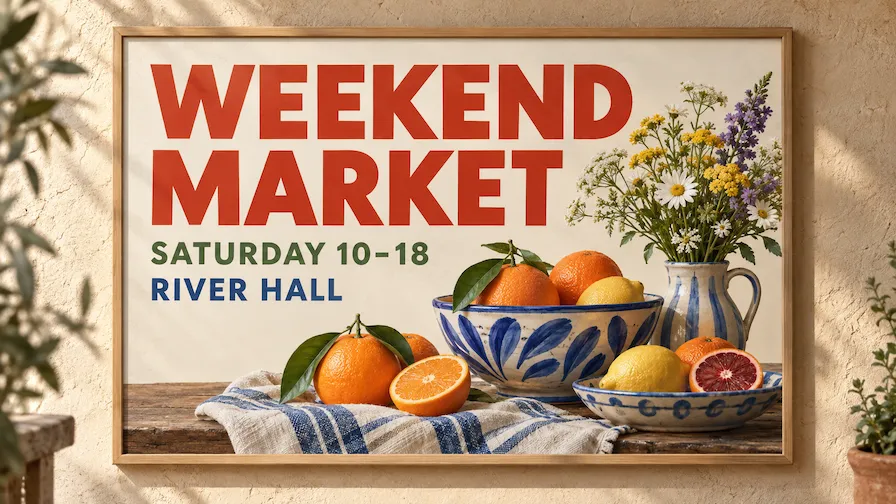
Text-Rich Marketing Assets
Combine imagery and on-image copy when you are planning posters, social graphics, simple infographics, menus, event announcements, or promotional mockups. Nano Banana 2 helps you evaluate how a message, typography, and visual hierarchy work together; review spelling, layout, and brand details before final delivery.

Interior and Space Visualizations
Upload a room, retail space, or architectural reference and explore a new direction before a detailed render or renovation begins. Test furniture, materials, palette changes, lighting, landscaping, or atmosphere to communicate a concept clearly and invite more useful feedback.
Choose Your Plan
Free images include a watermark. Upgrade for watermark-free, high-quality downloads, faster generation, and commercial use.
Starter
50% Off
$9
$19
/month
Billed annually, $228$108/year
800 Credits/mo for generation
Up to 400 images/month
Access to premium AI models
High quality images
Faster generation
Private generation
No watermarks
Commercial use license
Pro
50% Off
$19
$39
/month
Billed annually, $468$228/year
2,000 Credits/mo for generation
Up to 1000 images/month
Access to premium AI models
High quality images
Faster generation
Private generation
No watermarks
Commercial use license
Early access to advanced AI features
Max
50% Off
$39
$79
/month
Billed annually, $948$468/year
4,500 Credits/mo for generation
Up to 2250 images/month
Access to premium AI models
High quality images
Faster generation
Private generation
No watermarks
Commercial use license
Lowest cost per credit
Early access to advanced AI features
Nano Banana 2 FAQ
Nano Banana 2 is Google’s Gemini 3.1 Flash Image model: a general-purpose AI image generator and editor designed to balance quality, speed, and cost. It creates images from text, edits images conversationally, works with multiple reference images, and supports up to 4K output.
You can try Nano Banana 2 in Wymagine AI. Enter a prompt or upload a reference image in the generator above, generate a first draft, and refine it with focused follow-up instructions.
No. Nano Banana 2 and Nano Banana 2 Lite are separate Gemini image models. Nano Banana 2 is the more versatile generalist model for high-fidelity generation, advanced editing, multiple references, stronger consistency, reliable text rendering, and up to 4K output. Nano Banana 2 Lite is the faster, lower-cost option for high-volume, 1K image work and is not optimized for multiple reference inputs or multi-turn sequential editing.
Upload an image, explain what should stay the same, and then describe the desired change in plain language. You can ask Nano Banana 2 to add, remove, or modify elements; swap the background; change the scene or style; adjust lighting; update color grading; or reframe the image. Continue with focused prompts to refine the result across multiple turns.
Yes. Nano Banana 2 is designed to use multiple reference images and maintain important visual traits across generations. Use a clear product, person, or character reference and name the details that matter most—such as shape, materials, color, facial traits, hairstyle, wardrobe, or logo placement. This gives the model a stronger anchor while the setting, action, or art direction changes.
Nano Banana 2 has improved text rendering for visuals such as ads, menus, diagrams, infographics, social graphics, and mockups. It can also generate or translate text in supported languages directly within an image. Treat the result as a strong creative starting point, then proofread all final copy, especially small type, dates, prices, translations, and brand language.
At the model level, Nano Banana 2 supports up to 4K image generation. Higher resolutions are useful when you need sharper details or a larger final asset, while smaller sizes can speed up early visual exploration. Available output options can vary by the tool or product experience you are using.
Use Nano Banana 2 for text-to-image creation, photo editing, product image variations, campaign concepts, social media content, character development, storyboards, localized marketing mockups, text-rich graphics, and interior or space visualizations. It is a strong fit whenever you need to create a visual from a detailed idea or transform a reference image without losing its identity.
Be specific about the subject, action, setting, composition, camera view, lighting, style, and aspect ratio. For editing, state what must be preserved before listing the changes you want. Use clear reference images, avoid combining conflicting instructions, and refine the best result with one or two focused follow-up changes at a time. Review final images carefully for text, fine details, brand accuracy, and factual visual information before publishing.
Create, Edit, and Refine With Nano Banana 2
Enter a prompt or upload a reference image in the generator above. Start with a draft, then refine the product, character, composition, or on-image text with focused follow-up instructions.