Changelog
Introducing Skills.
Wymagine's image agent can now use Skills. A Skill is a saved set of prompt instructions your agent follows — so instead of retyping the same lighting, camera angle, and style rules in every prompt, you mention the Skill and it applies them for you. Wymagine ships with official Skills to start from, and you can create your own and edit them anytime.
Nano Banana 2.1 is Now Available.
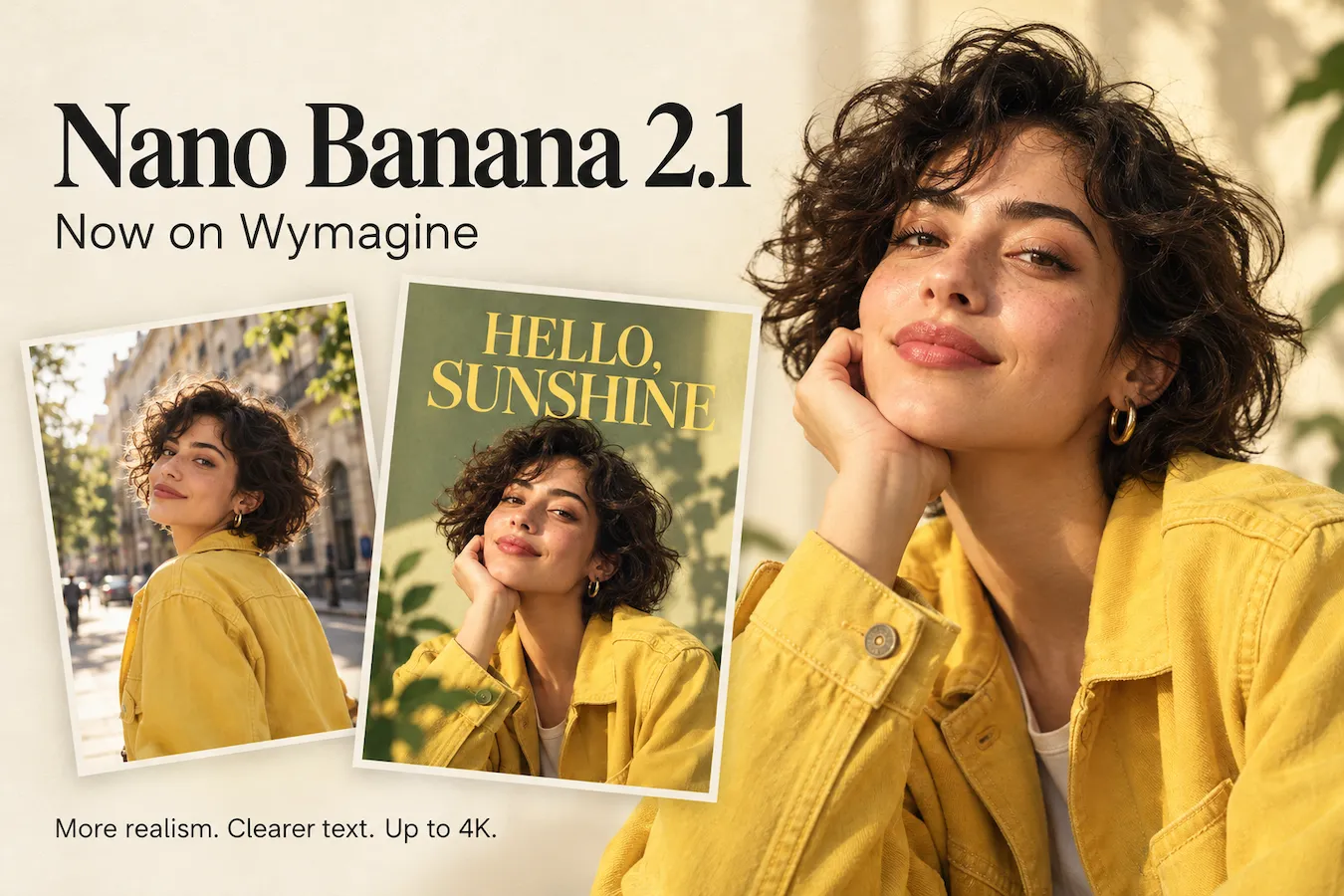
Wymagine now integrates Nano Banana 2.1, bringing more realistic images, clearer text, and better character consistency. Create from a prompt or edit with reference images, with output up to 4K. From product photos to posters and storyboards, bring your ideas to life with more accurate details and greater control over the result.
Introducing Web Search and Webpage Reading.
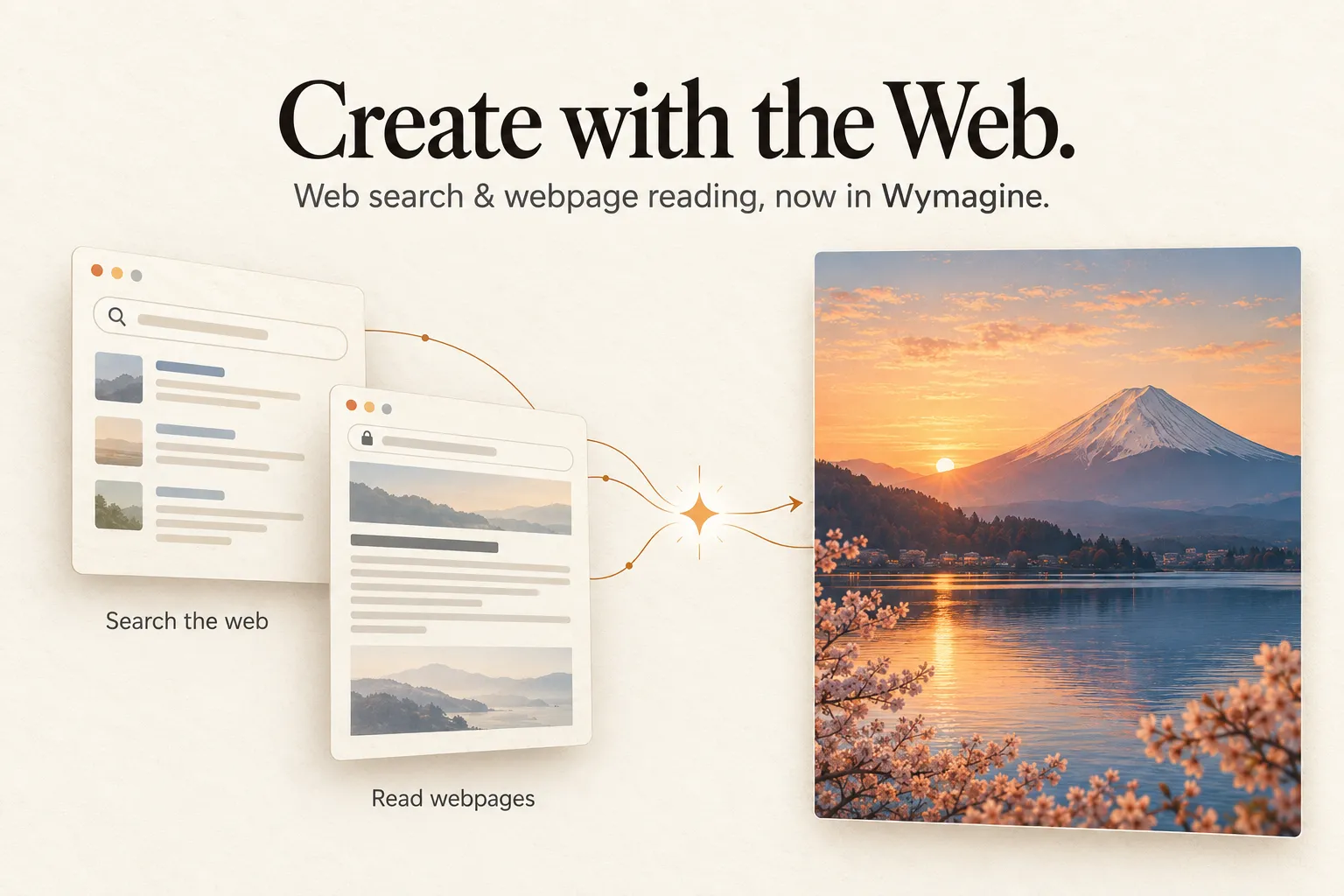
Wymagine’s agent can now search the web and read the links you share. Ask about a real landmark, product, or recent event, or paste a webpage URL to give your idea more context. The agent brings that information into your image prompts, helping you create visuals informed by real sources—all within the same conversation.
Introducing the AI Image Generator Agent.
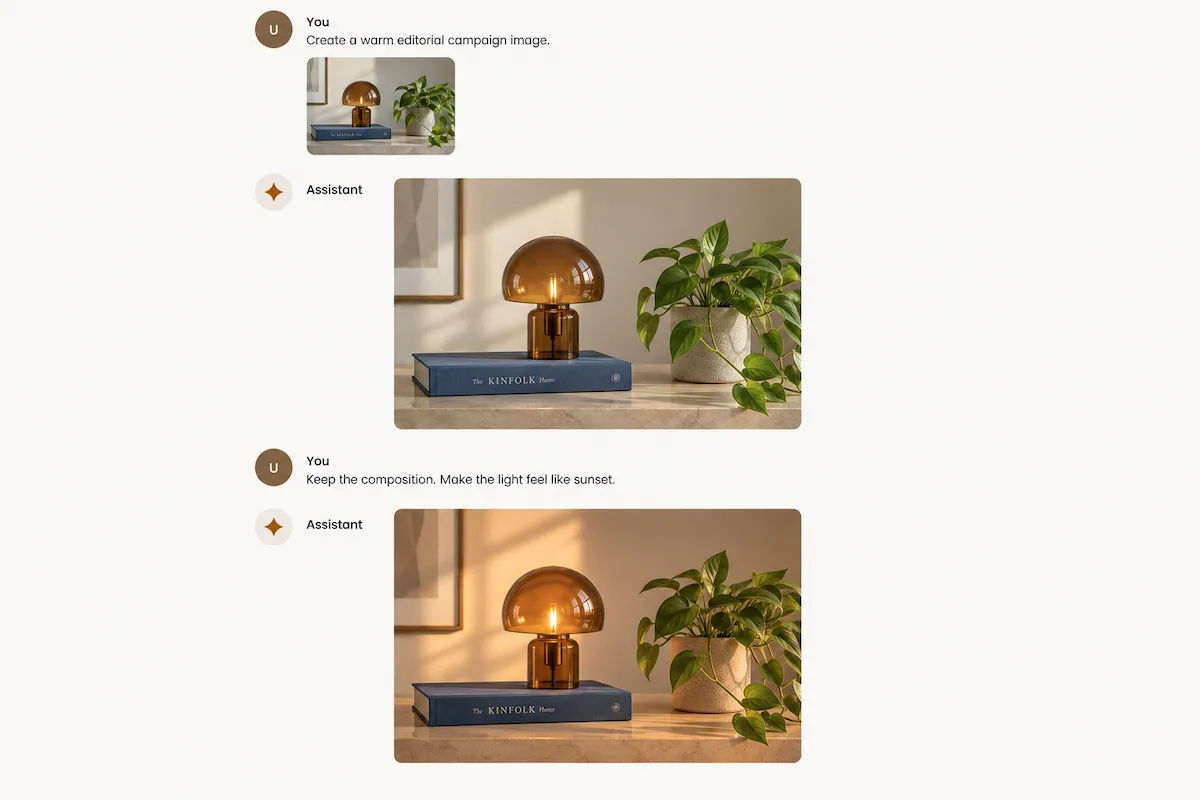
Wymagine’s AI Image Generator is now an agent that stays with your creative process. Start with an idea or reference image, then guide each revision with simple follow-up instructions—change a detail, preserve the composition, explore a new style, or refine the final finish. From first prompt to final visual, every iteration is more natural, precise, and closer to your vision.
GPT Image 2.5 Is Now Available.
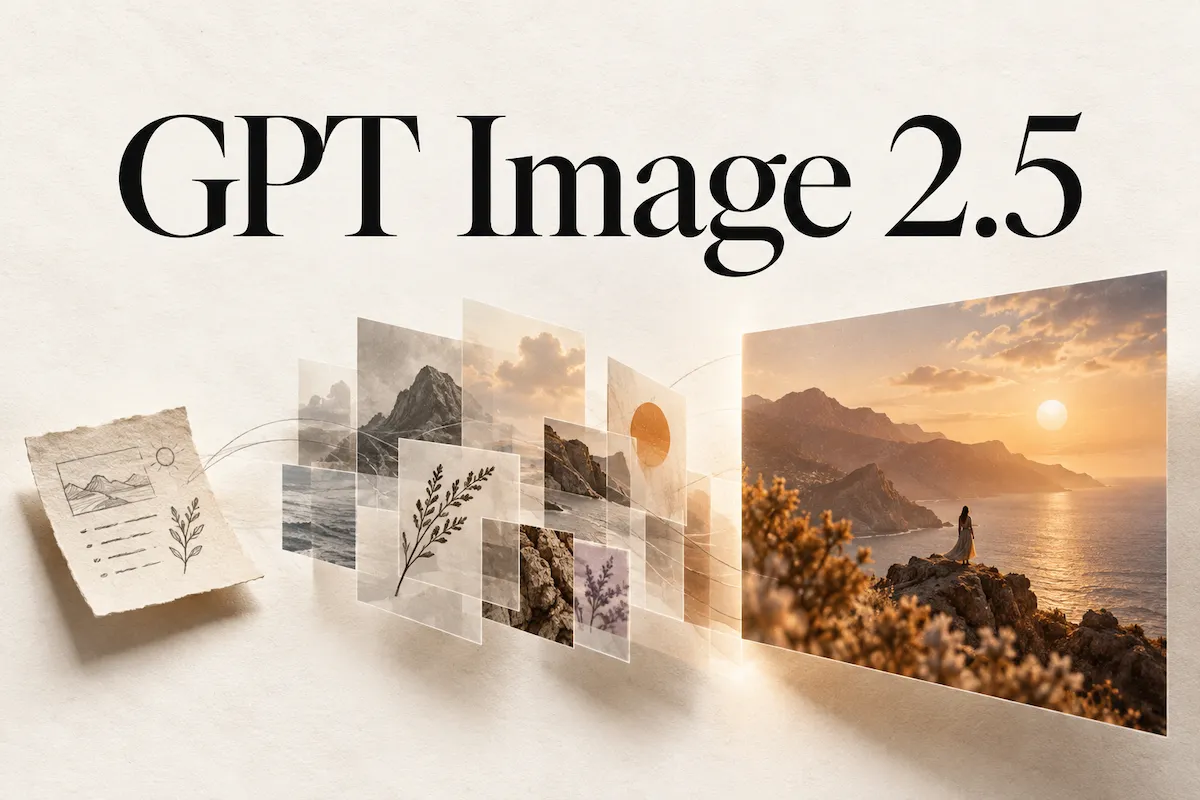
Wymagine now supports GPT Image 2.5, including Flare for fast, high-quality generation and Sunburst for more demanding creative work. Turn detailed prompts and reference images into polished visuals, make precise edits without rebuilding the whole image, and carry the direction you like through each iteration. From product campaigns and posters to diagrams and storyboards, GPT Image 2.5 gives you more control over the details that matter.
Introducing Wymagine AI.
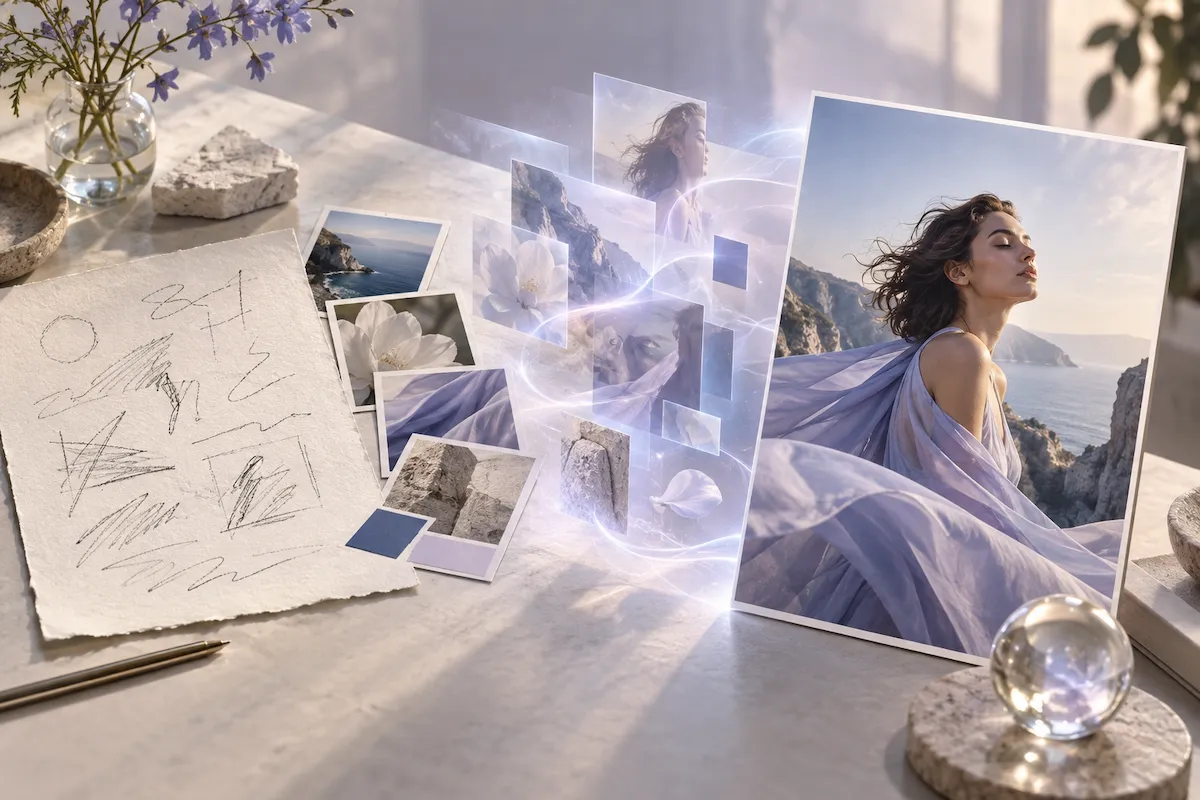
Wymagine AI is now live. Turn text prompts and reference images into polished visuals for posts, covers, concepts, and campaigns. Choose your model, aspect ratio, resolution, and image settings in one place, then refine each result until it matches your vision.
Create your first AI image.
Write a prompt, choose your settings, and start generating.