
Nano Banana 2 Lite AI Image Generator
Generate and edit images with Nano Banana 2 Lite, Google’s fast, low-cost AI image model for high-volume creative iteration. Turn text prompts and reference images into product variations, ad concepts, and visual drafts.
- Fast generation
- Low-cost iteration
- Reference image editing
- Fast local edits
A Faster Way to Generate, Edit, and Explore Images
Nano Banana 2 Lite is made for the creative work that needs momentum: testing concepts, improving a reference image, and producing useful variations before you commit to a final direction.
Edit Images With Clear, Natural-Language Direction
Upload an image and describe the change you want in plain English. Replace a distracting background, add or remove an object, restyle a scene, adjust the lighting, or create a new crop—without having to rebuild the whole image from scratch.
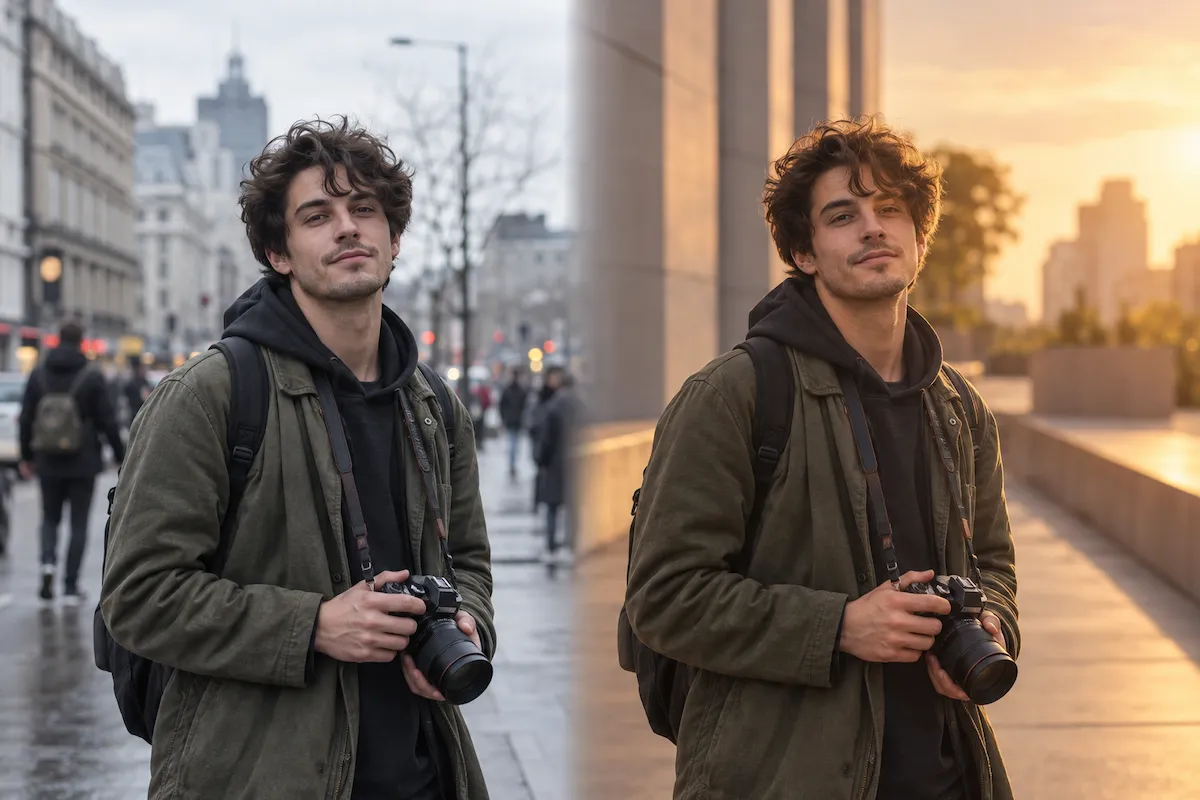
Keep Key Visual Traits Consistent
Use a clear product, character, or image reference to carry important visual traits into new settings and styles. Nano Banana 2 Lite is designed for high character alignment in rapid iterations, so you can test fresh directions while keeping the subject recognizable.
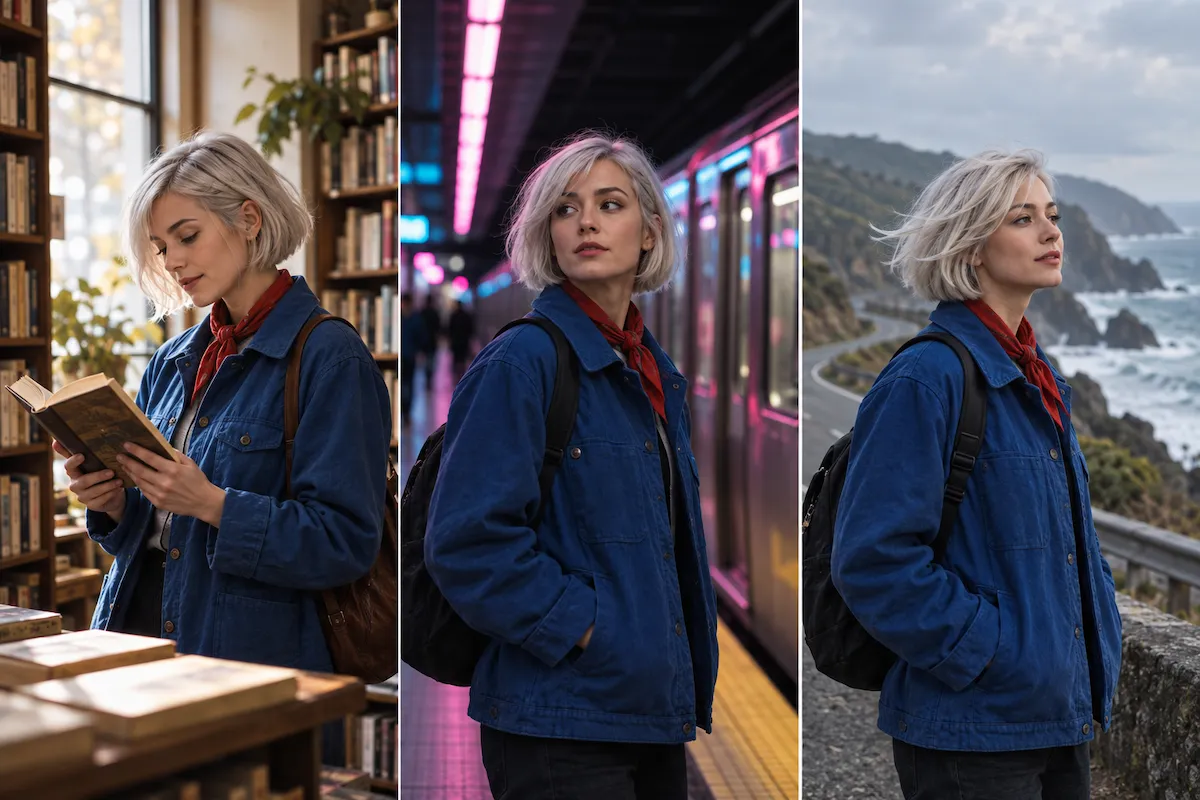
Explore More Creative Directions, Faster
Fast 1K image generation makes it practical to compare compositions, art directions, lighting, and layouts instead of settling for the first result. Use Nano Banana 2 Lite to turn a rough brief into a focused set of visual options while the original idea is still fresh.
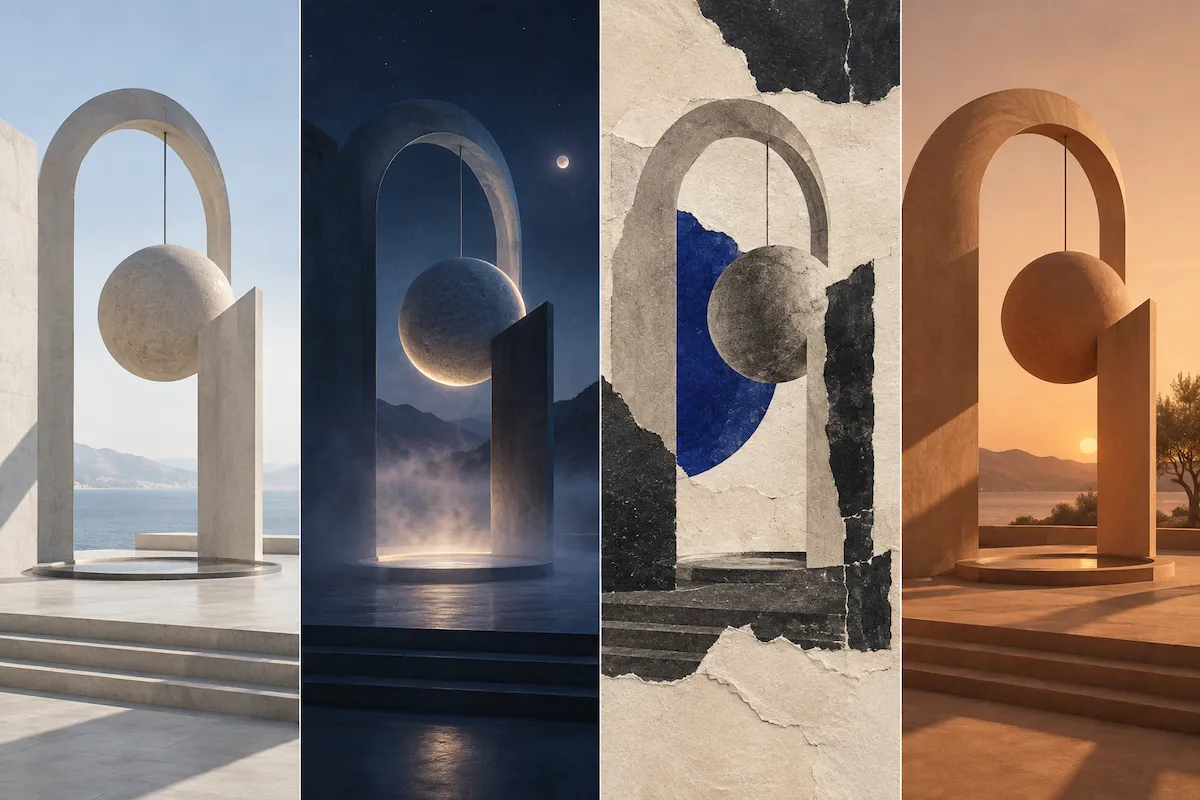
Create Context-Aware and Localized Visual Drafts
Build scenes with real-world context, test location-specific mockups, and explore localized campaign directions in one workflow. Nano Banana 2 Lite can render on-image text for fast creative review, helping you see how copy, typography, and imagery work together before final production.
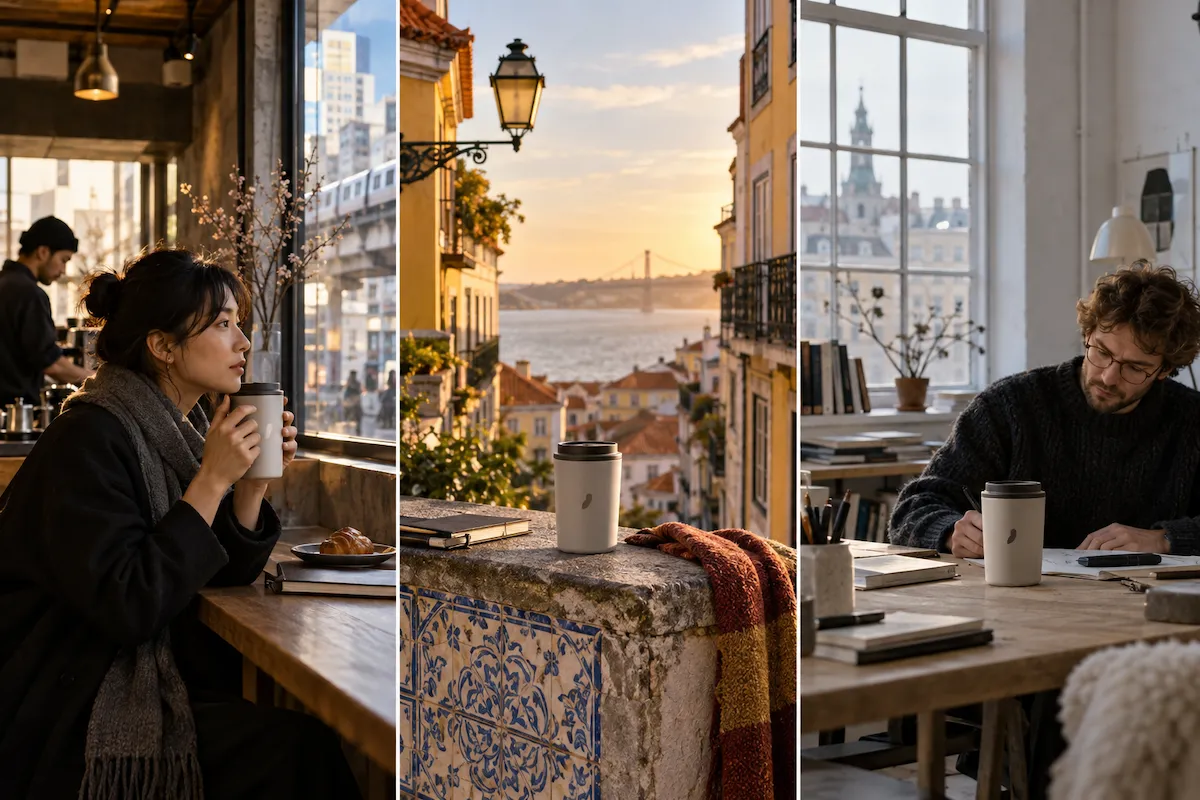
How to Use Nano Banana 2 Lite
Go from a written idea or reference image to useful creative directions in three simple steps.
Describe the image you need
Start with the subject, setting, style, composition, lighting, and aspect ratio. A clear brief gives you more control over the first result, whether you are generating a new image or planning an edit.
Add a reference and direct the edit
Upload a photo, product shot, character, or design when something needs to stay recognizable. Say what to preserve first, then state exactly what should change: the background, object, color, scene, styling, or framing.
Generate, compare, and refine
Generate a few directions, choose the strongest result, then use it as a reference for a focused local edit. Short instructions help you compare options without rebuilding the image.
What Can You Create With Nano Banana 2 Lite?
Use this fast AI image generator to create from scratch, transform references, and produce more polished creative options for the places your work needs to appear.
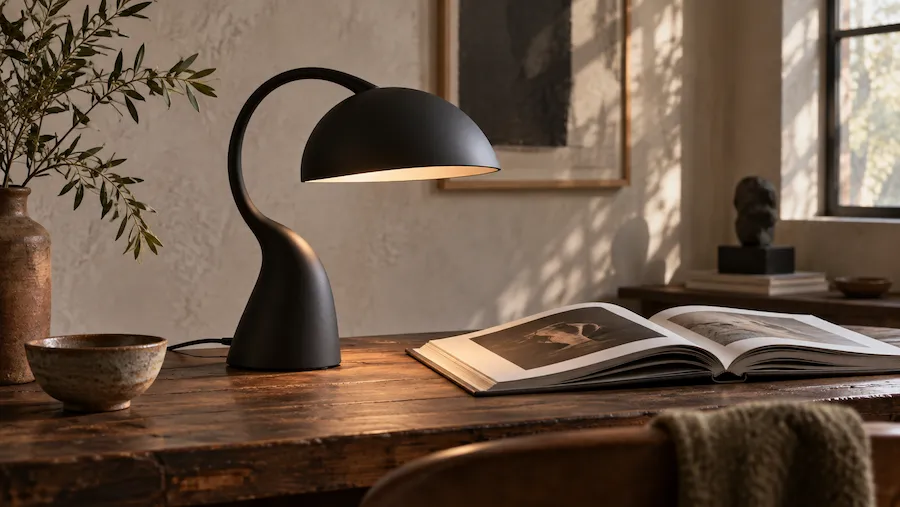
Product Photo Editing
Turn one clean product photo into multiple campaign-ready directions. Keep the product as the visual anchor while testing a studio backdrop, lifestyle setting, seasonal props, different lighting, or a cleaner crop for each channel.
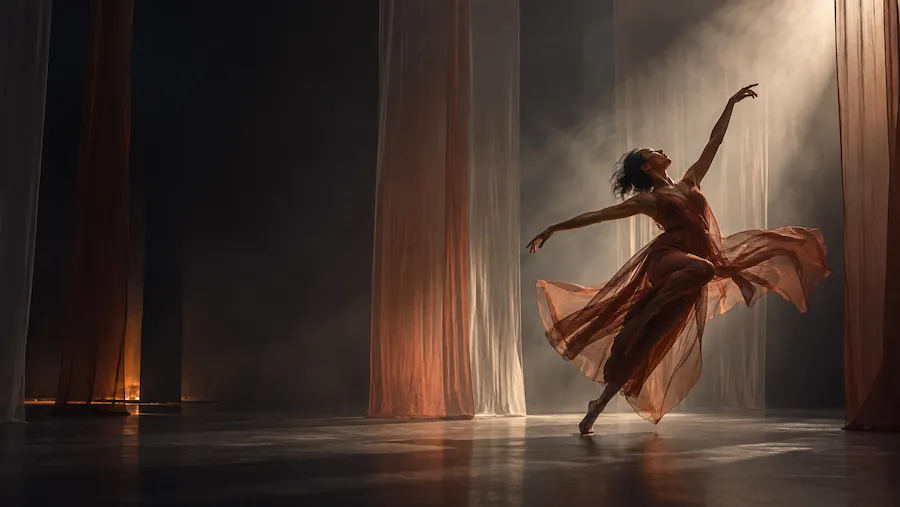
Ad Creative Variations
Generate multiple concepts from one campaign brief instead of manually producing every visual route. Compare different hooks, compositions, colors, scenes, and formats to find an advertising direction worth developing further.
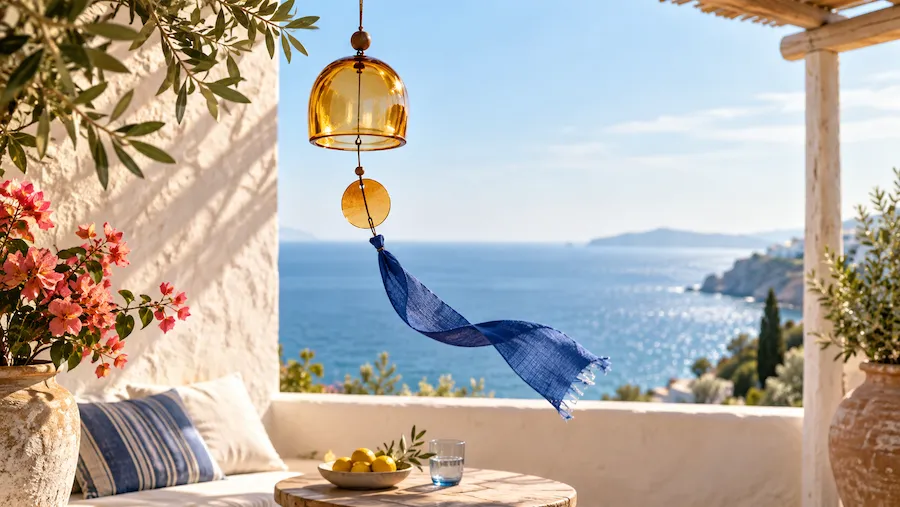
Social Media Content
Create scroll-stopping visuals for posts, stories, launch teasers, and content series. Use one consistent character, product, or art direction across several images, then adapt the mood and framing to match each social placement.
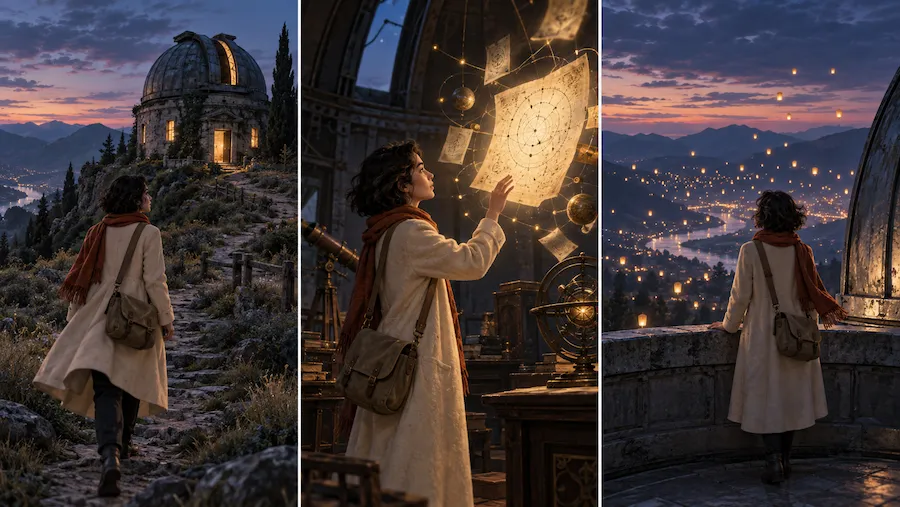
Character and Storyboard Concepts
Develop a character or object through different poses, settings, and moments while keeping the creative direction coherent. This is useful for storyboards, game concepts, editorial sequences, and early visual development where iteration matters more than a single perfect frame.
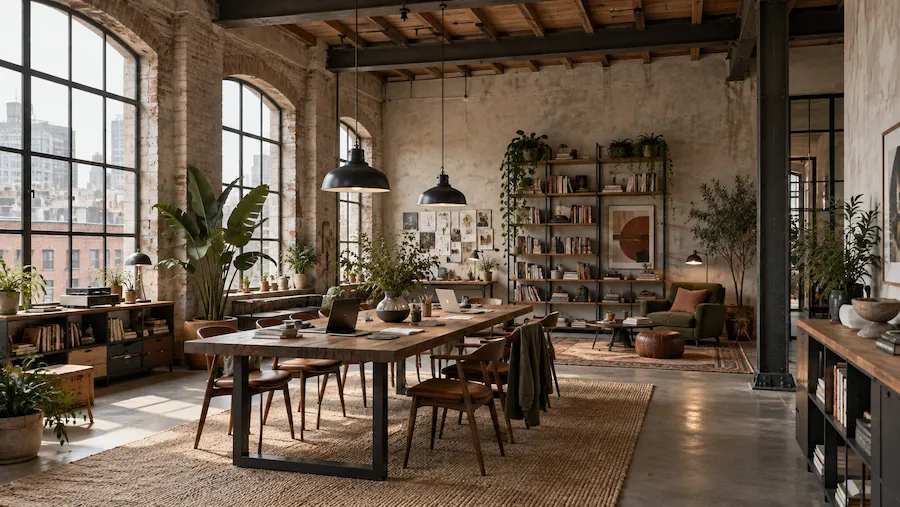
Interior and Space Visualizations
Upload a room or space and quickly test new visual directions, from a cleaner palette to a different interior style. It is a practical way to communicate possibilities before spending time on a detailed design or a full production render.
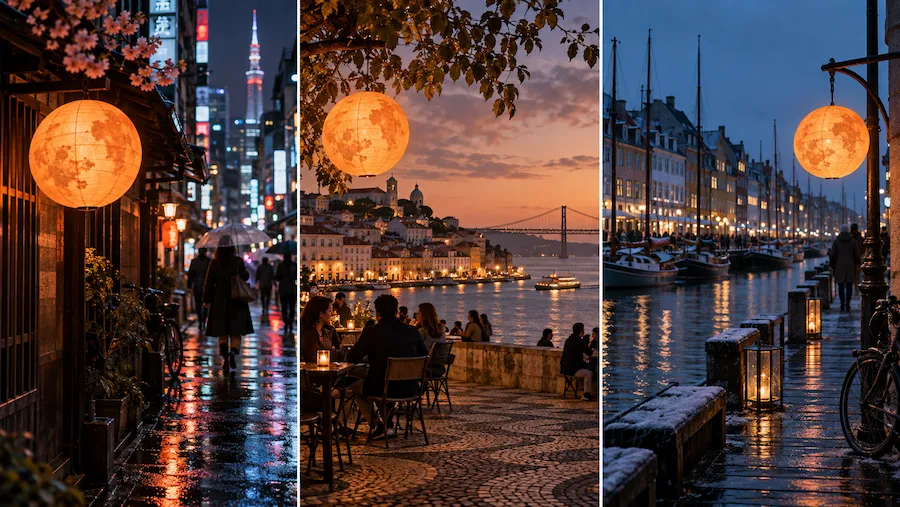
Localized Campaign Mockups
Preview how a campaign could look across markets by pairing localized copy with region-specific scenes, references, and visual cues. Use the result to align on direction quickly, then proofread all text and finalize approved assets in your production workflow.
Choose Your Plan
Free images include a watermark. Upgrade for watermark-free, high-quality downloads, faster generation, and commercial use.
Starter
50% Off
$9
$19
/month
Billed annually, $228$108/year
800 Credits/mo for generation
Up to 400 images/month
Access to premium AI models
High quality images
Faster generation
Private generation
No watermarks
Commercial use license
Pro
50% Off
$19
$39
/month
Billed annually, $468$228/year
2,000 Credits/mo for generation
Up to 1000 images/month
Access to premium AI models
High quality images
Faster generation
Private generation
No watermarks
Commercial use license
Early access to advanced AI features
Max
50% Off
$39
$79
/month
Billed annually, $948$468/year
4,500 Credits/mo for generation
Up to 2250 images/month
Access to premium AI models
High quality images
Faster generation
Private generation
No watermarks
Commercial use license
Lowest cost per credit
Early access to advanced AI features
Nano Banana 2 Lite FAQ
Nano Banana 2 Lite is Google’s Gemini 3.1 Flash-Lite Image model: a fast, cost-efficient model for AI image generation and image editing. It is designed for rapid visual exploration, working from detailed text prompts and reference images to create or refine 1K visuals.
You can try Nano Banana 2 Lite directly in Wymagine AI. Enter a prompt or upload a reference image in the generator above to create a 1K visual, compare variations, and make focused edits in one workflow.
No. Nano Banana 2 Lite is the speed-and-cost option for 1K images, fast variations, and local edits. Choose Nano Banana 2 when you need 2K or 4K output, multiple reference images, or extended sequential editing.
Upload an image, explain what should remain unchanged, then describe the edit in natural language. You can ask to change a background, add or remove an object, update the setting, adjust the lighting, shift the style, or reframe the composition. Giving the preservation instruction first makes the edit more reliable.
The model is designed for character consistency and object fidelity across rapid generations, which helps when a product, person, or visual identity needs to carry through several variations. For the best results, use a clear reference image and name the features that must remain consistent, such as the product shape, colors, material, or character traits.
Use Nano Banana 2 Lite for text-to-image concepts, reference-guided edits, product photo variations, social visuals, campaign drafts, storyboards, interior concepts, and localized creative mockups. Its speed is especially useful when you want to compare several credible visual directions before choosing one to develop.
It can render on-image text and help you explore localized creative drafts, so you can review how copy, typography, and imagery work together. Always proofread generated text before publishing: small text, spelling, grammar, translation, and cultural nuance can still need human review.
It is well suited to rapid ideation, content variations, A/B creative drafts, and reference-led image editing. Review any output carefully before client delivery or publication, especially small details, text, faces, factual visualizations, and brand or product accuracy. Treat it as a fast creative partner, not a replacement for final quality control.
Be specific about the subject, action, setting, composition, lighting, style, and aspect ratio. For image editing, upload the clearest possible reference and clearly separate what must stay the same from what you want to change. Generate a few directions, then refine the strongest one with focused follow-up instructions.
Generate a Fast Visual With Nano Banana 2 Lite
Start from a prompt or reference image, compare visual directions, and refine the strongest draft with a focused local edit.