

AI Image to Image Generator
Upload a photo, sketch, illustration, or product image. Describe the style, scene, or edit you want, then create an AI-guided variation from your reference.
- Reference-image guidance
- Style & background changes
- Prompt-guided edits
- Multiple variations
Transform a reference image into a new style or scene
Use image to image AI when a visual already has the right starting point. Your source image gives the generation direction; your prompt defines what the next version should become.
Start with a visual reference
Begin with a photo, sketch, product shot, or illustration instead of a blank canvas. Image to image uses the visual information in your source as guidance, giving you a more intentional starting point for each new generation.
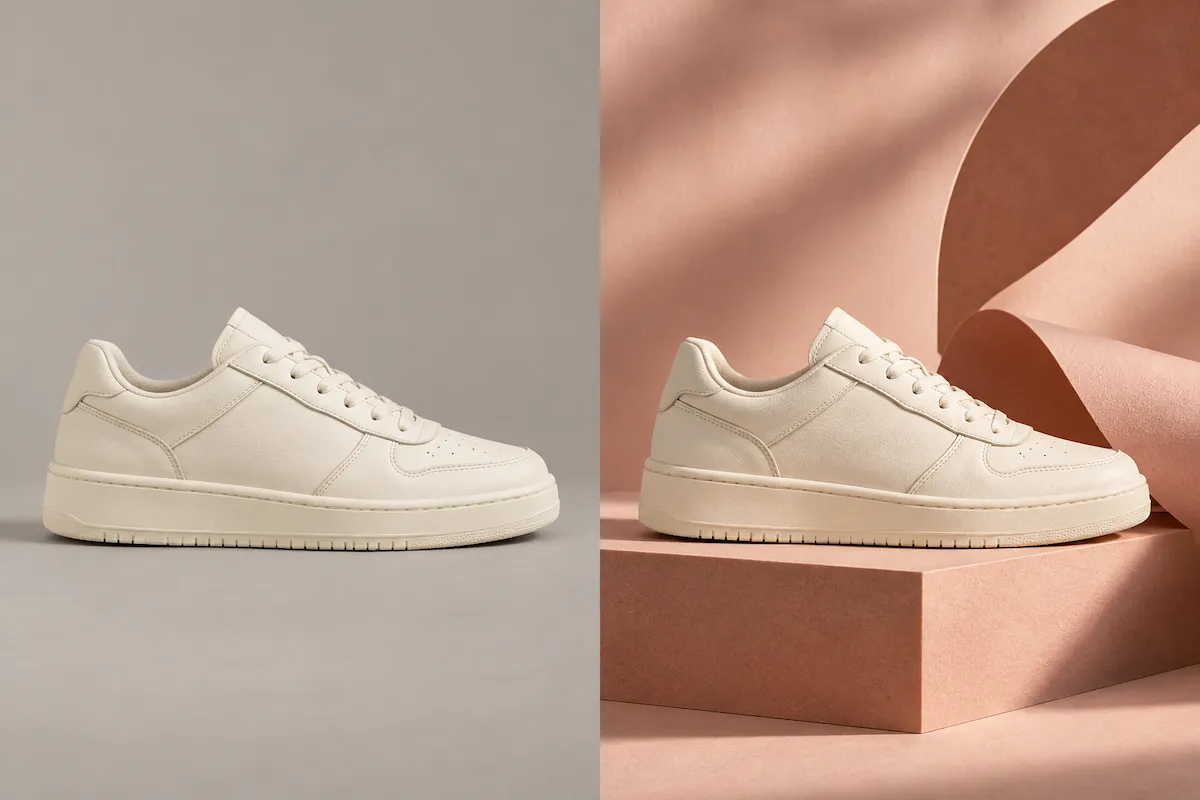
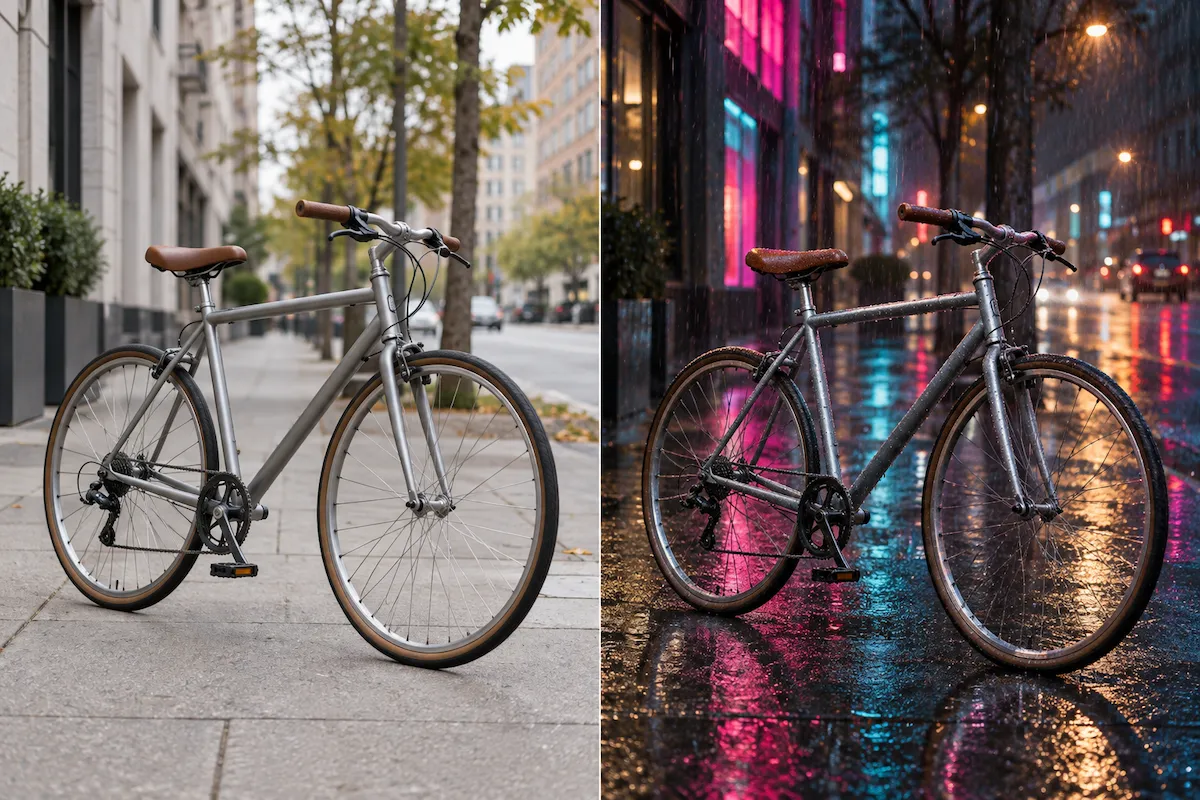
Change the style, mood, or setting
Give your image a hand-drawn finish, a polished editorial look, a different color palette, or an entirely new atmosphere. Describe the visual direction in plain English and use AI to explore the transformation without recreating the original idea from scratch.
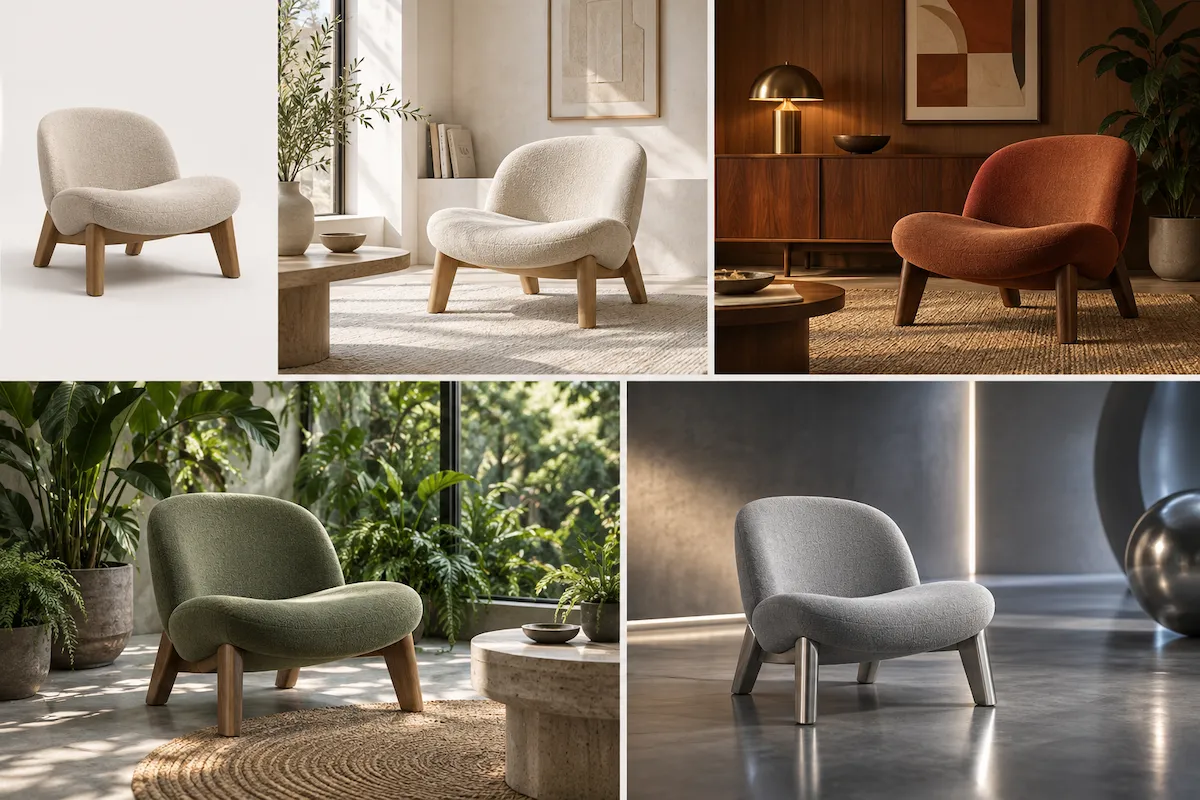
Compare image variations before finalizing a concept
Try several creative directions from the same source image, then compare what works best for your project. It is a practical way to develop concepts, refresh existing assets, and move from a rough reference to a stronger visual direction.
Describe the change with a simple prompt
Use your image as visual context, then describe the style, background, lighting, colors, materials, or mood you want to change.
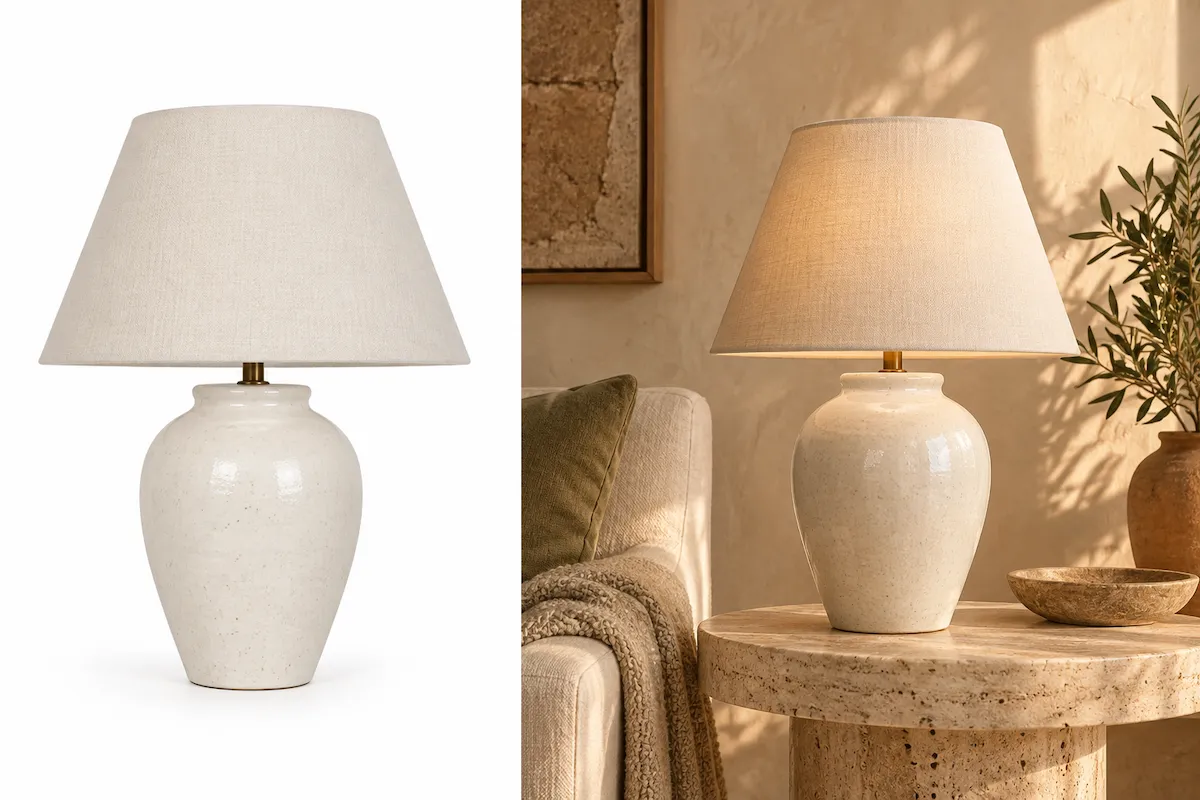
How to use the AI image to image generator
Go from a source image to a fresh visual in three straightforward steps.
Upload your image
Choose a photo, product image, sketch, illustration, or other visual reference that gives the AI a clear starting point.
Describe the transformation
Write a short prompt that explains what you want to change, such as the style, lighting, colors, background, setting, or overall mood.
Generate and refine
Generate a variation, compare it with your goal, then refine the prompt and generate again when needed.
Image-to-image AI use cases
Start with one reference image and create new visuals for illustrations, product campaigns, concept art, social posts, and photography.
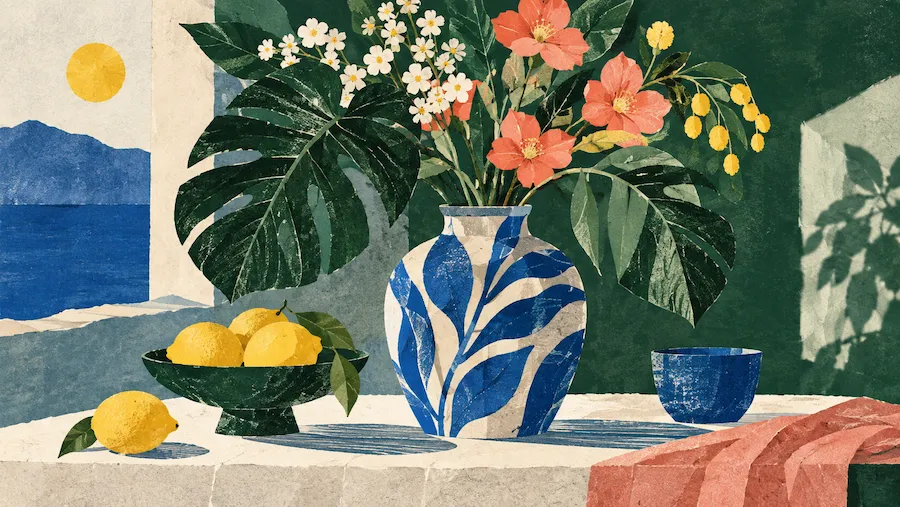
Restyle illustrations
Take a sketch or illustration in a new direction with a different art style, color treatment, texture, or mood. Explore polished concepts while keeping your original idea at the center of the process.
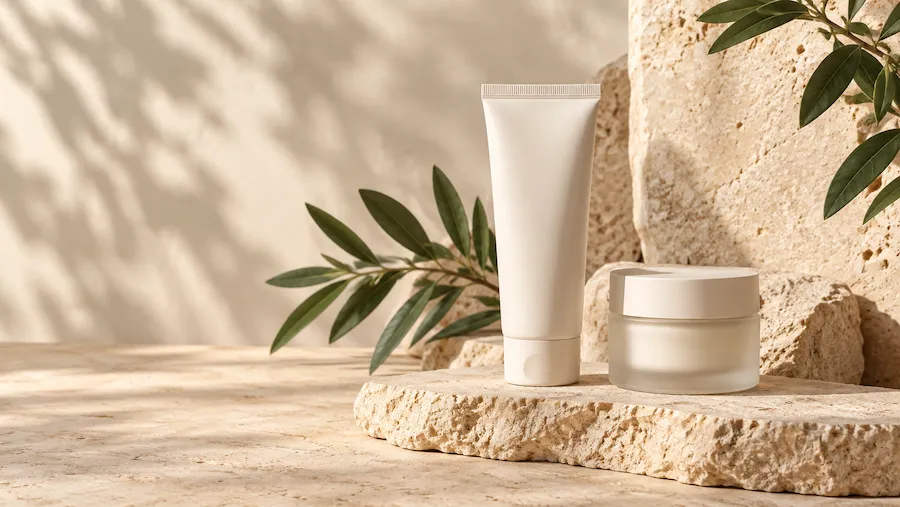
Create new product campaign scenes
Use a product image as the starting point for seasonal scenes, new backgrounds, and campaign concepts without recreating the original asset from scratch.
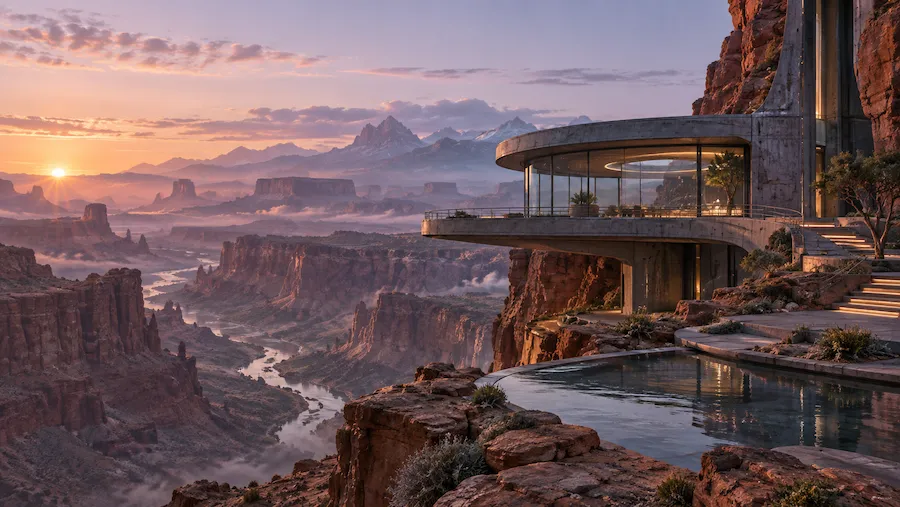
Develop concept art
Turn rough drawings, reference photos, and early visual ideas into richer concept directions. Generate variations for characters, environments, props, and scenes before investing time in a final design.
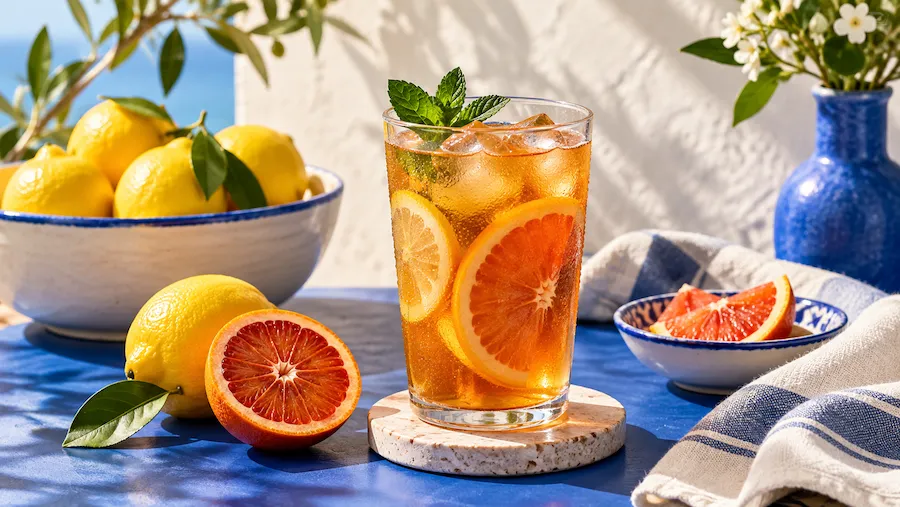
Refresh social media content
Give existing photos and graphics a new look for a post, story, or campaign. Use image to image generation to explore distinct aesthetics and keep your content library from feeling repetitive.
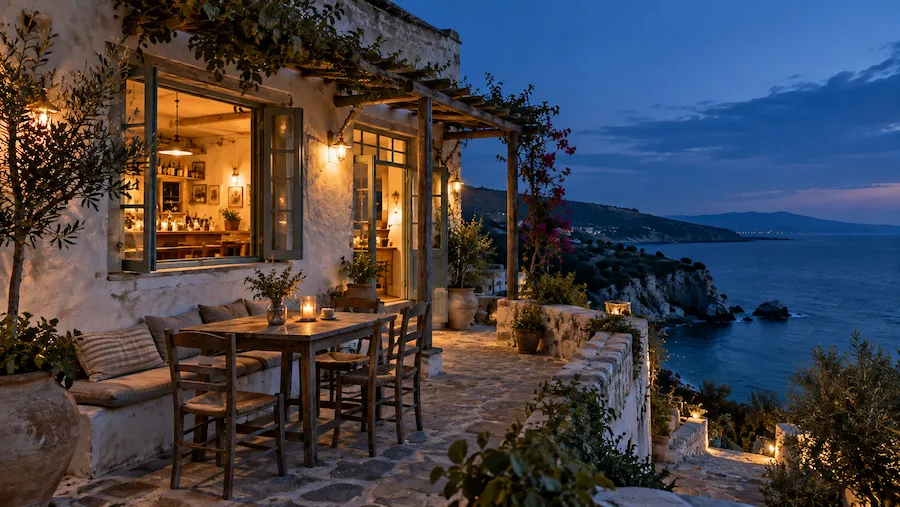
Explore new photo directions
Use a photo as a visual reference to try a different time of day, atmosphere, palette, or backdrop. It is a fast way to investigate creative options when you know the starting image but not the final look yet.
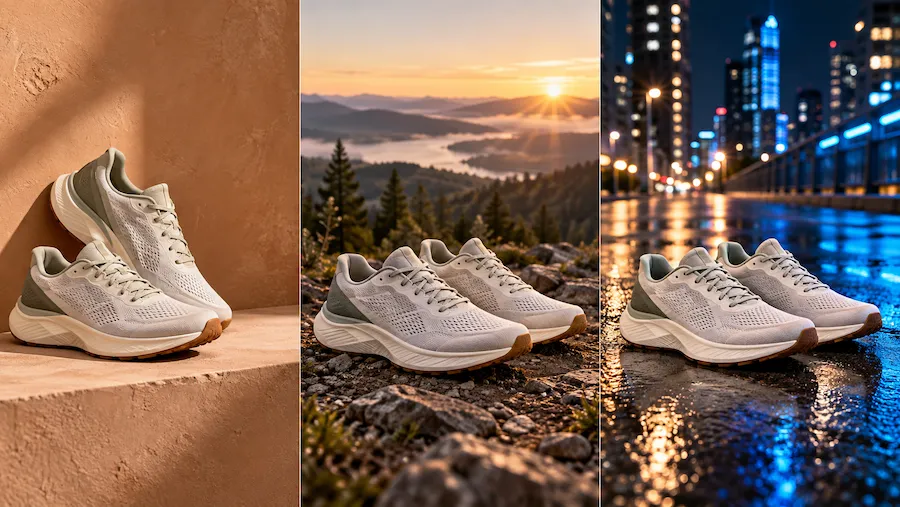
Build campaign directions
Turn a single visual reference into several creative territories your team can review. Explore different moods, styles, and settings before choosing the direction to develop for a launch, collection, or brand story.
Choose Your Plan
Free images include a watermark. Upgrade for watermark-free, high-quality downloads, faster generation, and commercial use.
Starter
50% Off
$9
$19
/month
Billed annually, $228$108/year
800 Credits/mo for generation
Up to 400 images/month
Access to premium AI models
High quality images
Faster generation
Private generation
No watermarks
Commercial use license
Pro
50% Off
$19
$39
/month
Billed annually, $468$228/year
2,000 Credits/mo for generation
Up to 1000 images/month
Access to premium AI models
High quality images
Faster generation
Private generation
No watermarks
Commercial use license
Early access to advanced AI features
Max
50% Off
$39
$79
/month
Billed annually, $948$468/year
4,500 Credits/mo for generation
Up to 2250 images/month
Access to premium AI models
High quality images
Faster generation
Private generation
No watermarks
Commercial use license
Lowest cost per credit
Early access to advanced AI features
Image to image AI FAQ
Image to image AI creates a new image from an existing one. You upload a source image as visual guidance and add a prompt that describes the style, scene, or change you want in the generated result.
Text to image starts with words and a blank canvas. Image to image starts with a visual reference, making it a better choice when you want an existing subject, composition, or creative idea to guide the next image. If you want to create from text alone, try our text-to-image generator.
You can start with clear photos, product shots, sketches, illustrations, designs, or previously generated images. Choose a source image that clearly shows the subject, composition, or visual qualities you want to use as guidance.
Focus on the change you want to see instead of describing every element from scratch. For example: "Turn this product photo into a warm, minimal studio scene with soft daylight and natural stone." Add details about style, lighting, colors, materials, or setting when they matter.
Yes. Use your prompt to name the style, background, lighting, color treatment, or atmosphere you want to explore. The source image gives the AI visual context, while the prompt directs the new creative direction.
Start with a clear reference image and make your prompt specific about the most important change. If the first variation is not quite right, revise the prompt with more detail about the visual direction you want, then generate another version.
No. Start with an image you already have and describe the change in everyday language. You do not need to know professional design tools to explore styles, scenes, and visual ideas with image to image AI.
Only upload images you created yourself or have permission to use. Respect copyright, privacy, and any other rights that apply to the source image before using it as an AI image reference.
Free users can try image-to-image AI, but generated images include a watermark and are not licensed for commercial use. Paid users get watermark-free, higher-quality images, faster generation, access to more advanced models, and commercial-use rights.
Yes. Paid users can use their generated images for commercial purposes.
Transform your reference image
Upload an image, describe the change, and generate a new style, scene, or variation.