
Nano Banana 2.1 AI Image Generator
Create and edit images with Nano Banana 2.1, Google’s AI image generation and editing model. Start with a text prompt or reference images to create realistic photos, graphics with readable text, or scenes with consistent characters. Adjust the lighting, background, and details with written instructions.
- Natural-looking images
- Readable text
- Consistent subjects
- Up to 4K output
Nano Banana 2.1 image generation and editing features
Nano Banana 2.1 improves realism, text rendering, and subject consistency while retaining the speed and cost efficiency of Google’s Flash image models.
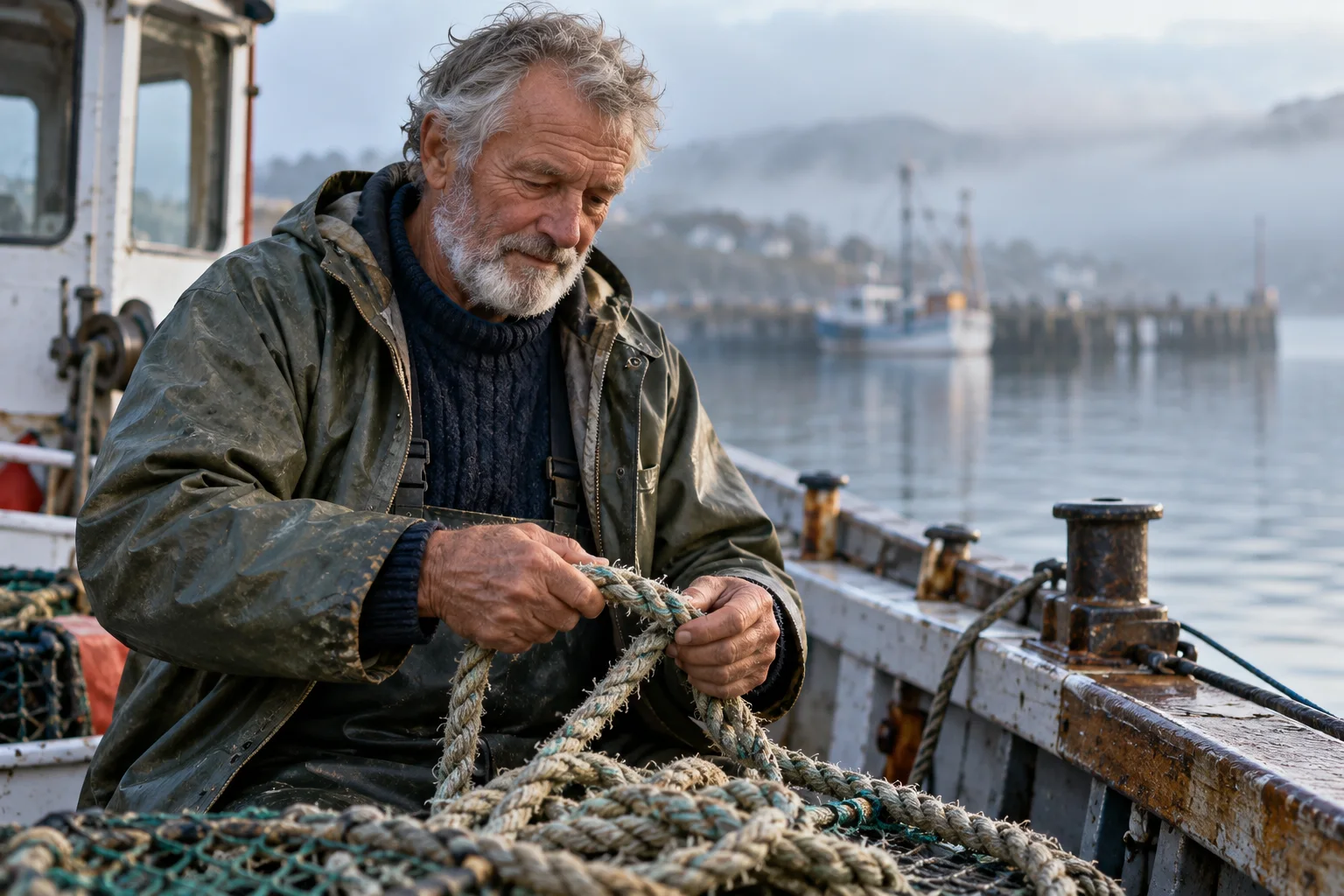
Realistic photos that follow your prompt
Describe the photo you need: a product on a studio background, a candid portrait, or a close-up of fabric in soft window light. Nano Banana 2.1 improves prompt following and realism in details such as skin texture, reflections, and shadows. Specify the framing, colors, and mood to guide the result. Output up to 4K gives you more detail for larger images and crops, whether you are working on product photography, lifestyle content, or a campaign.
Readable text in posters and graphics
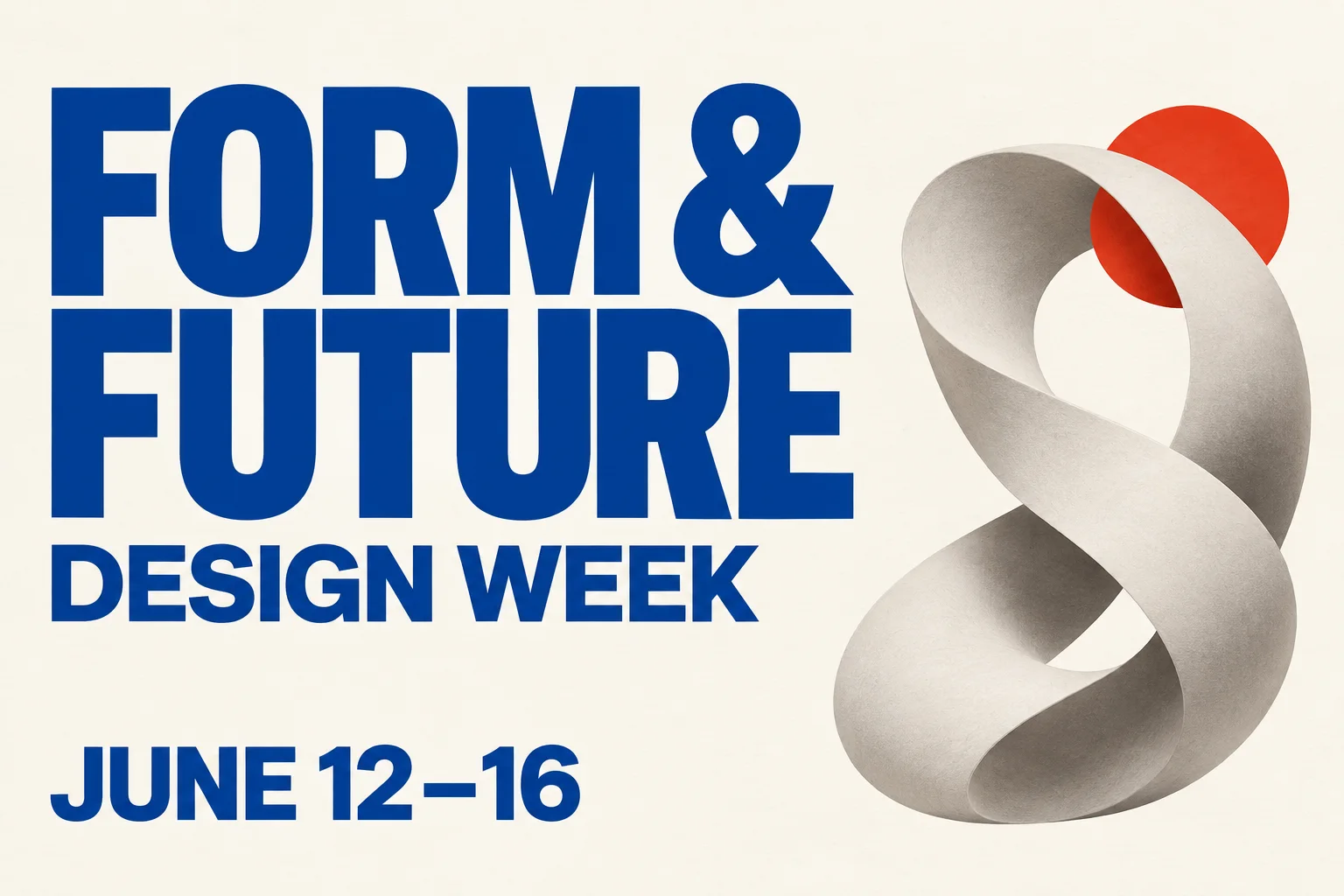
Include the words directly in a poster, menu, invitation, or infographic. Nano Banana 2.1 improves text rendering and layout accuracy for headlines, labels, and supporting copy. Put the exact wording in quotation marks, then specify its position, size, and lettering style. You can request text in different languages for localized designs. Proofread the result before publishing, especially small print and longer passages.
Keep characters and products recognizable
Use reference images when a face, outfit, product shape, or material needs to stay recognizable. Nano Banana 2.1 improves character consistency across edits and can combine multiple references in a new composition. Explain which image supplies the subject and which guides the setting, then name the details to preserve. You can place the same character in different scenes for a storyboard or move a product between settings for a campaign. Compare each result with your references to check for changes.
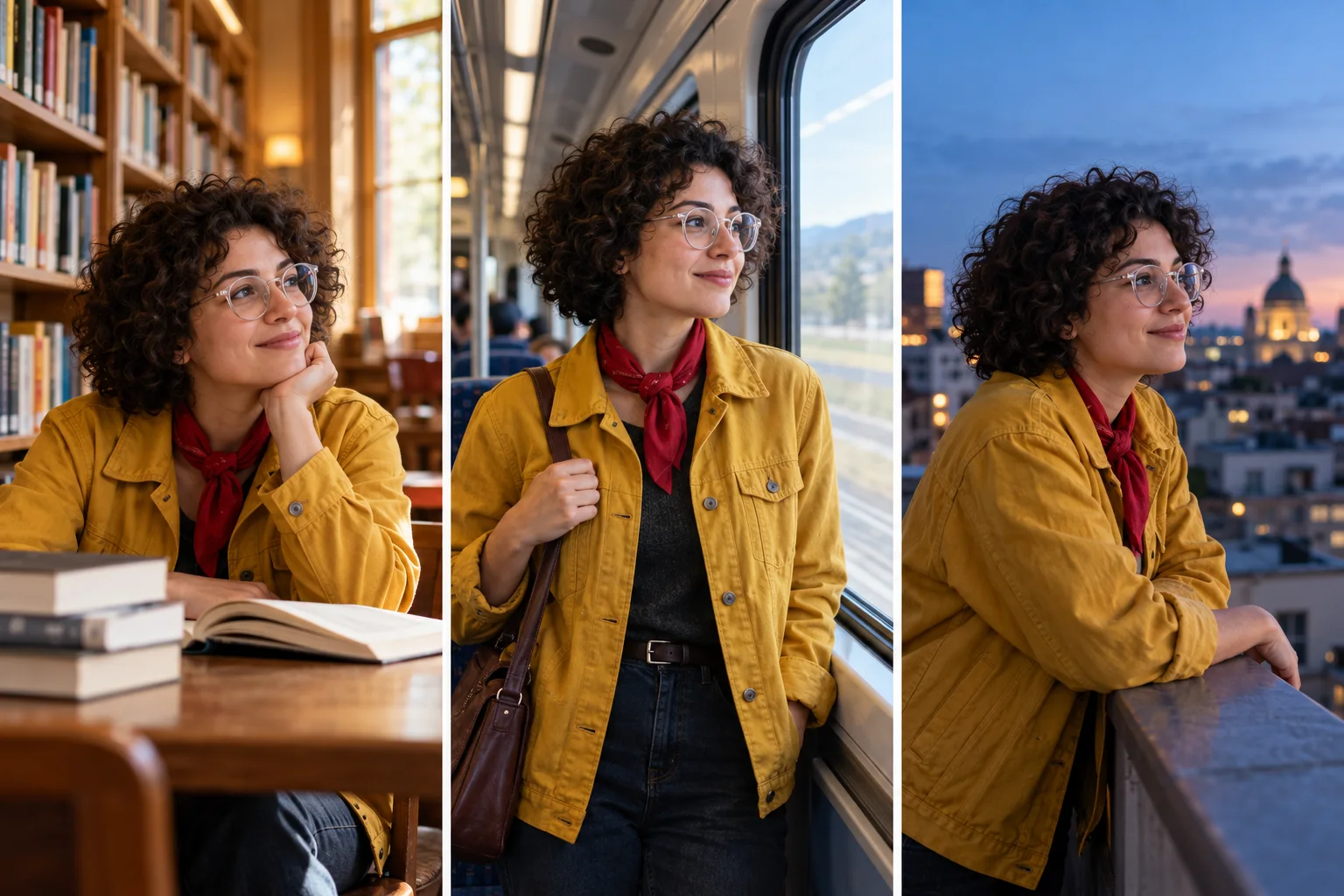
Edit photos with written instructions
Upload an image and describe the change: replace a background, adjust an outfit, remove an object, or shift the lighting. Nano Banana 2.1 uses image references alongside your instructions. Ask for a warmer setting while keeping the product and camera angle, or turn a photo into an illustration while preserving the subject. Its improved editing and stylization help you revise an existing image. Make one focused change at a time and compare the result with the original.
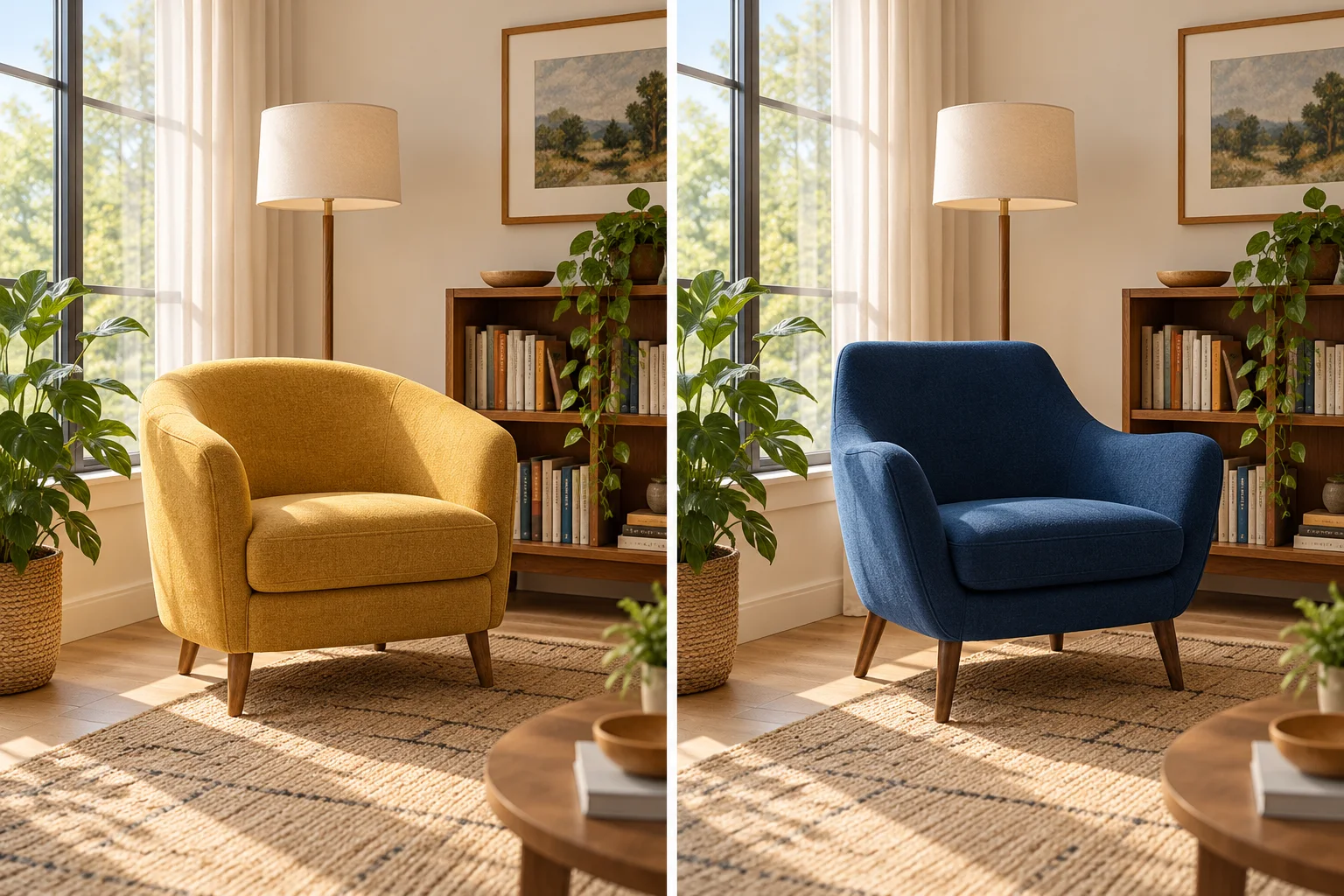
How to use Nano Banana 2.1
Begin with a text prompt for a new image, or upload a photo you want to edit. Add references when you need to preserve a subject or style.
Describe your image
Describe the subject, setting, and style, along with how you plan to use the image. Specify lighting, framing, and colors. For a poster or graphic, put the exact words in quotation marks and say where they should appear.
Add references and generate
Upload references to guide a person’s appearance, a product’s details, or a visual style. Say what to keep and what to change, then generate with Nano Banana 2.1. You can also create a new image using only a text prompt.
Review and download
Check the composition, subject details, and text. If something needs changing, use the result as a reference and describe the edit. Download the version you want to use.
What can you create with Nano Banana 2.1?
Use text prompts and reference images to create product photos, social posts, event artwork, or illustrations for a story or lesson.
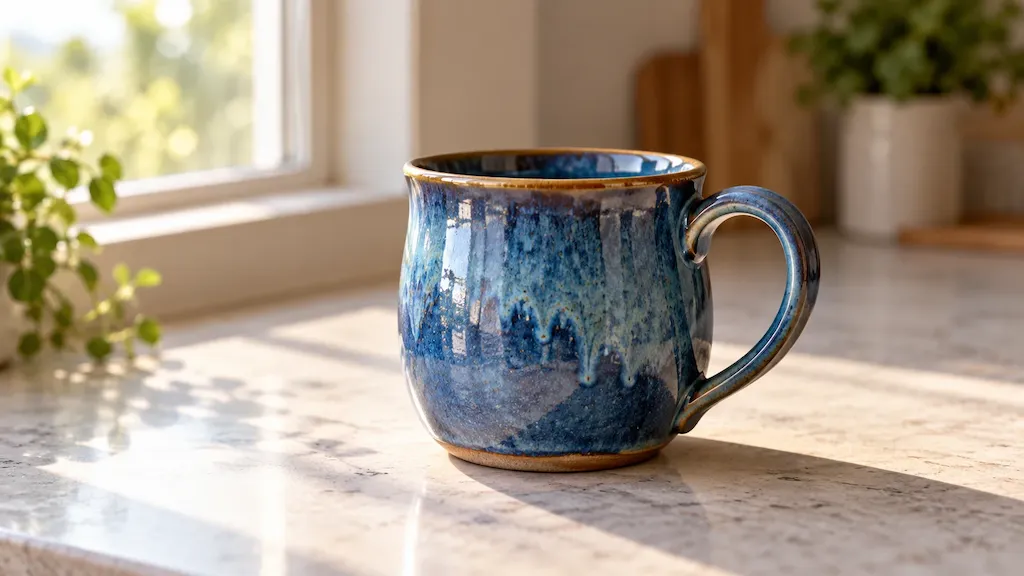
Product photography and lifestyle scenes
Use a reference photo to place your product in a studio, home interior, or outdoor scene. Specify the surface, props, lighting, and camera angle. Name the product details to preserve, and check its shape and packaging text before using the image in a listing or campaign.
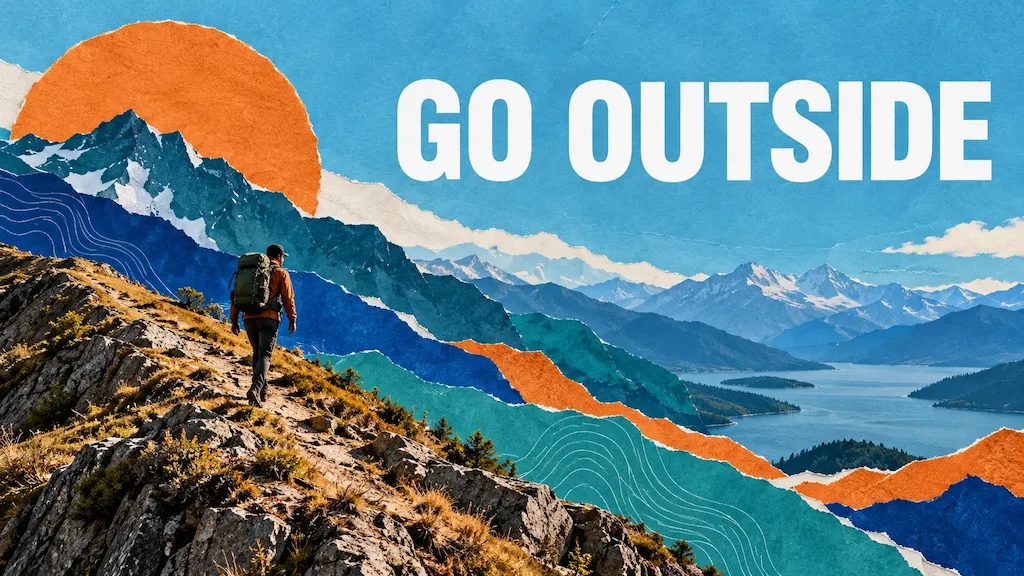
Social media posts and ads
Create a launch announcement, promotional graphic, or series of campaign images. Specify your brand colors, headline, and space for copy. Reuse subject references across variations, then compare backgrounds and compositions to choose the images for your campaign.
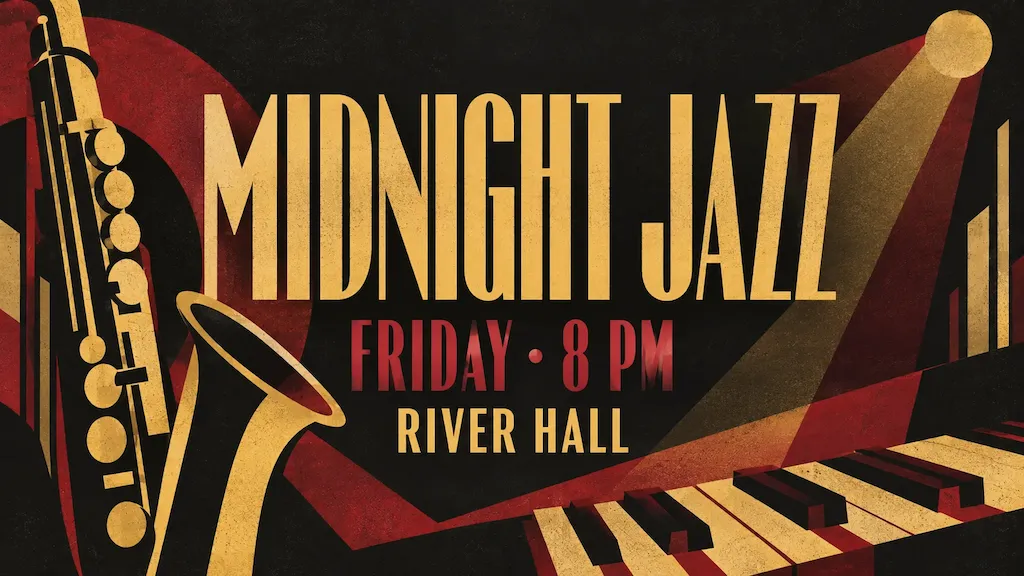
Posters, menus, and invitations
Design a café menu, workshop poster, or party invitation with illustrations and text. Supply the exact title, date, and supporting lines. Describe which text should stand out and the lettering style you want, from bold graphics to softer illustrated designs. Proofread every detail before sharing or preparing the artwork for print.
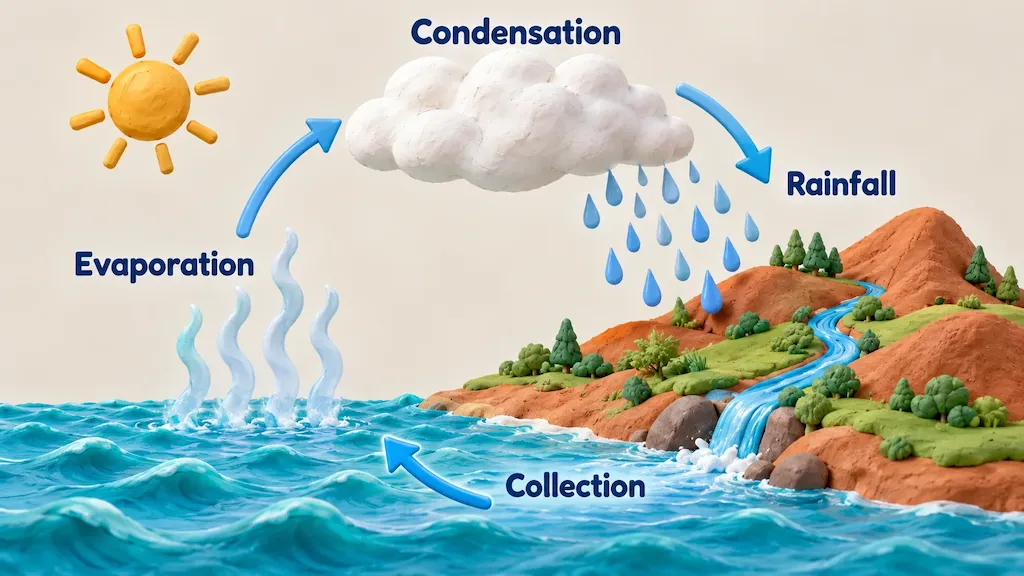
Infographics and educational illustrations
Create a process diagram, visual comparison, or illustrated lesson for a presentation or class. Supply the facts, labels, and sequence, then ask for arrows and distinct sections to guide the reader. Check factual details and chart proportions against your source data.
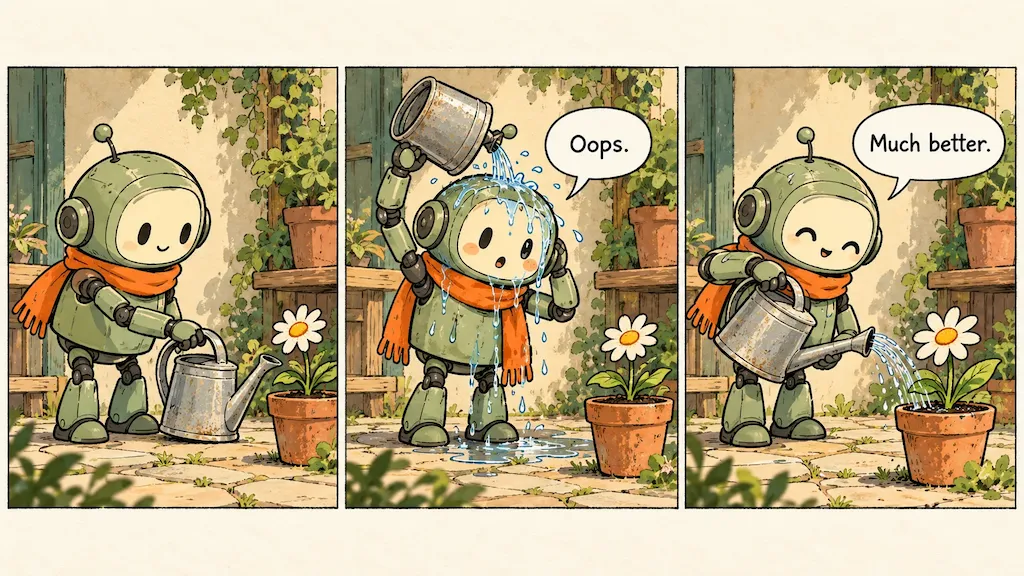
Characters, comics, and storyboards
Use a reference to establish a recurring character, then describe their action, expression, and setting in each scene. Improved subject consistency helps keep the character recognizable across a comic or storyboard. Add short speech bubbles, specify the panel order, and check the dialogue and sequence before sharing.
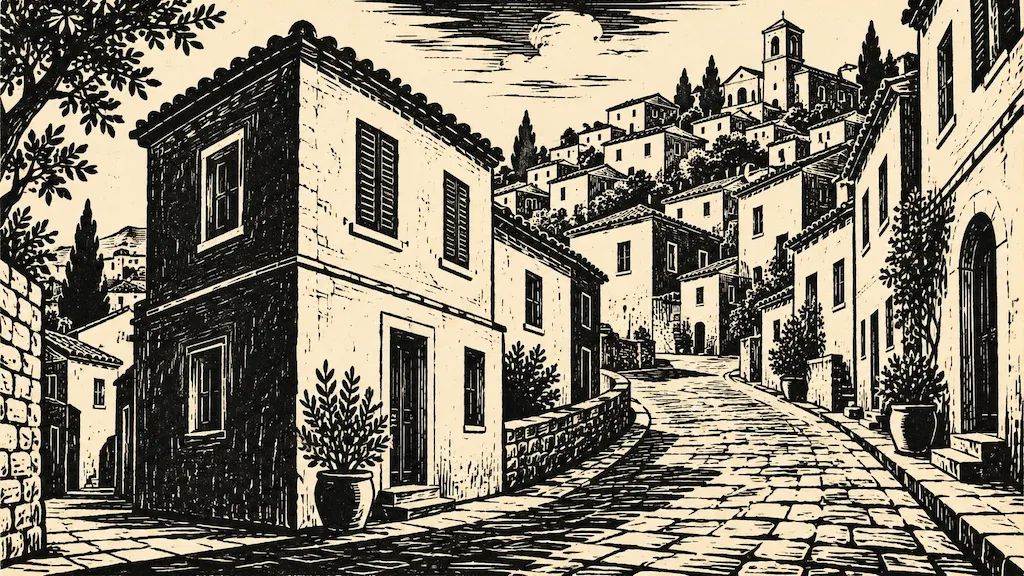
Photo restyling and creative concepts
Turn a photo into a watercolor, linocut, clay illustration, or cinematic scene. Identify the subject and composition to preserve, then describe the new materials, colors, and mood. Use the original image to guide a cover illustration, editorial visual, or concept for a design pitch.
Choose Your Plan
Free images include a watermark. Upgrade for watermark-free, high-quality downloads, faster generation, and commercial use.
Starter
50% Off
$9
$19
/month
Billed annually, $228$108/year
800 Credits/mo for generation
Up to 400 images/month
Access to premium AI models
High quality images
Faster generation
Private generation
No watermarks
Commercial use license
Pro
50% Off
$19
$39
/month
Billed annually, $468$228/year
2,000 Credits/mo for generation
Up to 1000 images/month
Access to premium AI models
High quality images
Faster generation
Private generation
No watermarks
Commercial use license
Early access to advanced AI features
Max
50% Off
$39
$79
/month
Billed annually, $948$468/year
4,500 Credits/mo for generation
Up to 2250 images/month
Access to premium AI models
High quality images
Faster generation
Private generation
No watermarks
Commercial use license
Lowest cost per credit
Early access to advanced AI features
Nano Banana 2.1 FAQ
Nano Banana 2.1 is Google’s AI image generation and editing model, released in October 2026 as an update to Nano Banana 2. It creates images from text prompts and uses reference images for edits or new compositions. The Google model overview describes improvements in realism, prompt following, text rendering, and character consistency while retaining Flash-level efficiency.
Nano Banana 2.1 updates Nano Banana 2 with improved image quality, text rendering, infographic layouts, and consistency across edits. Google positions it as an efficient counterpart to Nano Banana Pro. In Google’s published evaluations, Nano Banana 2.1 scores higher than both models on editing and infographic design tasks. These are benchmark results; compare the models with your own prompts and references to choose one for your project.
Yes. Upload a photo and describe the change, such as a new background, warmer lighting, a different outfit, or an illustration style. Say which details to preserve. For example: "Place this bottle on a pale stone counter with soft morning light. Keep the bottle shape, cap, and label text unchanged." Check the result for unintended changes, especially in fine details.
Yes. It supports headlines, menu items, diagram labels, and short dialogue in multiple languages. Quote the exact words and specify each line’s position, size, and lettering style. Split longer messages into short sections with enough space. Small lettering, long paragraphs, and line breaks can still cause errors, so proofread spelling, numbers, and translations before publishing.
It improves character and product consistency when you use references and make successive edits. Google documents support for up to 14 reference images, with consistency for up to four characters and fidelity for up to ten objects. The upload limit depends on the interface. Supply clear references and name the features, clothing, or packaging to preserve. Exact likeness and fine details can still change, so compare each result with the original.
Yes. Nano Banana 2.1 supports 1K, 2K, and 4K output in portrait, square, landscape, and panoramic formats for banners, vertical artwork, and campaign images. Google reports fixes for tiling artifacts at 2K and 4K in ratios including 4:1, 1:4, 8:1, and 1:8. Available options depend on the interface. Check spelling, composition, and print requirements separately from resolution.
Describe the subject and setting, then specify the composition, lighting, style, and intended use. Put any text in quotation marks. For edits, say what should change and what should stay the same. For example: "Create a product photo of this ceramic mug on a cream background, with soft light from the left and room for a headline on the right. Keep its shape, handle, and blue glaze." If a detail is wrong, use the result as a reference and ask for one focused correction.
Nano Banana 2.1 retains Flash-level speed and cost efficiency while improving image quality and editing. Generation time varies with the request, resolution, and service load. See the pricing section for Wymagine’s plans and check the generation cost before creating an image, especially if you plan to try several versions or edits.
Create an image with Nano Banana 2.1
Describe a new image or upload a photo to edit. Generate with Nano Banana 2.1, review the result, and adjust the details before downloading.