

AI Text to Image Generator
Turn written ideas into high-quality visuals with Wymagine's AI text to image generator. Describe the subject, style, scene, and details you want, then generate and refine an image that fits your brief.
- Text-to-image
- Style control
- Reference images
- Refine results
Text to Image Generator for Creating and Refining Visual Ideas
Create images from a text prompt, use reference images when visual context matters, and generate variations to refine the details.
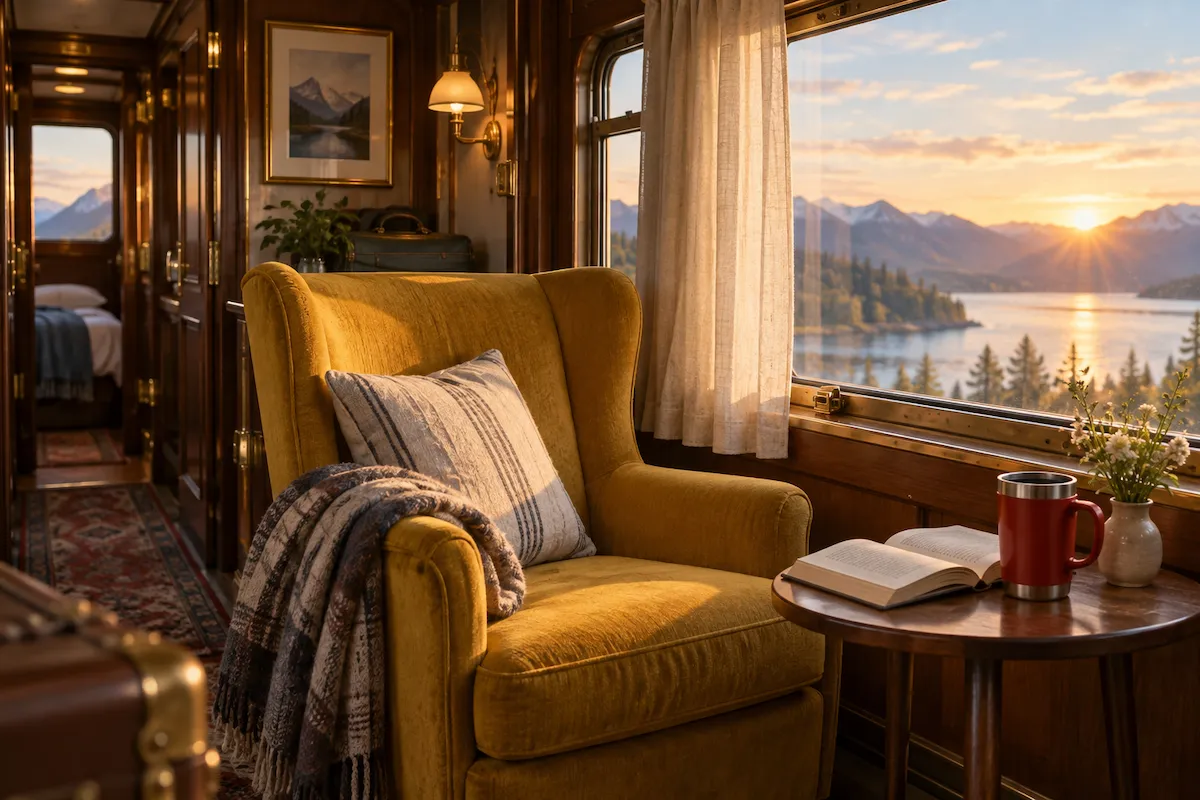
Describe what you want to see
Write your idea in plain English. A clear text-to-image prompt can name the subject, setting, action, and visual details—such as materials, colors, lighting, or camera angle—so the image starts closer to what you have in mind.
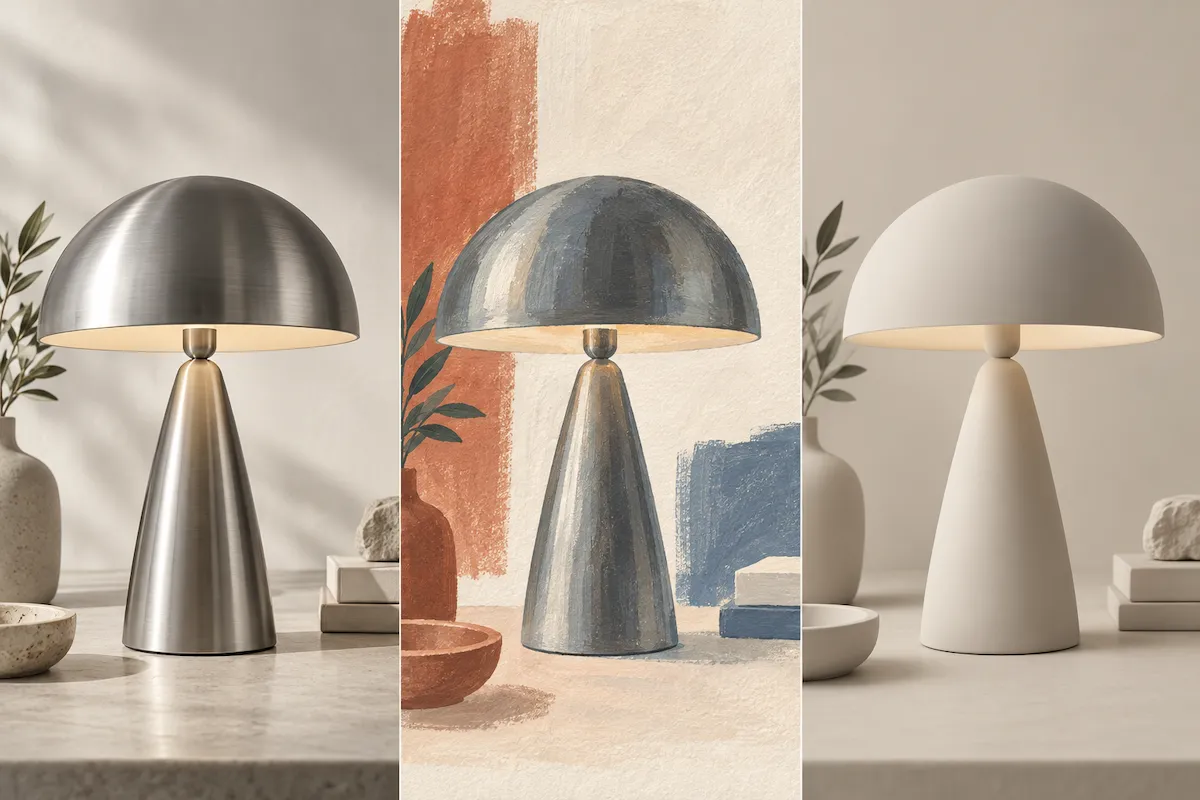
Shape the look and feel
Tell the AI whether you want a product photo, editorial illustration, cinematic scene, 3D render, or something else. Add the mood, composition, palette, and style cues that make the image feel right for your brand, story, or campaign.
Use references for clearer direction
When words are not enough, pair your prompt with a reference image. It gives the generator a stronger visual starting point for a look, composition, or subject direction while your text defines what you want to create.
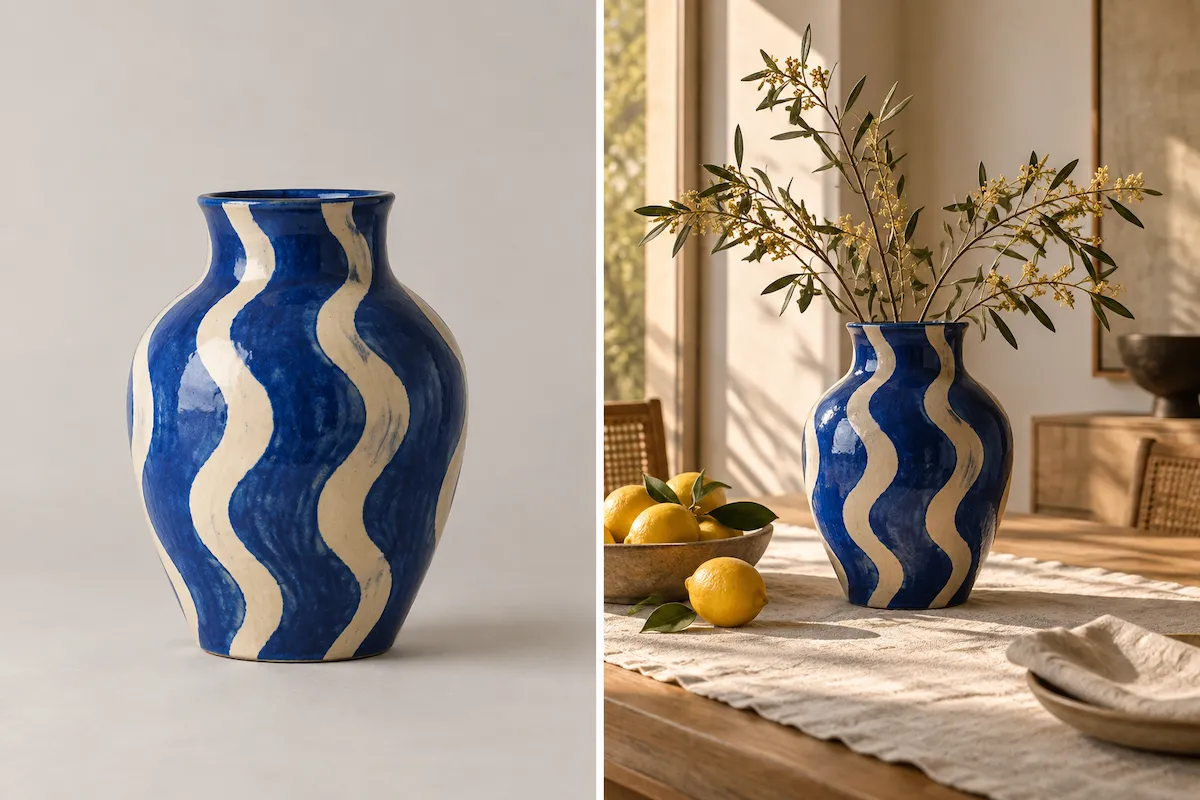
Refine the result, not your whole idea
Use the first image as a starting point, then request a new variation or change the details that need work. Adjust the background, styling, composition, color, or scene without rewriting the entire creative brief from scratch.
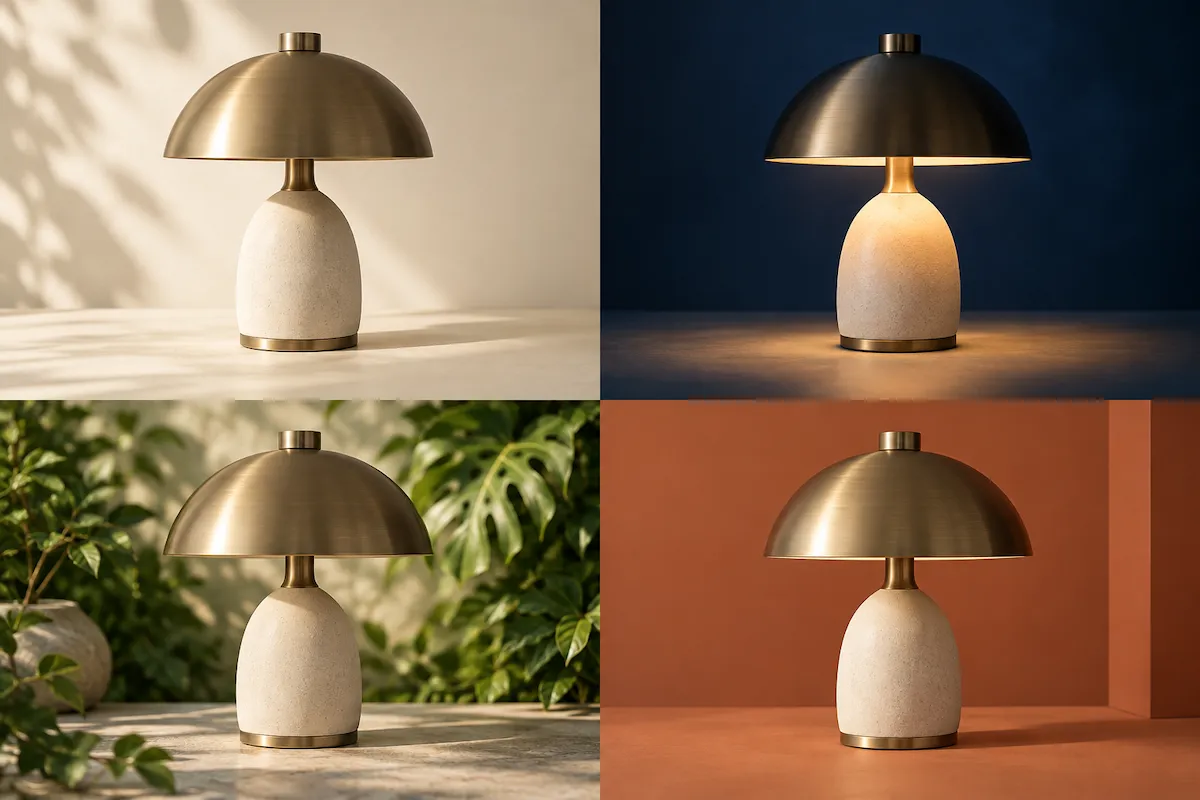
How to use the AI text to image generator
You do not need special prompt syntax. Write a clear description, add the visual direction that matters, and improve the first result until it fits your goal.
Describe your image
Start with the main subject and scene. Then add useful context, such as who or what is in the image, where it takes place, what is happening, and the mood you want to create.
Add visual direction
Choose the model, aspect ratio, output count, and quality that fit where the image will appear. Then add the prompt details that shape style, lighting, color, and composition.
Generate and refine
Generate your first version, then build on what works. Ask for a variation, change a detail, or use a reference image to move the result closer to your creative brief.
Text to image for the visuals you need
From a quick creative spark to a polished campaign concept, use AI text to image generation to create visual starting points for work, content, and personal projects.
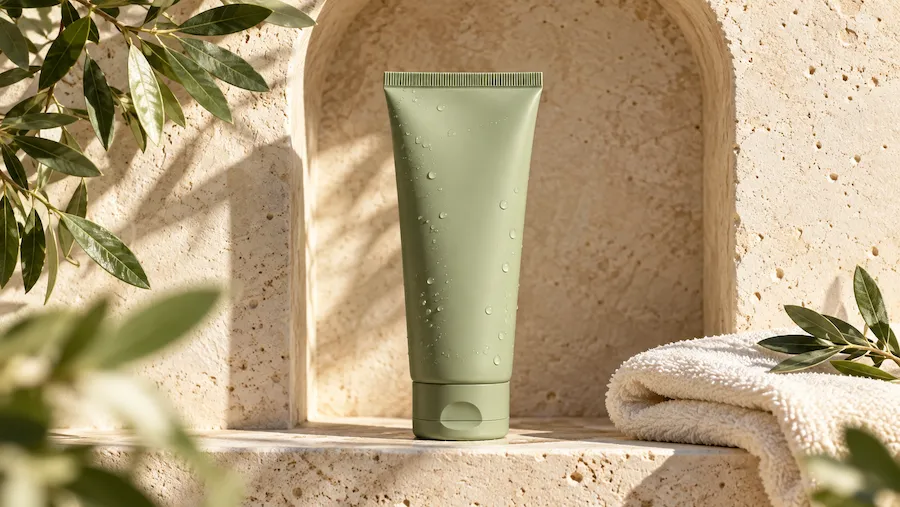
Product concepts and mockups
Visualize a new product, package, or launch idea before commissioning a shoot. Create a range of visual directions—from clean studio scenes to lifestyle settings—to help your team choose what to develop.
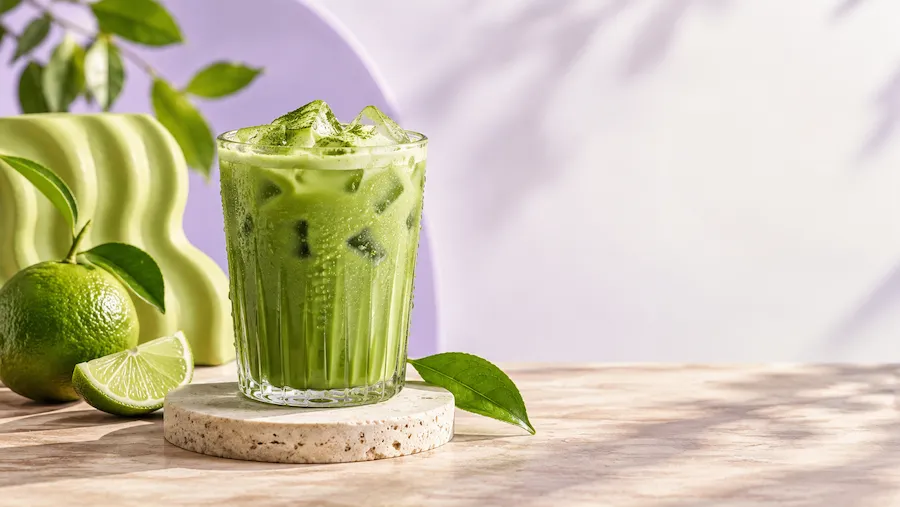
Social media visuals
Produce eye-catching images to support posts, reel covers, thumbnails, and content series. Generate fresh scenes for recurring topics without relying on the same stock-photo look.
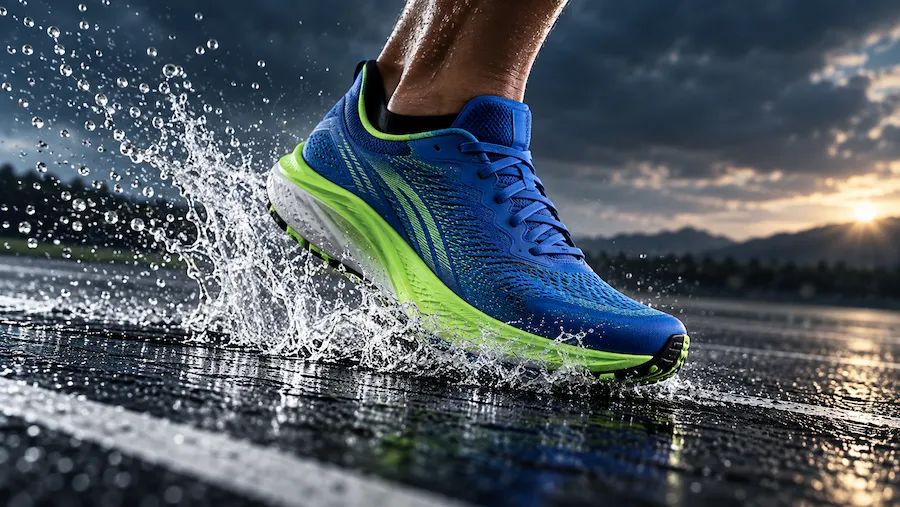
Ads and campaign concepts
Turn campaign lines and rough creative briefs into visual starting points for ads, landing pages, and pitch decks. Test moods, compositions, and messages quickly before the production budget is committed.
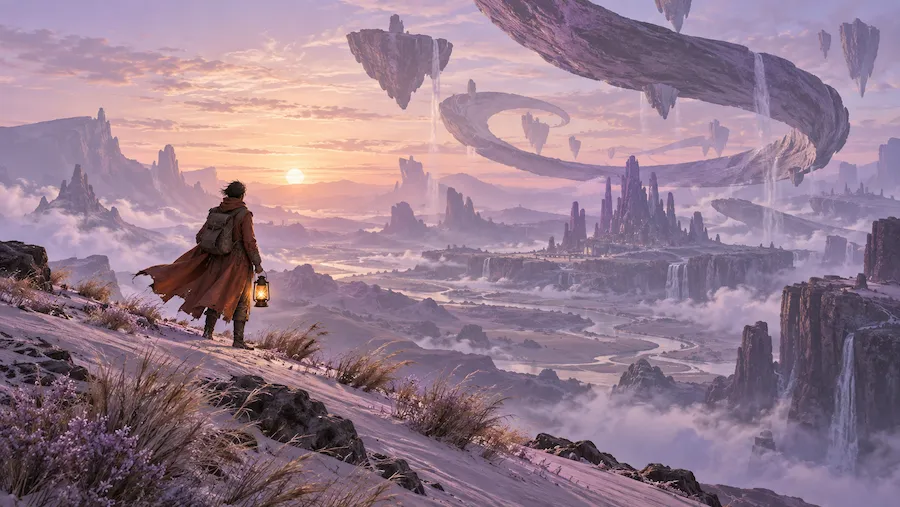
Storytelling and concept art
Bring characters, worlds, story moments, and imagined places into view. Explore different visual treatments for game ideas, books, videos, or personal creative projects.
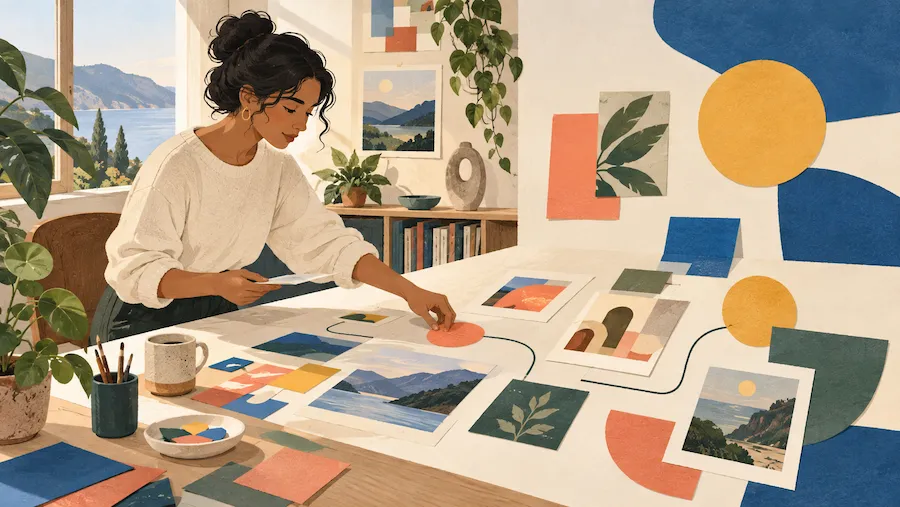
Blog and editorial images
Create visuals that give an article, newsletter, or presentation a clear point of view. Describe the subject and style you need rather than spending hours searching for an almost-right stock image.
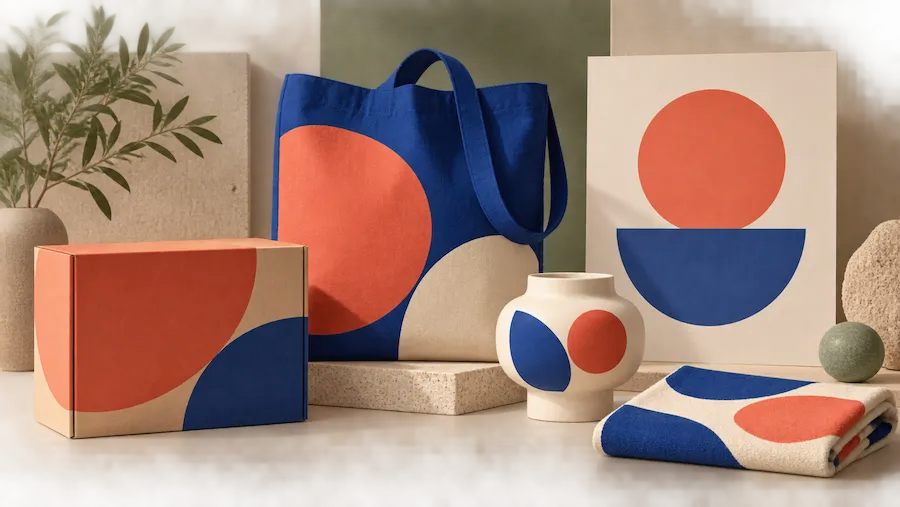
Brand explorations
Explore a new visual direction for a brand, collection, or season. Use consistent descriptions and references to generate a coherent set of campaign concepts—not just one isolated image.
Choose Your Plan
Free images include a watermark. Upgrade for watermark-free, high-quality downloads, faster generation, and commercial use.
Starter
50% Off
$9
$19
/month
Billed annually, $228$108/year
800 Credits/mo for generation
Up to 400 images/month
Access to premium AI models
High quality images
Faster generation
Private generation
No watermarks
Commercial use license
Pro
50% Off
$19
$39
/month
Billed annually, $468$228/year
2,000 Credits/mo for generation
Up to 1000 images/month
Access to premium AI models
High quality images
Faster generation
Private generation
No watermarks
Commercial use license
Early access to advanced AI features
Max
50% Off
$39
$79
/month
Billed annually, $948$468/year
4,500 Credits/mo for generation
Up to 2250 images/month
Access to premium AI models
High quality images
Faster generation
Private generation
No watermarks
Commercial use license
Lowest cost per credit
Early access to advanced AI features
Text to image generator FAQ
Text to image is a form of generative AI that creates a new image from a written description. You explain the subject and visual direction you want, and the model produces an image that interprets your prompt.
Write a prompt describing the image you want to make, then generate a result. Wymagine interprets the text and creates an image from it. If the first version is not right, you can adjust the description, make a variation, or add a reference image and generate again.
Wymagine brings prompt-based generation, reference images, and refinement into one creative workflow. You can use clear, everyday language to direct the result, explore variations, and keep improving the details without starting your idea over.
Start with a clear subject and setting, then add action, style, lighting, color, composition, and mood. For example: ‘A quiet corner coffee shop at golden hour, warm wood, soft film grain, editorial photography.’ Change one detail at a time when refining.
No. You can begin with a simple sentence in everyday language and add detail as you go. Design experience can help you describe a visual direction more precisely, but the generator is built to turn clear ideas into images without requiring specialist tools or prompt syntax.
Yes. A reference image can help communicate visual details that are difficult to describe, such as an overall style, composition, or subject direction. Use your text prompt alongside it to explain what should stay, change, or be added in the new image.
You can create product concepts, lifestyle scenes, social media visuals, campaign ideas, editorial illustrations, character art, and more. The result depends on the detail and direction in your prompt, so the same idea can be explored in several styles or formats.
Free users can try Wymagine and generate watermarked images for personal, non-commercial use. Paid users receive watermark-free, higher-quality generations with faster speeds, access to more advanced models, and commercial-use rights.
Images generated with an active paid subscription or Credit Pack Member benefit may be used commercially, subject to Wymagine’s Terms of Use and applicable laws. Free-plan images are for personal, non-commercial use and include a watermark.
Yes. Treat the first generation as a draft. You can revise the prompt to change the background, color, styling, composition, or other details, then generate another version that moves closer to the image you need.
Keep the important details in your prompts consistent, including the subject, style, palette, lighting, and composition. When a particular look matters, use reference images and refine successful results instead of starting every prompt from zero.
Turn your next idea into an image
Write a prompt, explore the direction, and refine the result in one place. Create your first text-to-image visual with Wymagine AI.