
Nano Banana Image Generator
Create and edit images with Nano Banana (Gemini 2.5 Flash Image). Start from a prompt or a reference refine people, products, backgrounds, and styles with simple, natural-language instructions.
- Text to image
- Image references
- Image editing
- Style variations
Why use Nano Banana for image generation and editing?
Built for fast image generation and conversational editing, Nano Banana helps you turn a prompt or reference image into several creative directions quickly. Make focused changes, keep what works, and refine without recreating the image.
Edit images with everyday language
Upload an image and say exactly what you want to change. Ask Nano Banana to replace a background, add or remove an object, change an outfit, adjust the setting, or shift the mood. A clear instruction gives you a direct way to explore edits without rebuilding the whole image from scratch.
Keep people and pets recognizable
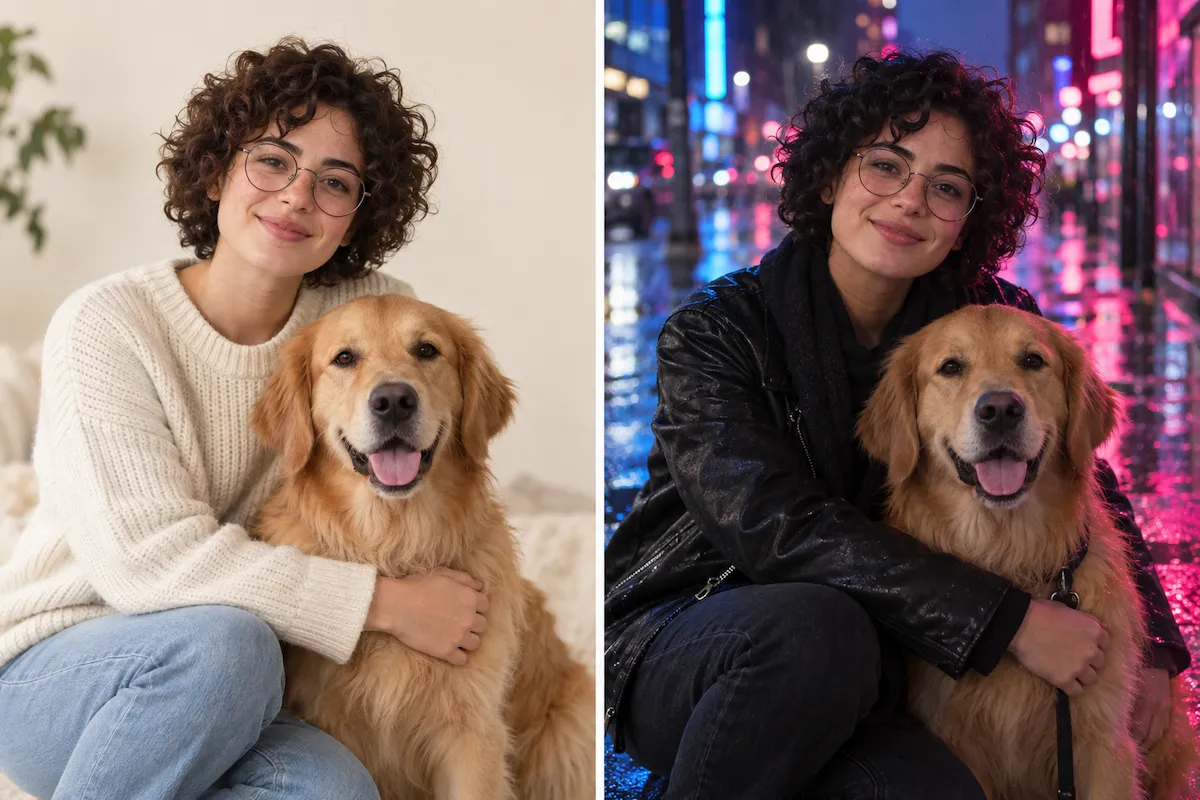
The original Nano Banana was designed with subject consistency in mind. When you place a person or pet in a new outfit, location, era, or style, it aims to retain the details that make the subject recognizable. That makes it useful for personal photos, character concepts, and visual stories that need continuity.
Blend reference images into one scene
Bring separate ideas together in a single visual. Use a photo of a person, product, pet, object, or style reference, then describe how they should work together. Nano Banana works with multiple reference images, giving you a practical way to combine references instead of settling for a generic result.
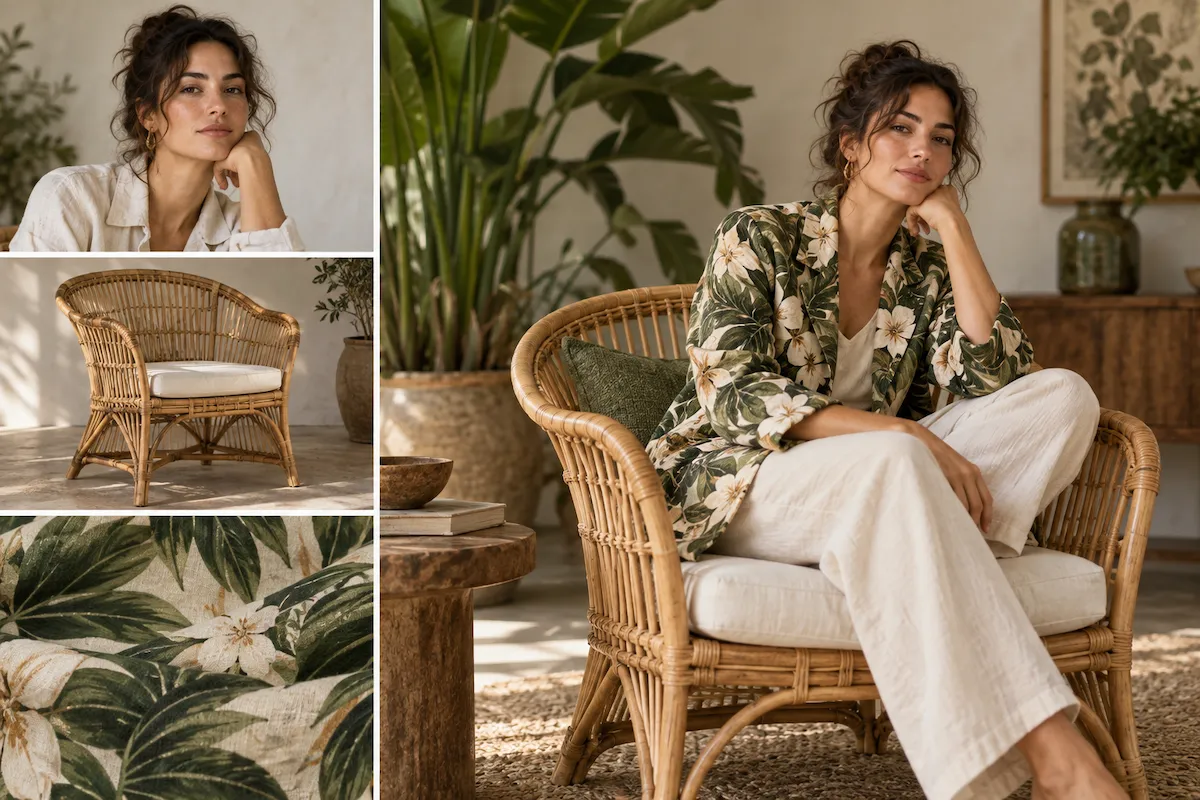
Refine your image one change at a time
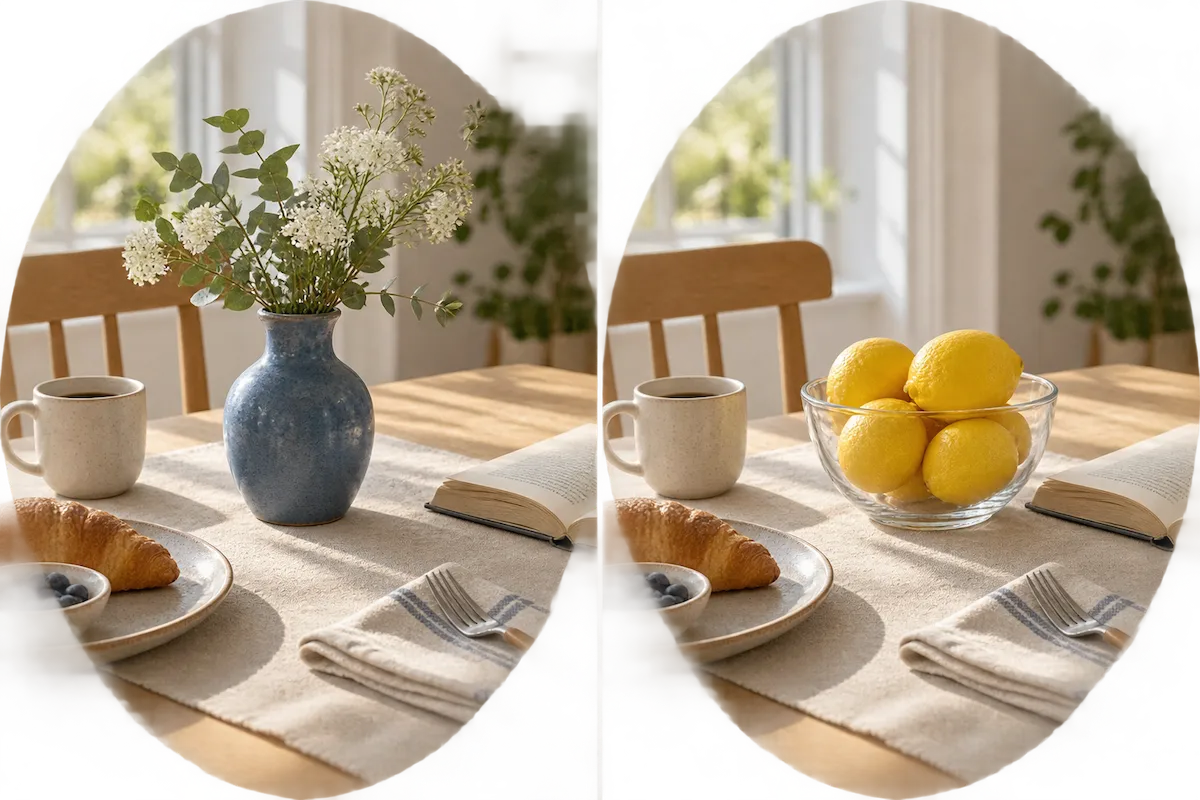
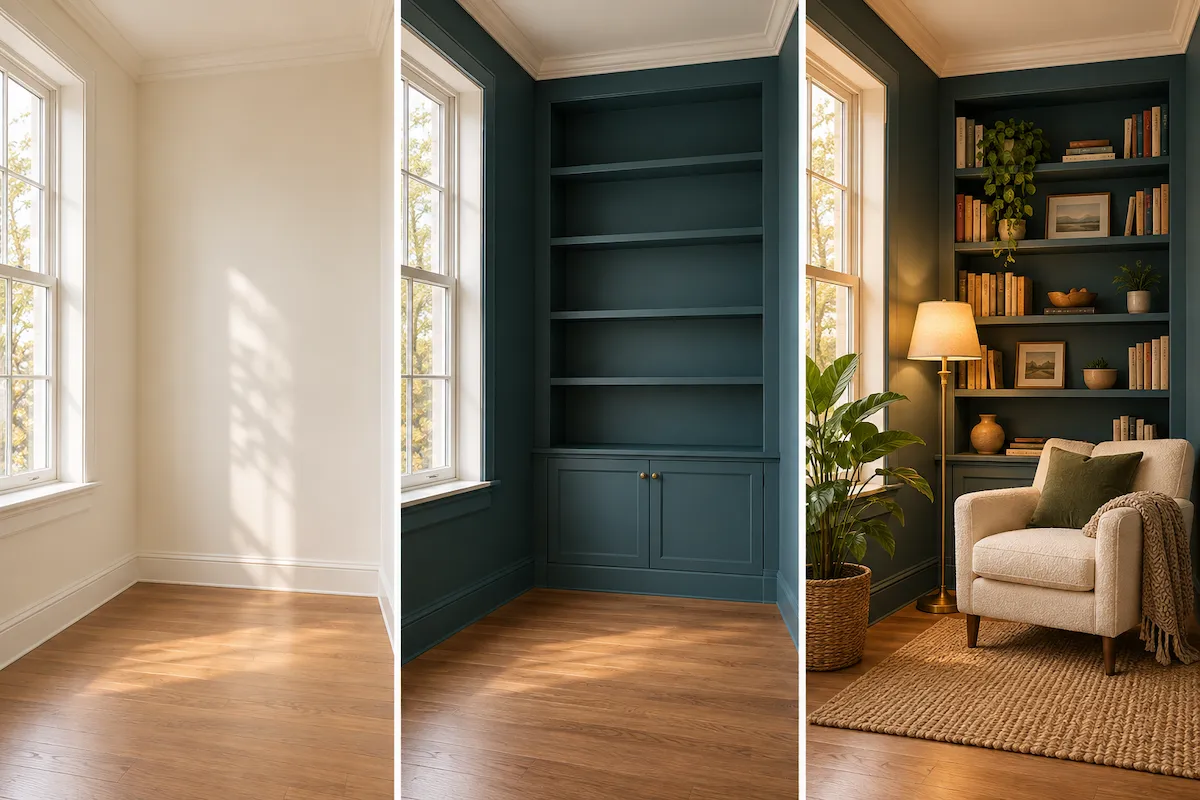
Creative direction rarely arrives in one perfect prompt. With Nano Banana, you can make an image, then continue with focused follow-up edits: change the lighting, swap the furniture, try a new color palette, or simplify the composition. This iterative workflow helps you preserve what already works while improving the details that do not.
How to generate and edit images with Nano Banana
Start with a text prompt or reference image. Describe what must stay the same and what should change, then use focused follow-up prompts until the result is ready to download.
Start with a prompt or image
Describe the visual you have in mind, or add an existing image as your starting point. Include the subject, scene, style, and any important details you want Nano Banana to keep.
Describe the result you want
Write your request in plain English. For edits, name the element to change and the result you want, such as “replace the wall with warm wood paneling” or “put the product on a clean studio backdrop.”
Refine, vary, and download
Review the image and keep the conversation going. Ask for one targeted adjustment at a time to protect the parts you like, compare creative directions, and download the version that is ready to use.
What can you create with Nano Banana?
Use Nano Banana as a text-to-image generator or AI photo editor when a reference needs to remain recognizable while its setting, styling, or story changes.
Product image variations
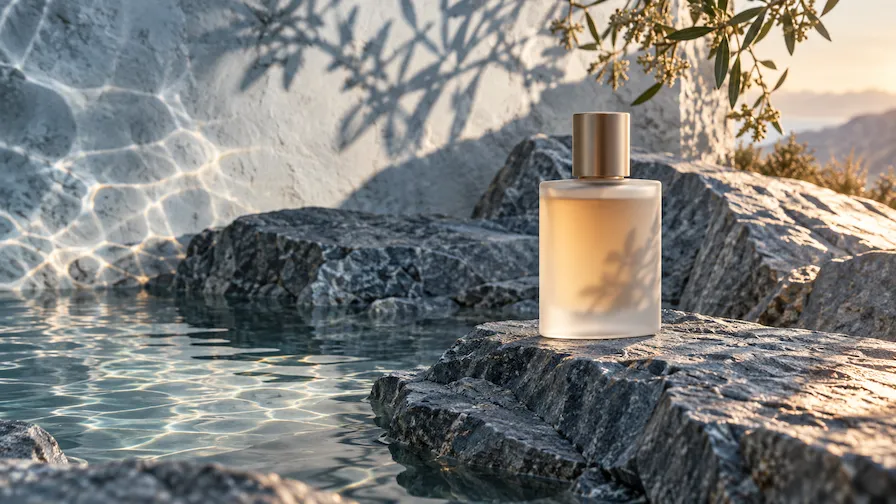
Turn one product photo into a set of campaign-ready scenes. Keep the product as the focal point while testing new backdrops, seasonal styling, props, colors, and lifestyle contexts for product pages, ads, or social posts.
Portrait and pet transformations
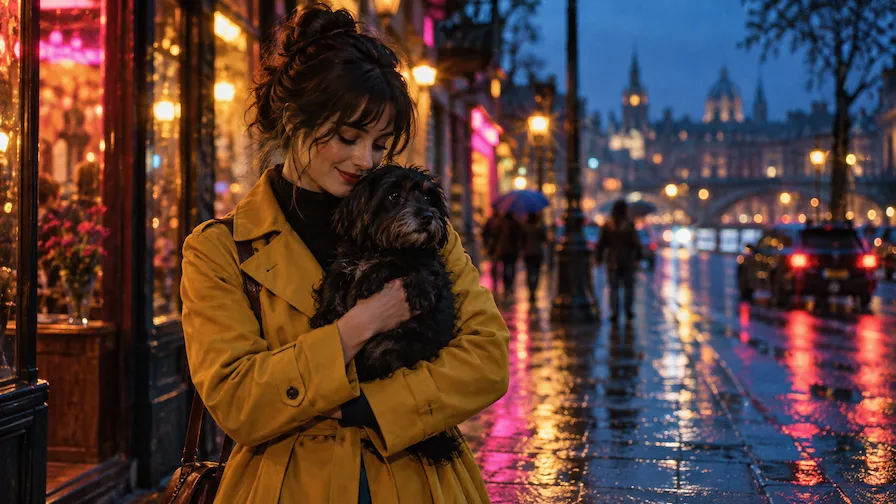
Reimagine a favorite photo while keeping the person or pet at its center. Try a new outfit, a different era, a fantasy setting, or a polished portrait style without losing the recognizable subject that makes the image personal.
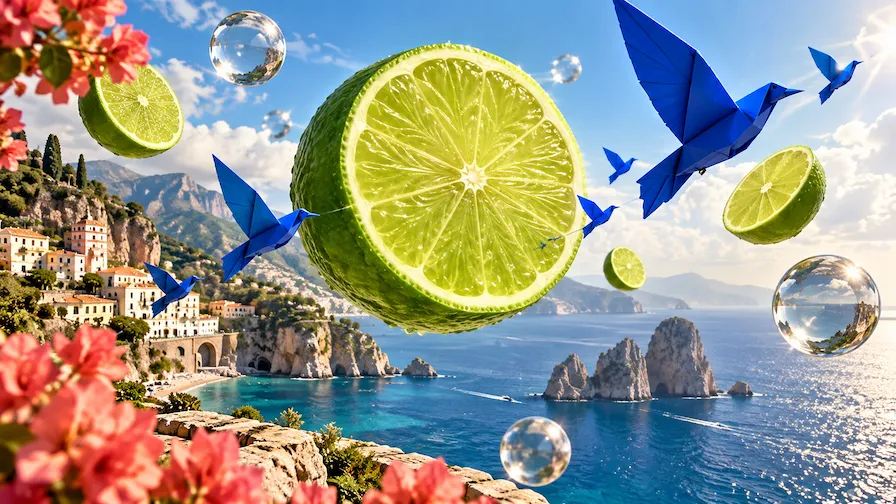
Social media creative
Make original visuals for launches, announcements, stories, and posts. Start with a simple concept or existing asset, then quickly explore different scenes and visual styles that give each piece of content its own hook.
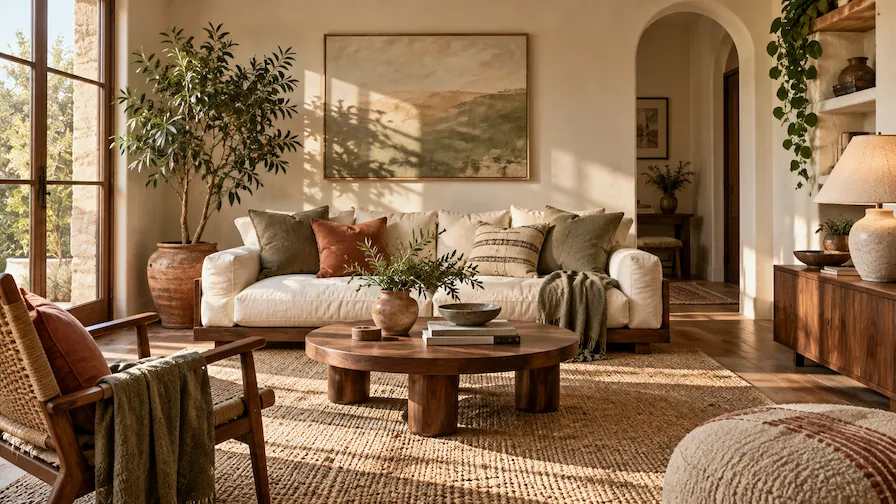
Room and interior concepts
Upload a room photo and test a fresh direction before committing to it. Change wall colors, furniture, lighting, decor, or the overall style while using the original space as the reference for your idea.
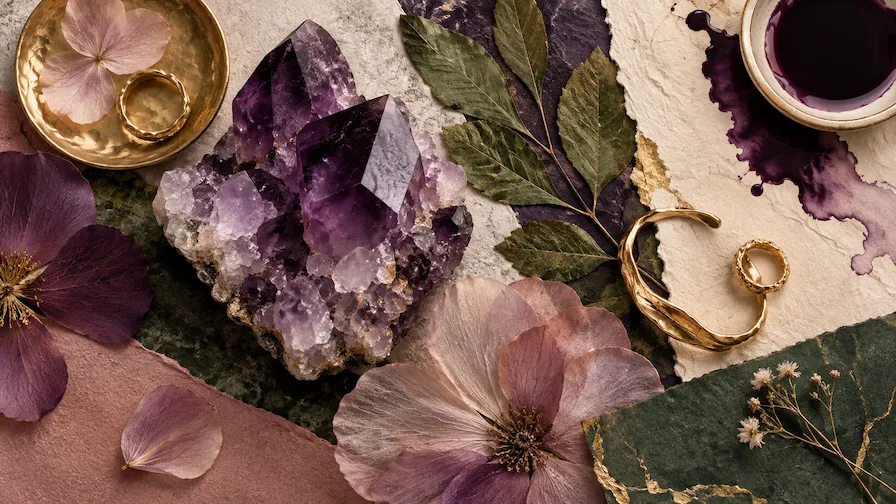
Campaign concepts and mood boards
Combine a subject, a product, and a style reference to communicate a creative direction fast. Nano Banana helps teams turn a rough brief into images they can discuss, revise, and develop into a cohesive campaign.
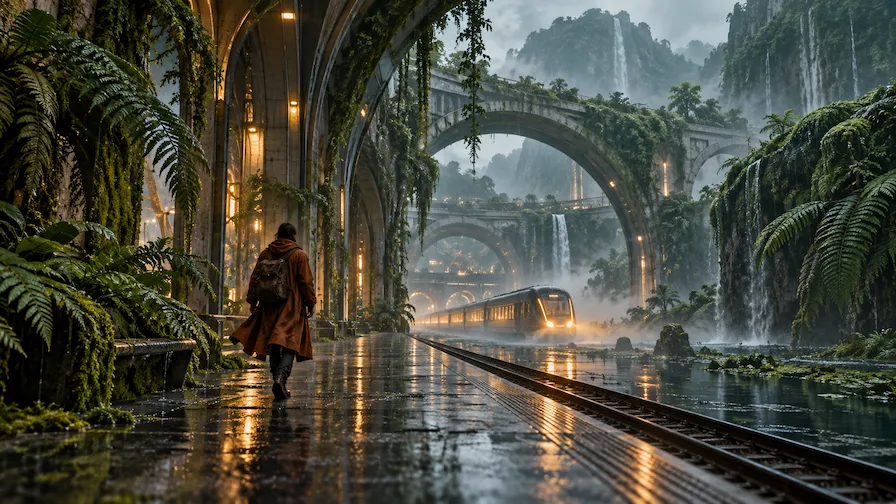
Style exploration and visual storytelling
Move a subject through different worlds without abandoning your original idea. Blend visual references, experiment with textures and art directions, and build a sequence of images that feels connected from one scene to the next.
Choose Your Plan
Free images include a watermark. Upgrade for watermark-free, high-quality downloads, faster generation, and commercial use.
Starter
50% Off
$9
$19
/month
Billed annually, $228$108/year
800 Credits/mo for generation
Up to 400 images/month
Access to premium AI models
High quality images
Faster generation
Private generation
No watermarks
Commercial use license
Pro
50% Off
$19
$39
/month
Billed annually, $468$228/year
2,000 Credits/mo for generation
Up to 1000 images/month
Access to premium AI models
High quality images
Faster generation
Private generation
No watermarks
Commercial use license
Early access to advanced AI features
Max
50% Off
$39
$79
/month
Billed annually, $948$468/year
4,500 Credits/mo for generation
Up to 2250 images/month
Access to premium AI models
High quality images
Faster generation
Private generation
No watermarks
Commercial use license
Lowest cost per credit
Early access to advanced AI features
Nano Banana Image Generator FAQ
Nano Banana is Google’s Gemini 2.5 Flash Image model. It generates 1024px images from text and supports conversational editing with text and image inputs. It is the original model in the Nano Banana family; Nano Banana 2 and Nano Banana 2 Lite are newer options with different trade-offs.
You can try Nano Banana in Wymagine AI using the image generator on this page. Enter a prompt or upload a reference image, select Nano Banana from the model menu, and refine the result with follow-up instructions. You can also choose other AI image models in Wymagine AI to compare capabilities and find the right fit for your project.
Its standout capability is conversational image editing. You can upload an image, describe a change in everyday language, and continue with follow-up edits. That makes it easy to change a background, add an object, update a look, combine photos, or adjust the style while preserving the parts of the image you want to keep.
Nano Banana was designed to maintain the likeness of people and pets across edits. It can be a strong starting point when you want to move a subject into a new setting, outfit, or visual style. As with any generative image model, the result depends on the source image and the clarity of your instructions, so review each output before using it.
Yes. Add reference images when you want Nano Banana to work from a specific person, object, product, photo, or style. The original model works best with up to three input images, which is enough to blend separate references into one new composition or guide a focused edit.
Yes. You can use Nano Banana as a text-to-image generator by describing the subject, setting, composition, and desired style. Add details that matter to you—such as lighting, camera angle, materials, colors, or mood—then use follow-up prompts to refine the first result.
Nano Banana is the original Gemini 2.5 Flash Image model for fast 1024px images and conversational editing. Nano Banana 2 Lite is the newer option for lower-cost, high-volume 1K work, while Nano Banana 2 adds 4K output, stronger multi-reference consistency, and text rendering.
Be specific about what should change and what should stay the same. For example, instead of saying “make it better,” say “keep the person and pose unchanged, replace the background with a sunlit café, and use warm film photography.” For complex edits, make one focused change per prompt and refine from there.
The original Nano Banana model generates images at 1024px resolution and supports common square, portrait, and landscape aspect ratios. It is optimized for speed and efficiency, making it a practical option when you want to create or iterate on visuals quickly.
Generate your first Nano Banana image
Create a new visual, upload a reference, and use Nano Banana to make the changes that bring your idea into focus.