

Seedream 5.0 Lite Image Generator
Create images and make focused edits from one visual brief with Seedream 5.0 Lite. Use detailed prompts and reference images to develop campaign concepts, product scenes, and explainers—then refine the details that matter.
- Text-to-image
- Reference-guided creation
- Image editing
- High-quality output
What can Seedream 5.0 Lite create and edit?
Seedream 5.0 Lite is designed for visual work that needs understanding as well as imagination. It can interpret detailed prompts and reference images, make focused edits, and turn complex ideas into visuals people can scan and understand.
Give complex prompts a clearer visual result
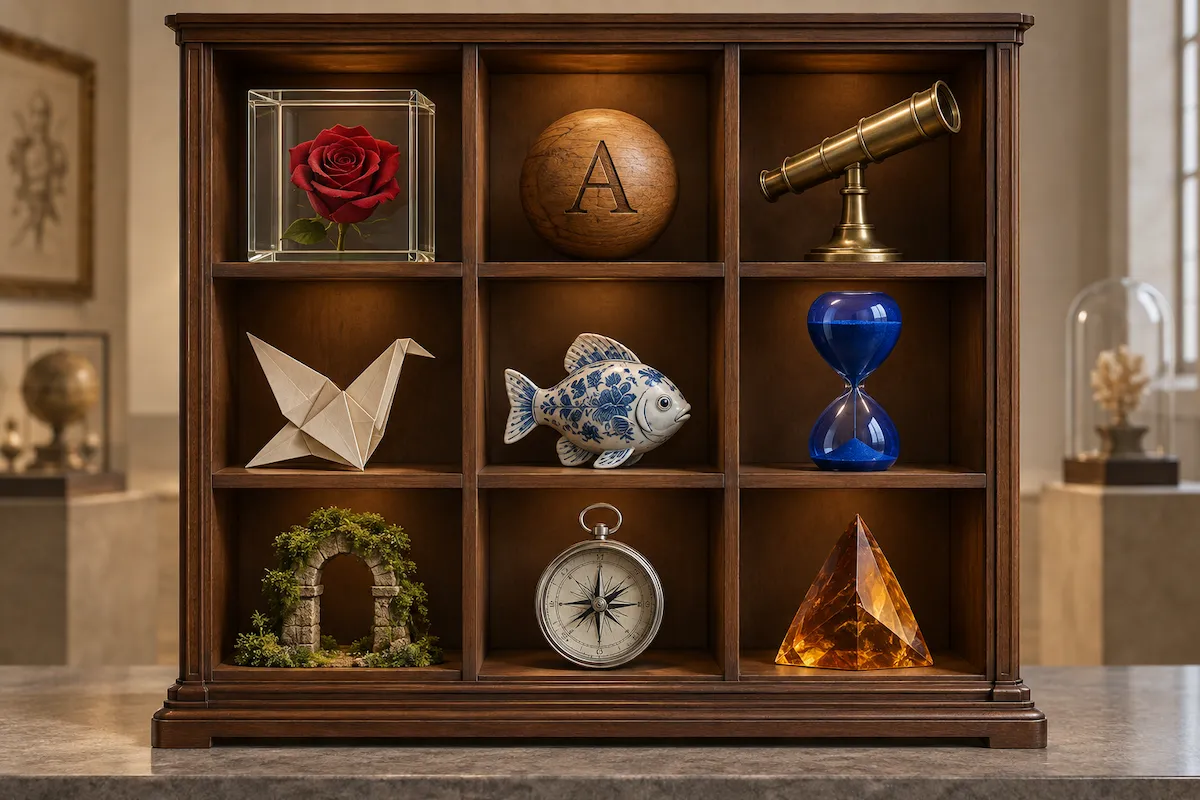
Seedream 5.0 Lite is built to understand the relationships, constraints, and purpose behind a prompt. Describe several subjects, actions, attributes, objects, or layout requirements, and it can turn those details into a more coherent image. That means less prompt rewriting when your brief needs more than a simple scene description.
Create with reference images
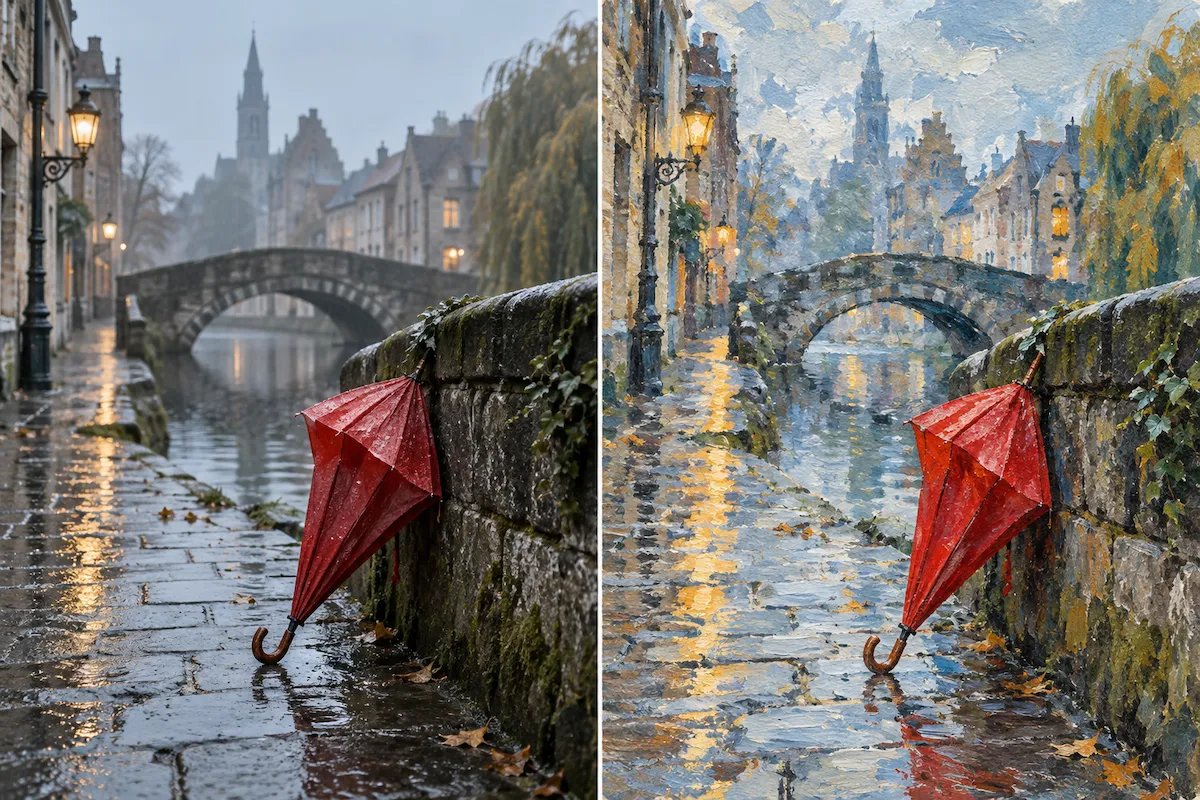
Upload a reference image to guide style, colour, lighting, composition, or subject direction. Explain what should carry over and what should change to give the model clear visual context.
Make focused image edits
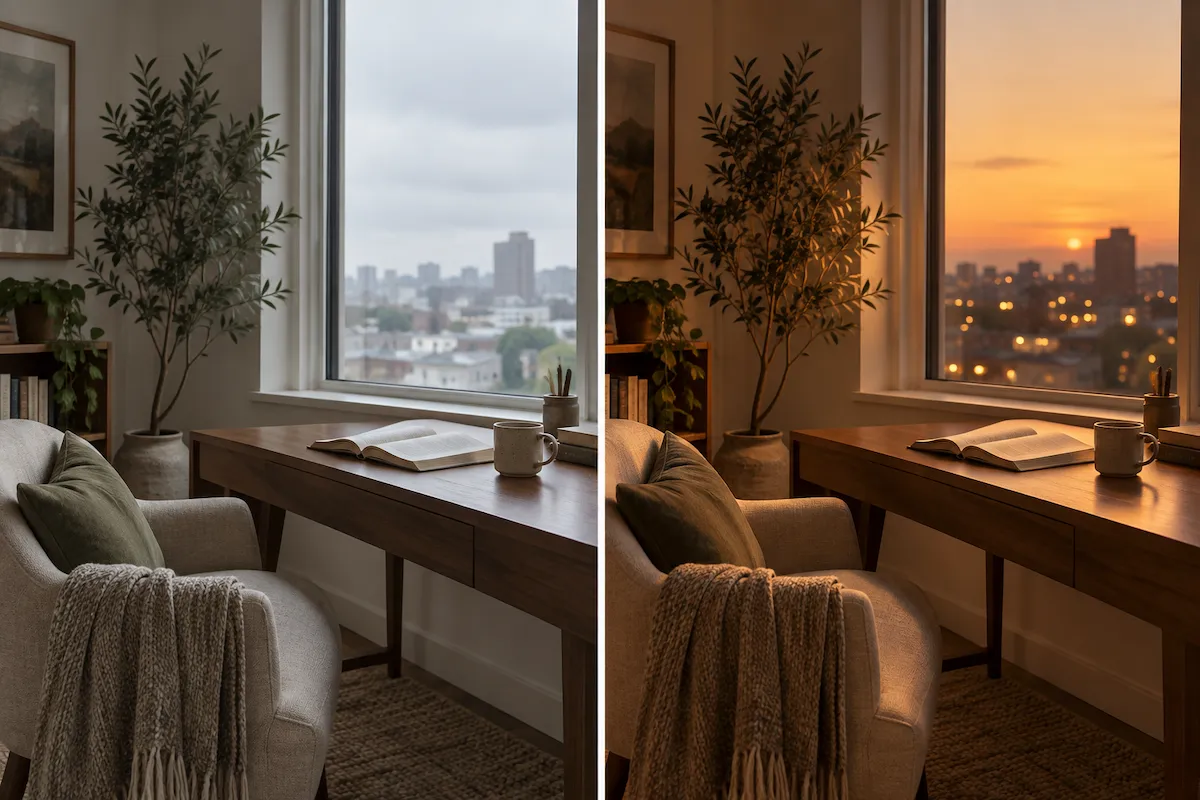
Change a subject, background, colour, lighting, or focus with a direct instruction, and specify which details should stay the same. Refine a promising draft without rebuilding the whole concept.
Create visual explainers from complex ideas
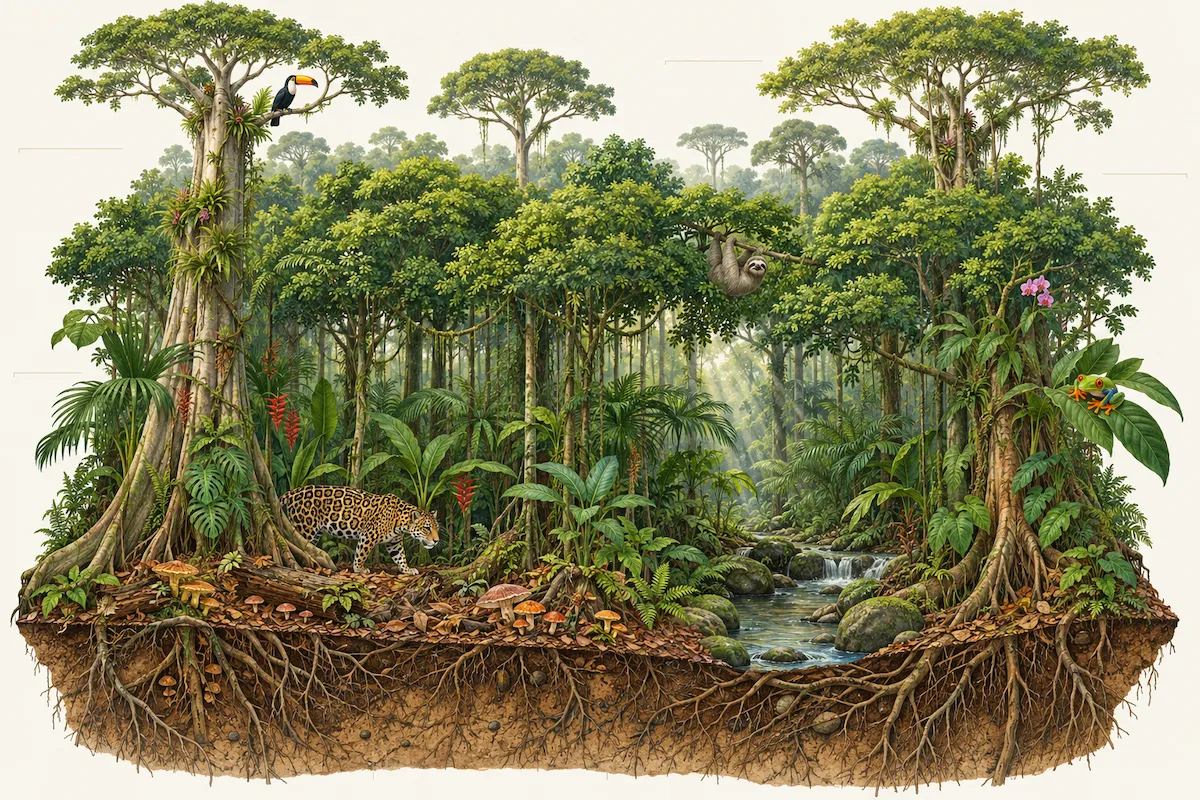
Use Seedream 5.0 Lite to visualize ideas that are difficult to explain with a single photograph. Its stronger reasoning and world knowledge make it useful for educational diagrams, process explainers, labeled scenes, and concept-led infographics. The result is a visual starting point that gives information a clearer hierarchy and story.
How to use Seedream 5.0 Lite
Start with a clear outcome, add a reference when it helps, then improve the result with focused direction. You do not need a technical prompt—just state what the image needs to communicate.
Describe the image you need
Write the goal first, then add the details that matter: subject, setting, action, composition, visual style, colors, and important objects or labels. For an explainer, say what the viewer should understand after seeing the image.
Add a reference image when useful
Upload an image to guide the result when you want to carry forward a style, subject, composition, or color mood. Explain what the reference should influence and what should change, so the model has a clear creative role for the source image.
Generate, review, and refine
Create your first image, check the key details, then make one focused improvement at a time. Ask for a different layout, a style adjustment, a subject replacement, or a clearer visual emphasis until the result serves the brief.
Seedream 5.0 Lite use cases
From a visual explanation to a refined campaign concept, Seedream 5.0 Lite helps when your image needs to follow more of the brief, carry a reference forward, or make a complex idea easier to see.
Educational visuals and infographics
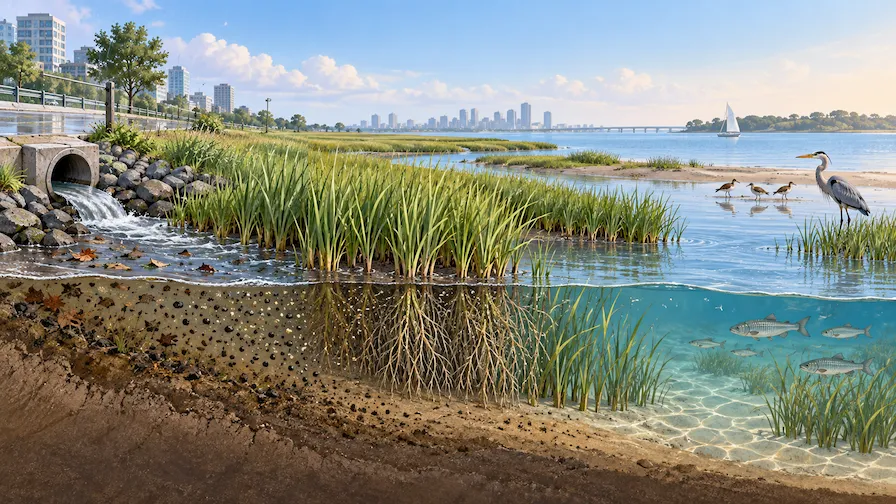
Turn a scientific concept, process, ecosystem, historical event, or comparison into a visual explanation. Seedream 5.0 Lite is well suited to early diagrams, labeled scenes, and explainer graphics that help an audience understand the relationship between ideas at a glance.
Campaign concepts and social content
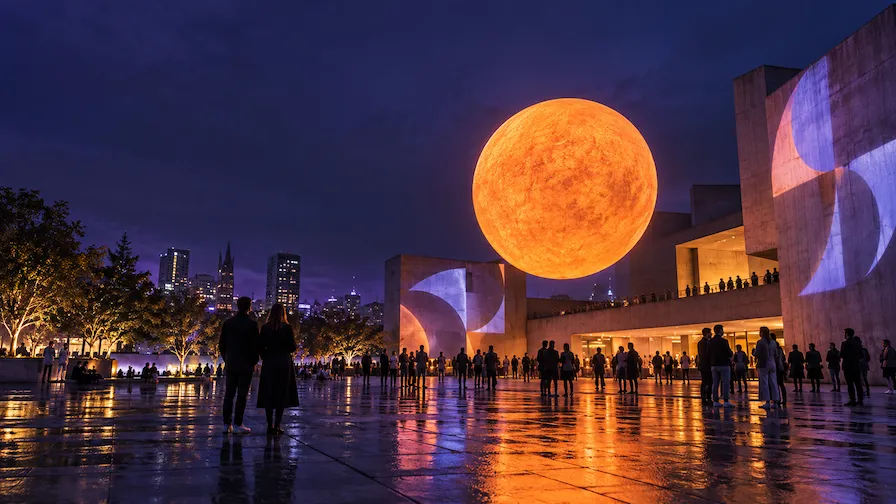
Develop a strong visual direction for a launch, promotion, editorial post, or social campaign before committing to production. Combine a clear message with scene, subject, and style direction to generate creative routes that your marketing team can review, adapt, and refine.
Product stories and lifestyle scenes
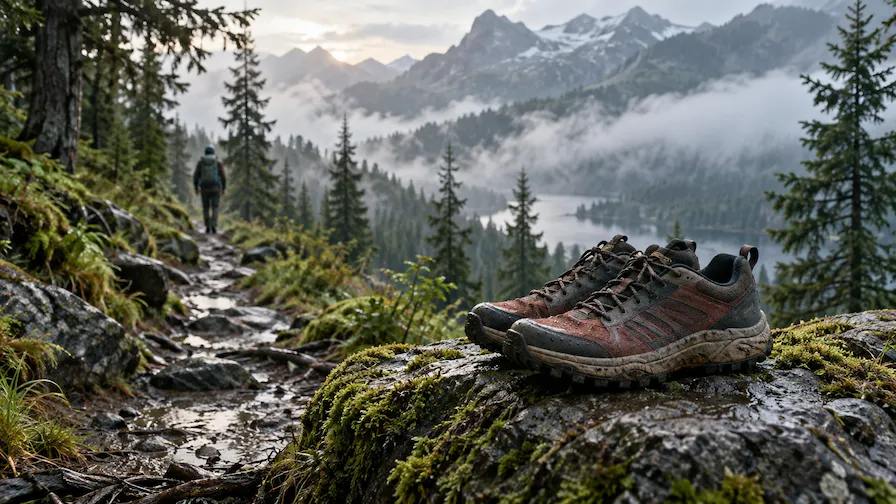
Use a product image or detailed description as the starting point for a fresh visual story. Explore different settings, props, moods, and audiences while keeping the product central to the image. It is useful for finding a campaign direction before a photoshoot or design handoff.
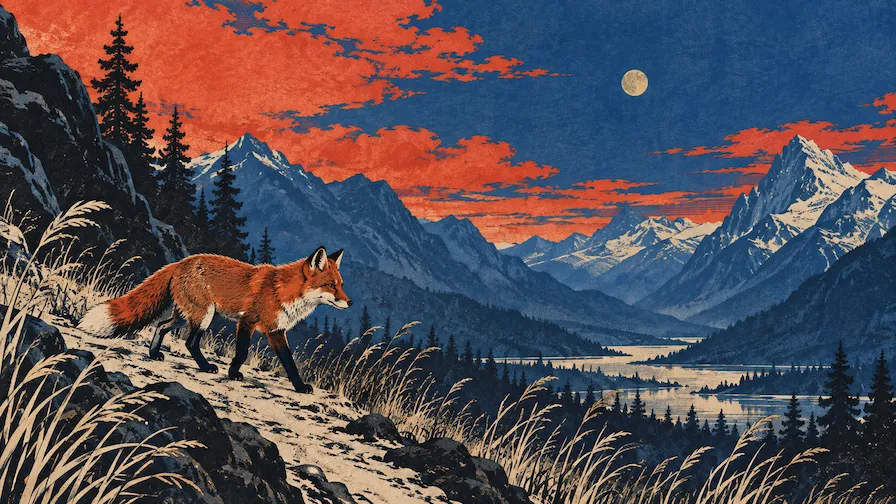
Reference-led style exploration
Move one concept through several visual languages without losing its core idea. Use a reference image to guide the brushwork, texture, lighting, color palette, or overall mood, then test how the same subject could work as an illustration, editorial image, or expressive artwork.
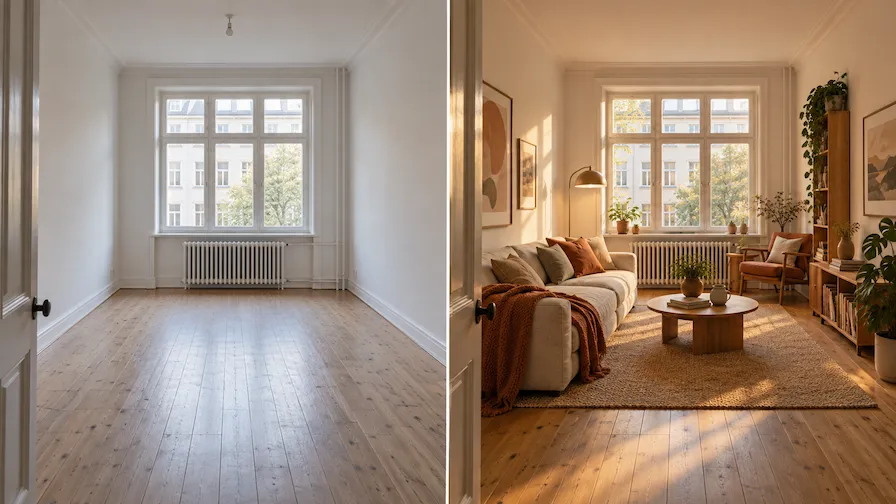
Photo retouching and scene changes
Improve a draft or rework an existing image with a direct instruction. Change the background, replace an object, shift the atmosphere, adjust depth of field, or update the lighting while naming the elements that should stay consistent. This creates a more controlled path from source image to new version.
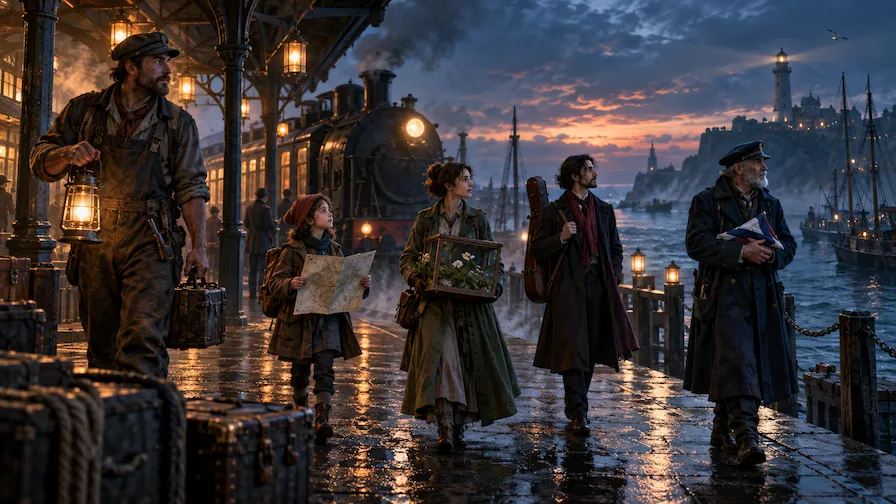
Complex scenes and story worlds
Build scenes with several characters, objects, actions, and visual constraints. Seedream 5.0 Lite can help translate a detailed story beat, game moment, or concept-art brief into a coherent first visual, giving you more to discuss and develop than a loose moodboard alone.
Choose Your Plan
Free images include a watermark. Upgrade for watermark-free, high-quality downloads, faster generation, and commercial use.
Starter
50% Off
$9
$19
/month
Billed annually, $228$108/year
800 Credits/mo for generation
Up to 400 images/month
Access to premium AI models
High quality images
Faster generation
Private generation
No watermarks
Commercial use license
Pro
50% Off
$19
$39
/month
Billed annually, $468$228/year
2,000 Credits/mo for generation
Up to 1000 images/month
Access to premium AI models
High quality images
Faster generation
Private generation
No watermarks
Commercial use license
Early access to advanced AI features
Max
50% Off
$39
$79
/month
Billed annually, $948$468/year
4,500 Credits/mo for generation
Up to 2250 images/month
Access to premium AI models
High quality images
Faster generation
Private generation
No watermarks
Commercial use license
Lowest cost per credit
Early access to advanced AI features
Seedream 5.0 Lite FAQ
Seedream 5.0 Lite is ByteDance Seed’s unified multimodal AI image generation model. It combines text-to-image creation, image understanding, visual reasoning, reference-led generation, and image editing. Its focus is not only making an appealing image, but also understanding the intent and relationships within a more detailed visual brief.
You can try Seedream 5.0 Lite in Wymagine AI. Select it in the image generator to create from text prompts or reference images, then refine the result with focused edits. Wymagine AI also offers other image models, so you can compare options and choose the one that best fits your project.
No. Seedream 5.0 Lite and Seedream 5.0 Pro are different models in the same series. Seedream 5.0 Lite focuses on unified multimodal image generation with deep reasoning and real-time search enhancement, making it well suited to detailed prompt following, reference-guided creation, and focused image edits. Seedream 5.0 Pro is designed for more demanding professional production, with stronger support for complex information layouts, precise editing, multi-image fusion, multilingual creation, and higher-resolution output. Choose Lite for controlled concept development and iteration; choose Pro when production detail and complex multi-image workflows matter more.
Yes. Describe the outcome you want in plain language. Include the subject, setting, composition, style, mood, colors, actions, and any important objects or labels. Seedream 5.0 Lite is especially useful when the prompt includes multiple subjects or specific relationships that need to make sense together in the final image.
Yes. A reference image can guide the visual style, palette, lighting, composition, or subject direction for a new result. State what you want the model to take from the reference and what should be different in the new image. This gives Seedream 5.0 Lite useful visual context beyond a written prompt.
Yes. Upload an image and describe the change you need, such as changing the setting, replacing an object, altering the lighting, adjusting color, or shifting the focus. For a more reliable edit, name both the change and the details that should remain intact, such as the subject, framing, or overall visual mood.
It can help turn complex ideas into visual explanations, including diagrams, labeled scenes, process graphics, and concept-led infographics. Describe the concept, the key relationships to show, and the intended viewer. For any published asset, review generated text, data, labels, and diagrams carefully for accuracy and clarity.
Start with the purpose of the image, then give the model the visual details that affect the result. Use a reference for style or subject guidance, tell it what must stay unchanged when editing, and refine one decision at a time. Clear prompts and focused follow-up instructions produce a more usable result than trying to change everything at once.
Create and edit images with Seedream 5.0 Lite
Start with a detailed prompt or reference image, generate a draft, then make focused edits until it fits your brief.