GPT Image 2.6 AI Image Generator
GPT Image 2.6 is OpenAI’s newest image model, released November 4, 2026, and built for detailed visuals that follow your brief: sharper product shots, readable poster typography, and edits that keep a character or product consistent. It also adds GIF and SVG output.
- Detailed visuals
- Readable typography
- Consistent edits
- GIF & SVG output
See what GPT Image 2.6 can create
Click an example to load its prompt, then make it yours. The set covers photorealistic portraits, text campaigns, GIFs, and SVG logos.
Key features of GPT Image 2.6
The improvements that matter most: more detail, cleaner typography, steadier edits, and two new output formats.
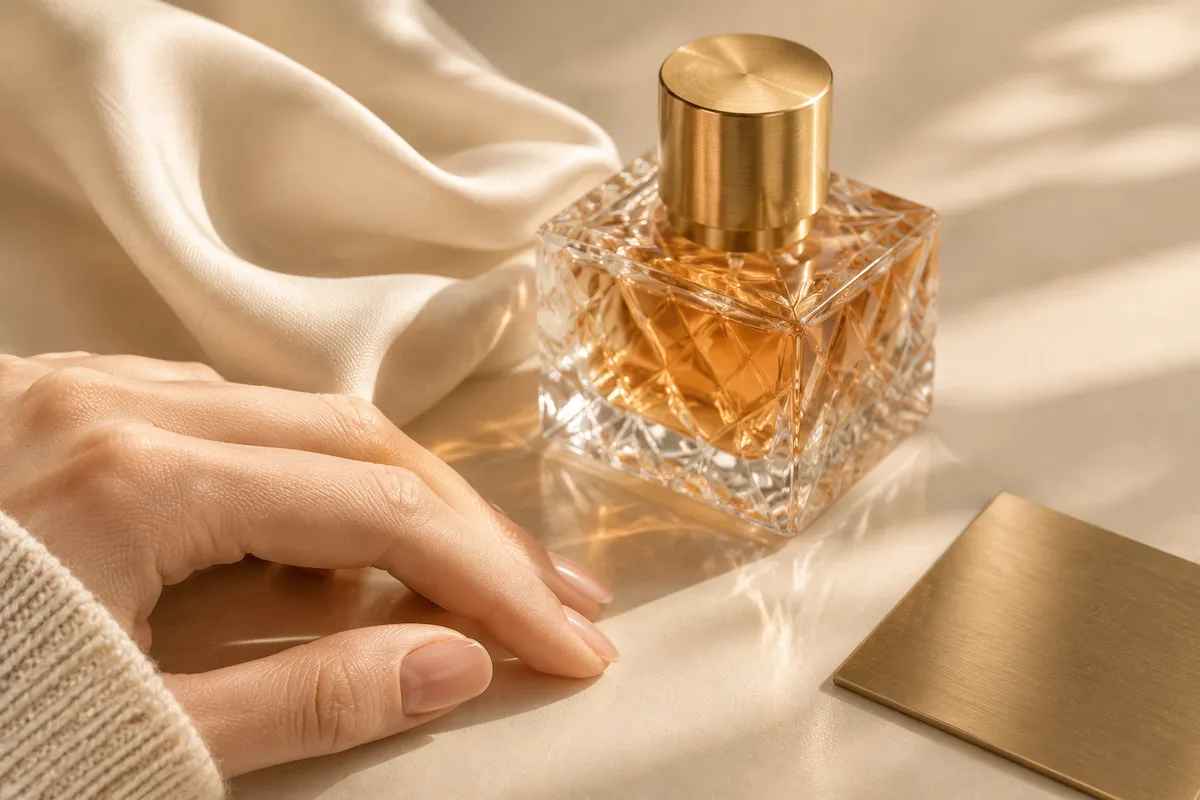
Detail that holds up at full size
GPT Image 2.6 produces denser detail, more believable materials, and cleaner lighting than GPT Image 2.5. Skin, glass, fabric, and metal keep their texture, backgrounds stay composed, and long briefs hold together. Fewer cleanup passes before the image is usable.
Text and layouts that read correctly
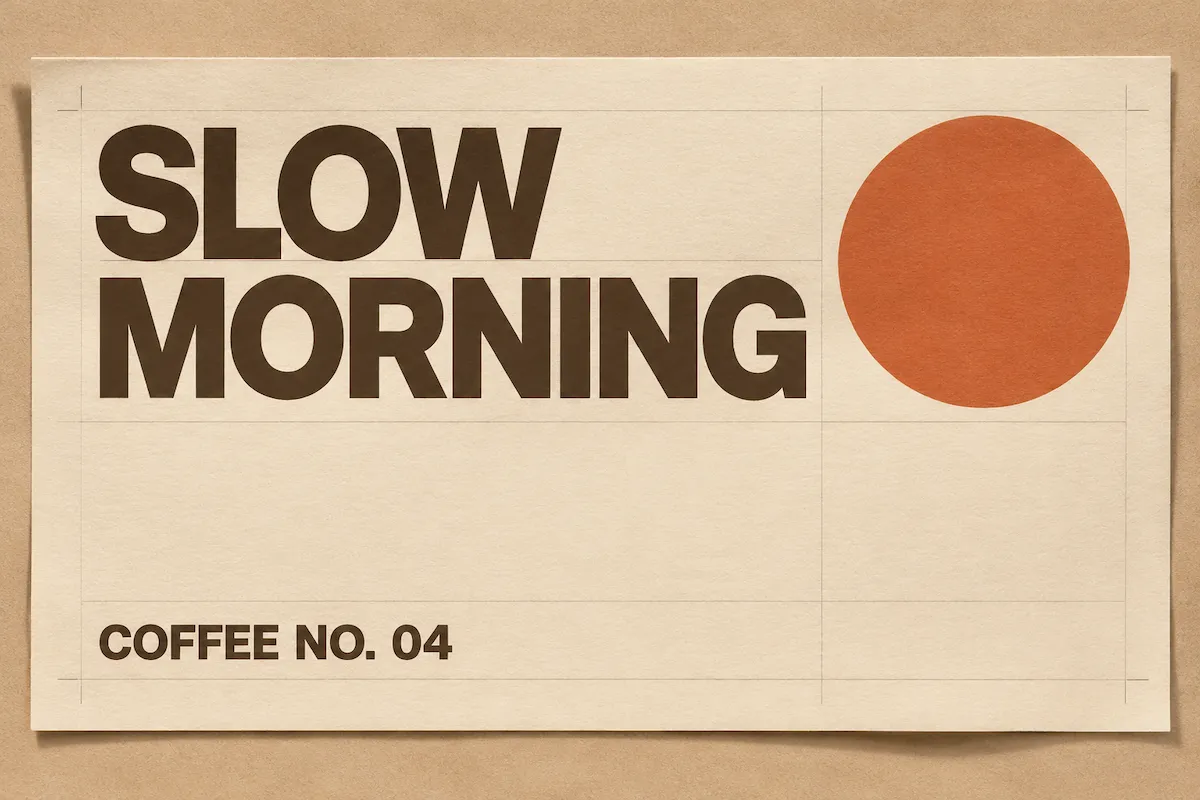
Posters, packaging, infographics, and ads depend on typography and spacing. GPT Image 2.6 handles text-heavy layouts with cleaner hierarchy, so headlines, labels, and supporting copy stay organized and legible. Quote the exact wording, then proofread the result.
Edits that keep the subject intact
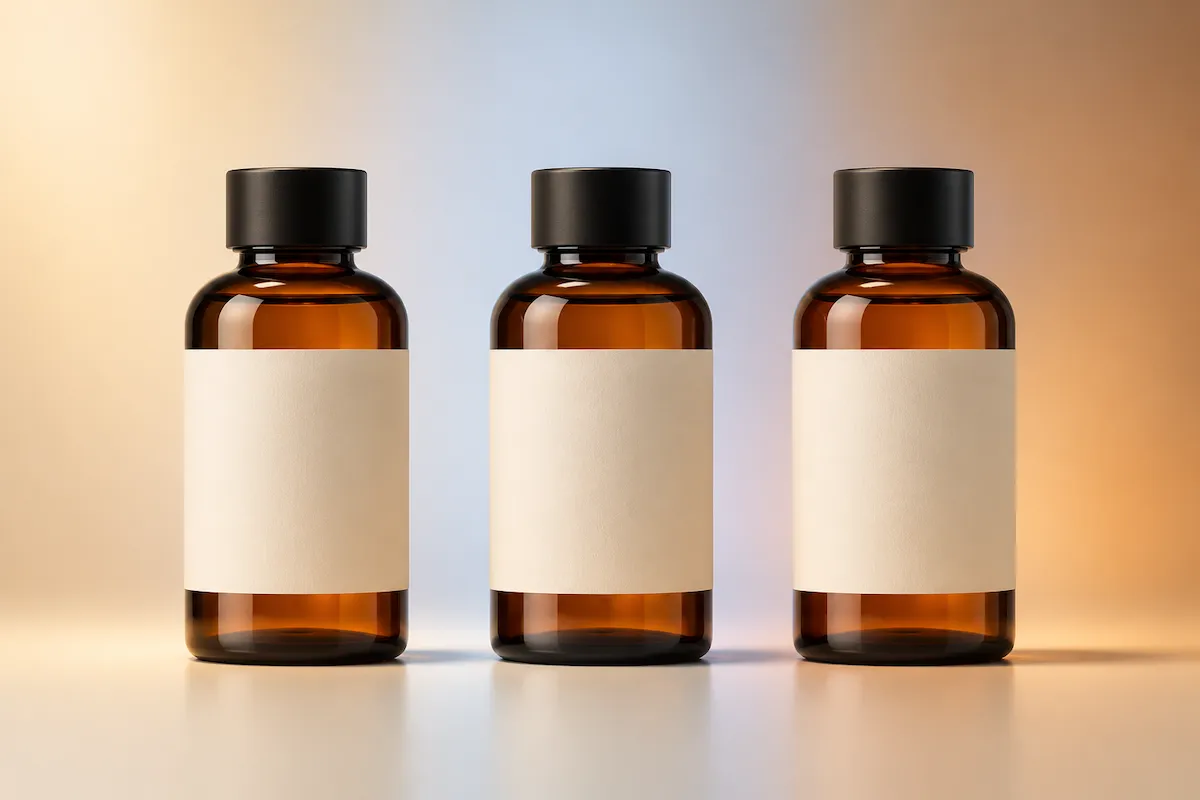
Change the background, swap a product, update a label, or adjust lighting without losing the face, shape, or brand details you approved. Start from a reference image when identity matters, then make one focused change at a time. Repeated edits keep the same subject.
Animated GIFs from one prompt
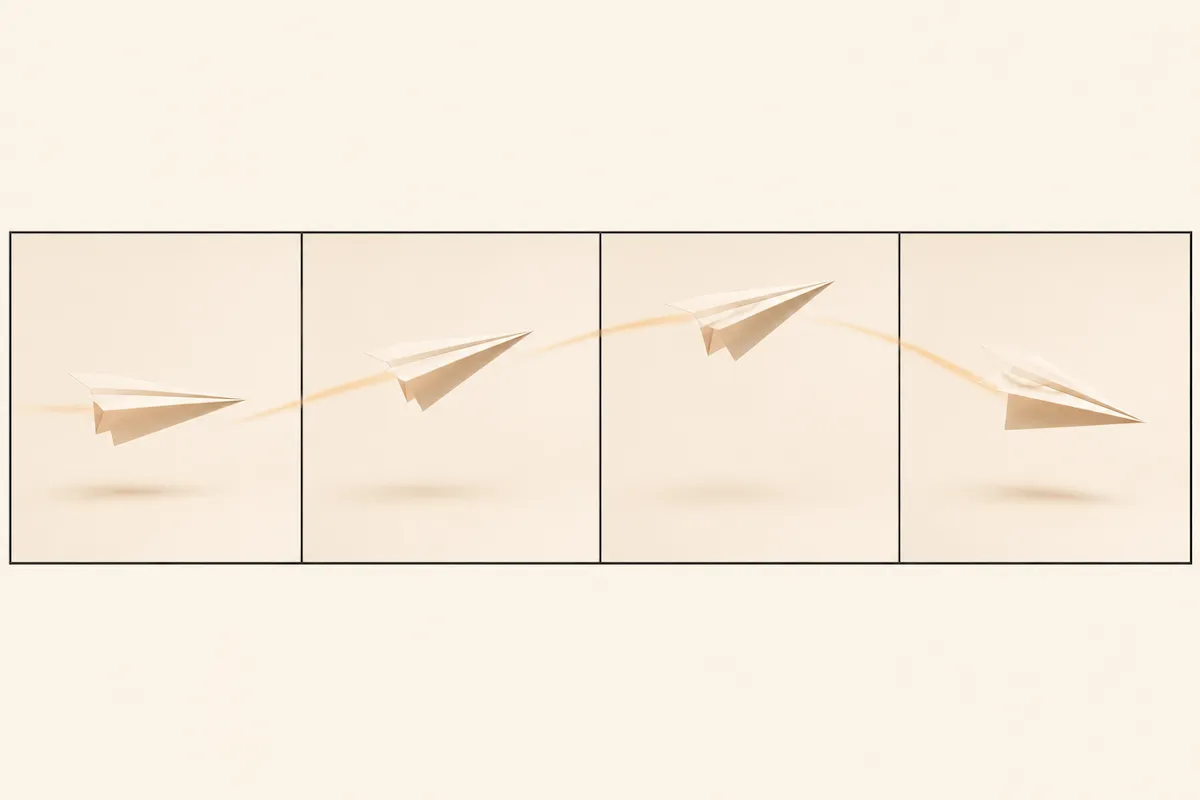
Turn a prompt or a still image into a short looping GIF: a mascot waving, a product rotating, or a reaction for social. Describe the motion frame by frame and GPT Image 2.6 returns a loop you can publish, without opening a separate motion tool.
SVG output you can edit
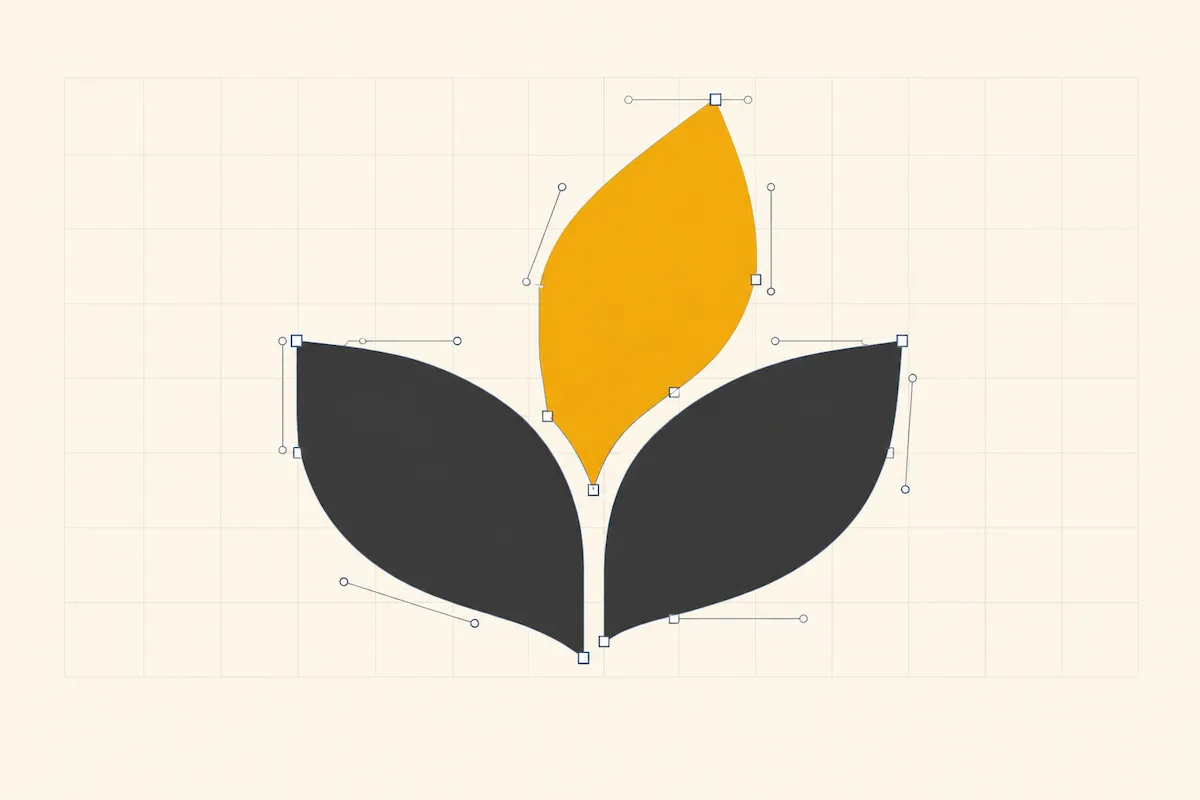
Export static SVG graphics with real vector paths, shapes, and colors instead of a flattened bitmap. Resize an icon from favicon to billboard without losing edges, recolor shapes in your design tool, and hand clean geometry to a developer. Inspect the paths before production use.
How to use GPT Image 2.6
Describe the image, add a reference if you have one, then generate and refine until the result matches the brief.
Describe your image
Describe the subject, composition, lighting, style, and any text. Quote exact wording, name the aspect ratio, and state what to leave out.
Add a reference image (optional)
Upload a reference when a person, product, or style must carry over. Say what to keep — face, shape, materials, colors — and what may change.
Generate and refine
Click Create, review the result, then make one focused change at a time. Export the final image as PNG, SVG, or GIF.
GPT Image 2.6 use cases
From campaign visuals to animated assets and editable vectors, GPT Image 2.6 covers the formats creative work needs.
Product photography and e-commerce visuals
Generate clean product shots with believable materials and shadows, then explore backgrounds and seasonal variations from the same reference while keeping the label readable.
Posters, packaging, and typography-led design
Build layouts where the headline, labels, and spacing carry the message. GPT Image 2.6 produces a usable first draft; check spelling and brand terms before publishing.
Ads and social campaigns
Turn one brief into coordinated visuals for different placements. Test several hooks, crops, and color directions before the team picks a winner.
Characters and brand consistency
Keep a recurring character, product, or visual system recognizable across scenes and revisions, so a multi-asset campaign feels like one body of work.
Animated GIFs for social and product demos
Create looping mascots, reactions, and short product animations without a separate motion tool. One prompt returns a GIF ready for chat, social, or a landing page.
Logos, icons, and SVG graphics
Generate vector marks, icon sets, and simple diagrams with editable paths and flat colors. Export SVG and refine the geometry in your design tool.
Choose Your Plan
Free images include a watermark. Upgrade for watermark-free, high-quality downloads, faster generation, and commercial use.
Starter
50% Off
$9
/ month, billed yearly
800 Credits/mo for generation
Up to 400 images/month
Access to premium AI models
High quality images
Faster generation
Private generation
No watermarks
Commercial use license
Pro
50% Off
$19
/ month, billed yearly
2,000 Credits/mo for generation
Up to 1000 images/month
Access to premium AI models
High quality images
Faster generation
Private generation
No watermarks
Commercial use license
Early access to advanced AI features
Max
50% Off
$39
/ month, billed yearly
4,500 Credits/mo for generation
Up to 2250 images/month
Access to premium AI models
High quality images
Faster generation
Private generation
No watermarks
Commercial use license
Lowest cost per credit
Early access to advanced AI features
GPT Image 2.6 FAQ
GPT Image 2.6 is OpenAI’s image generation and editing model, released November 4, 2026. It improves detail, text layouts, and edit consistency, and adds GIF and SVG output. It powers ChatGPT Images 2.6.
Flare favors fast iteration and low-quality drafts in about six seconds. Sunburst spends more time on detail and keeps edits consistent.
GPT Image 2.6 improves detail, text-heavy layouts, and edit consistency, and adds GIF and SVG output. It is also about 50% faster, with markup editing and a complexity setting.
Yes. It generates a short looping GIF from a prompt or a still image. ChatGPT lets you adjust playback speed and frames; the API supports GIF output.
Yes. It returns a static SVG with editable paths, shapes, and colors you can resize and recolor. SVG export works on the generation endpoint, not edits, and suits icons, logos, and diagrams.
Yes. Replace an object, update a label, change a background, or adjust lighting while preserving the rest. The API also supports markup for local edits.
Yes. Sunburst keeps details consistent across repeated edits, and reference images carry a character, product, or brand style into new scenes.
Yes. It handles text-heavy layouts such as posters, packaging, and infographics. Quote the exact wording, specify hierarchy, and proofread the result; small copy may need a second pass.
Describe the subject, composition, lighting, materials, style, and aspect ratio. Quote exact text and say where it goes. For edits, name the change and what to preserve.
You can try GPT Image 2.6 directly in Wymagine AI. Choose Flare or Sunburst, then enter a prompt or upload a reference image.
Create detailed images with GPT Image 2.6
Start with a prompt or reference, then refine until it is ready to publish.